AI design tools are no longer a novelty, they are a professional standard. In 2026, the gap between designers who use AI and those who don’t is not about creativity; it’s about speed, scale, and competitive survival. This guide benchmarks eight real platforms against real design workflows, so you can invest your time and money in the tool that actually fits your work.
of design studios now use AI in at least one workflow stage
faster concept iteration reported by AI-assisted design teams
monthly range covering every serious AI design platform in 2026
platforms tested and reviewed in this guide, free to pro
How AI Has Fundamentally Rewired Graphic Design
Rewind to 2022 and the story was simple: AI could make a blurry painting from a text prompt. Impressive at a dinner party, useless in a client meeting. Four years later, the landscape looks nothing like that. Today’s AI platforms produce production-ready vector assets, typographically accurate compositions, photorealistic product mockups, and brand-coherent visual systems, all from a single workflow inside a browser tab.
The shift isn’t just about image quality. It’s architectural. AI has dissolved the traditional bottleneck between the “thinking” and “making” phases of design. Previously, a designer would spend hours sketching, then more hours executing in Illustrator or Photoshop before even knowing whether a concept worked. Now, ten viable directions can be generated, evaluated, and refined in the time it used to take to open a blank canvas.
Not all tools are equal, and the wrong choice can cost you more time than it saves. A tool built for editorial illustration will frustrate you the moment you need a clean SVG logo. This guide exists to match the right tool to the right problem.
You may also like:
- 15 Best Free Mockup Websites for Designers
- 12 Best AI Mockup Generators
- 45 Best AI Tools You Need to Try
What AI Design Tools Actually Do for You
Compress the iteration loop
What used to take a full day of sketching and execution can now be done in an afternoon. AI handles the rendering; you handle the decisions.
Surface directions you’d never have tried
Generating 20 variants of a concept forces you out of your own visual habits. Some of your best work will emerge from accidents in a generation grid.
Automate the tedious, preserve the creative
Background removal, image scaling, format conversion, AI handles these so you stay in the high-value design thinking zone.
Produce assets at scale
Need 50 banner variants in 12 sizes? That’s a day’s work without AI. With the right tool, it’s an hour, and every variant is on-brand.
Reduce legal exposure (when done right)
Tools trained on licensed or public-domain data let you generate commercially safe assets without the IP minefield of stock libraries.
Lower the barrier for non-designers
Founders, marketers, and content creators can now produce respectable visual assets independently, freeing designers for work that demands genuine expertise.
The 10 Best AI Design Tools in 2026
Midjourney
The gold standard for visual aesthetics
No free plan
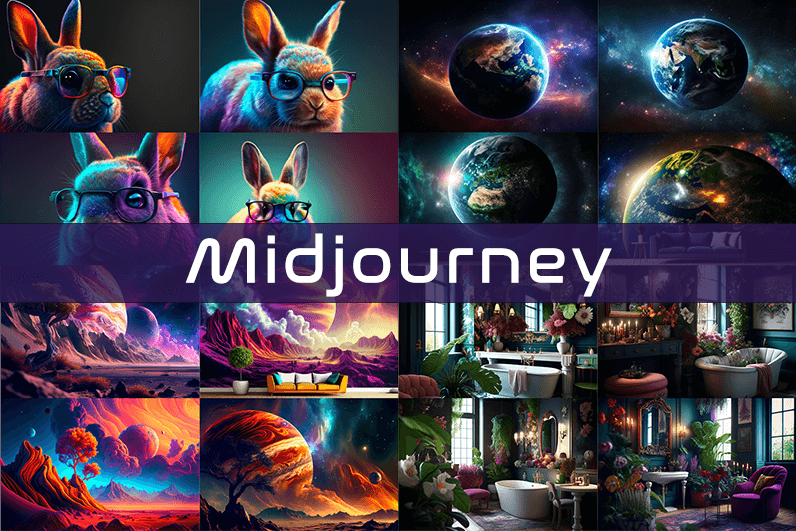
Midjourney has done something rare in a crowded market: it ignored the feature wars and doubled down on one obsession, making images that feel genuinely beautiful. While competitors raced to add video generation, 3D output, and API integrations, Midjourney kept iterating on the quality of a single output. The result is a platform whose aesthetic ceiling sits measurably higher than any rival, particularly for stylized, editorial, conceptual, and atmospheric imagery.
What makes Midjourney’s output distinctive isn’t just resolution or realism, it’s artistic intentionality. Generations have a sense of composition, lighting mood, and tonal coherence that most AI tools approximate but never quite match. For mood boards, art direction decks, campaign hero images, and visual concepts that need to sell an idea, Midjourney consistently produces material that can be handed straight to a client without apology.
There are no built-in editing tools, you generate, download, and take the image into Photoshop or Figma for any further work. There is no free plan at any tier; the $10/month Basic plan is limited to roughly 200 generations per month. For designers needing full privacy, the $60/month Pro plan with Stealth Mode is the practical entry point.
✓ Highest aesthetic quality of any AI image generator
✓ Trains on licensed data — commercially safer
✓ Stealth Mode for confidential client work
✓ Consistent artistic tone across generations
✓ Strong community and prompt ecosystem
! Zero built-in editing tools — generation only
! No free plan at any tier
! Basic plan capped at ~200 images/month
! Text in images remains inconsistent
! Less useful for UI or web design assets
💰 From $10 / month
Adobe Firefly
AI baked into the tools you already use
Free tier available
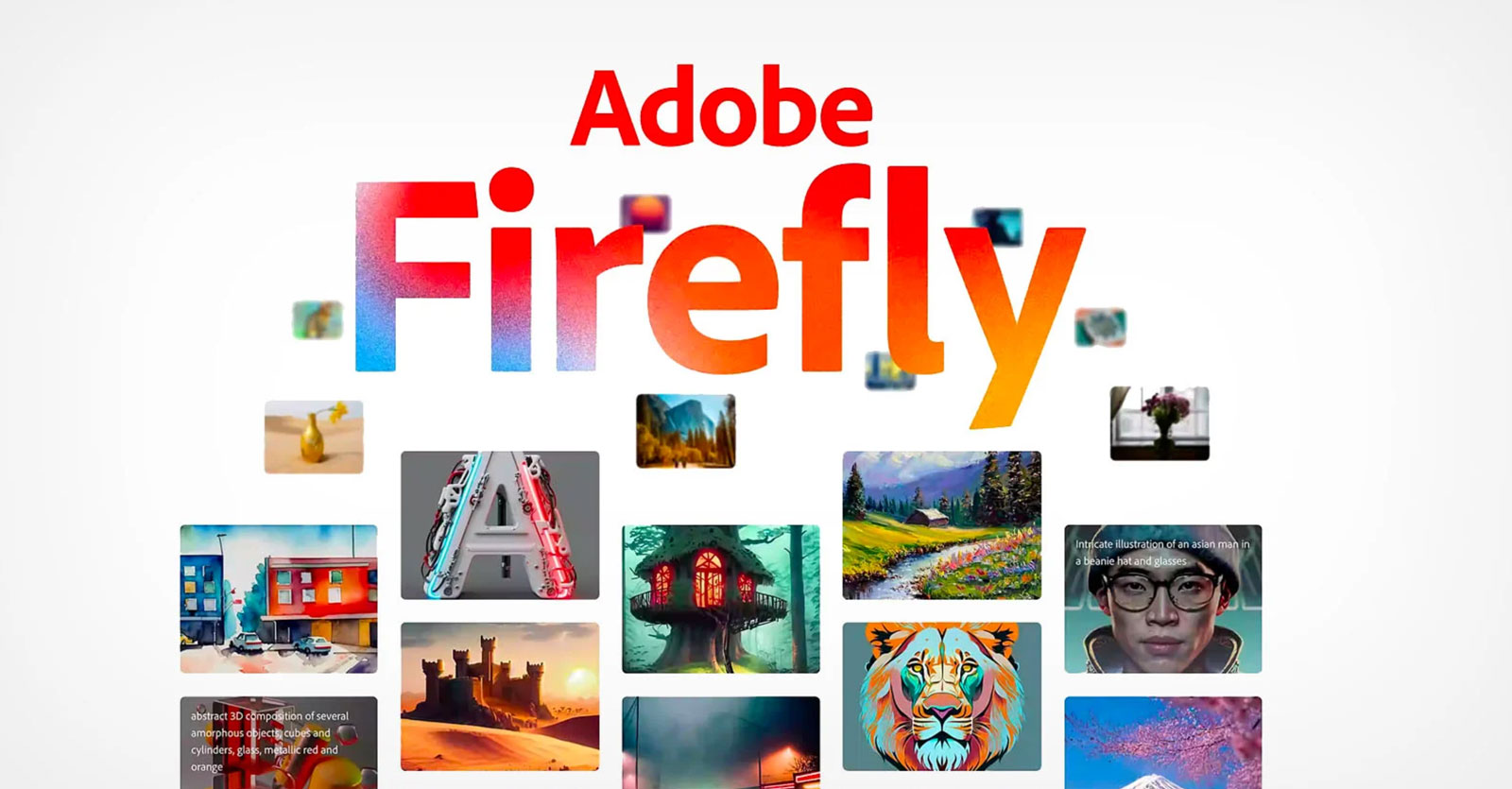
Adobe Firefly isn’t a standalone AI tool you add to your stack, it’s the AI engine that now runs inside Photoshop, Illustrator, and Adobe Express. If you’re already embedded in the Creative Cloud ecosystem, Firefly is arguably the most frictionless AI upgrade you can make, because it doesn’t change your workflow at all. Generative Fill in Photoshop, Text to Vector in Illustrator, and AI-powered template generation in Express are all powered by Firefly under the hood.
What sets Adobe’s approach apart is its training data philosophy. Firefly was trained exclusively on Adobe Stock images, openly licensed content, and public domain material. This makes it the most commercially defensible platform available, for agencies and in-house teams where IP litigation would be catastrophic, Firefly’s legal stance is a meaningful competitive advantage.
Generative Fill alone has transformed how professional designers handle background extension, object removal, and scene composition. Select a region in Photoshop, type a description, and have the fill seamlessly match the surrounding image, in seconds, eliminating hours of manual cloning and masking per project.
✓ Natively integrated into Photoshop, Illustrator & Express
✓ Trained on licensed data — strongest IP safety
✓ Generative Fill is a genuine workflow revolution
✓ Scene to Image for 3D-to-photo workflows
✓ Free plan available for exploration
! Creative range is conservative compared to Midjourney
! Full value requires Creative Cloud subscription
! Credits deplete quickly on high-volume projects
! Standalone web app less polished than native integration
💰 Free — $199.99 / month
Kittl
The all-in-one AI design platform for branding & print
Free trial (200 credits)
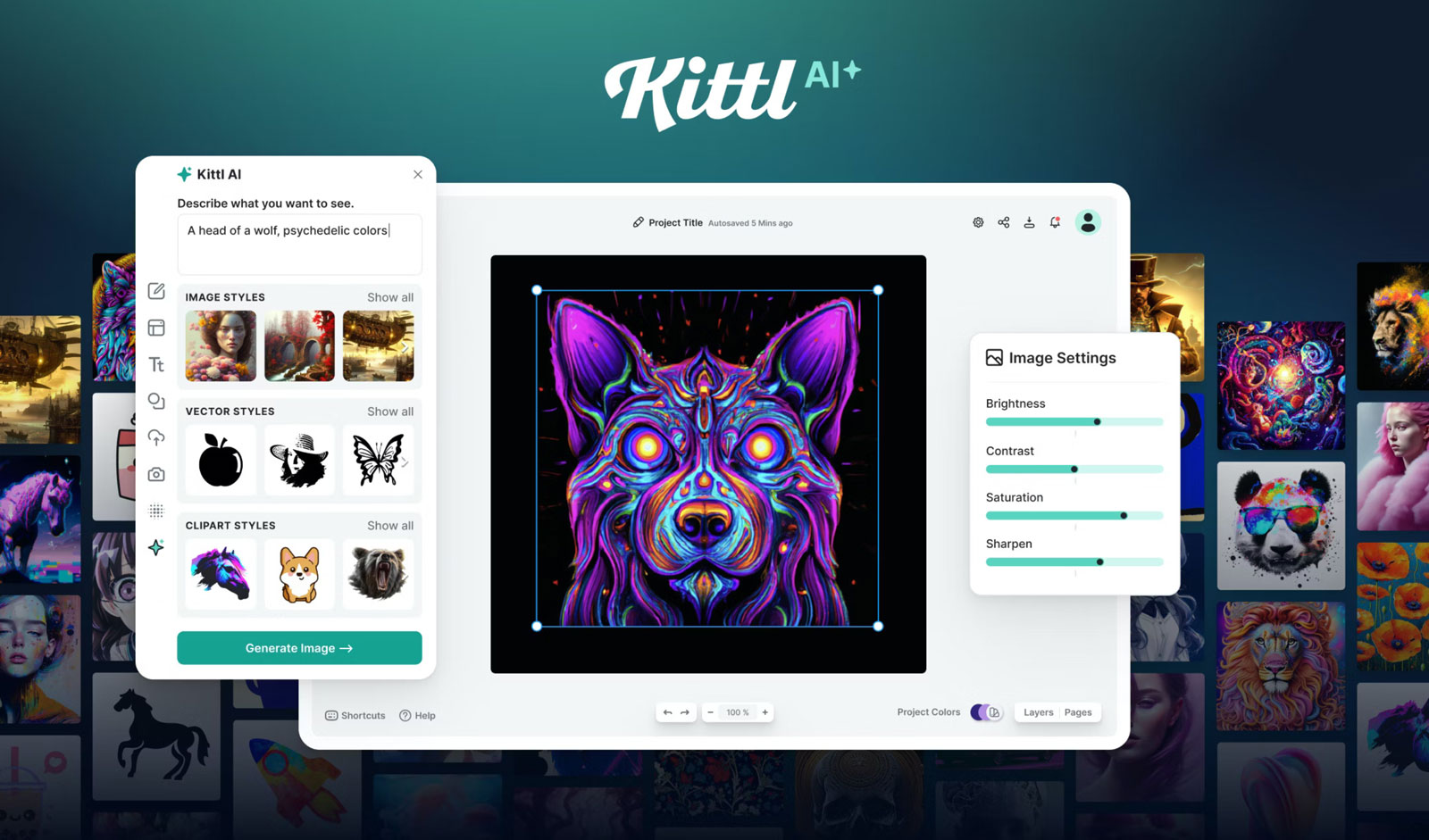
Kittl began as a browser-based design tool focused on print and merchandise, but it has evolved into one of the most ambitious AI-first design platforms available. The core product is a full browser-based design editor: infinite canvas, real-time collaboration, professional vector editing, advanced text effects, and a library of over 10,000 premium templates, all without installing a single piece of software.
Rather than committing to a single AI model, Kittl has built a multi-model generation engine that gives designers access to OpenAI’s GPT image models and DALL-E 3, Black Forest Labs’ Flux 1.1 Pro and Pro Ultra, ByteDance’s Seedream 3 and 4, Ideogram 2.0, and Google’s Nano Banana, all from a single interface. Each model has different strengths: Flux for photorealism, Ideogram for text rendering, Seedream for illustration styles.
Creative Flows is the feature that elevates Kittl above a simple generator. It lets you chain multiple AI operations, generate an image, remove its background, upscale it, vectorize it, into a single reusable pipeline, turning multi-step tasks into one-click workflows.
✓ Access to 6+ leading AI models in one editor
✓ Creative Flows for automated multi-step pipelines
✓ Native vectorizer, background remover & upscaler
✓ 10,000+ professional templates for branding & print
✓ Real-time collaboration built in
! Browser-only — no desktop application
! Not designed for advanced photo retouching
! Multi-model depth can overwhelm new users
! Print export workflow has a learning curve
💰 From $15 / month
Ideogram
The only AI that can actually render legible text
Free plan available
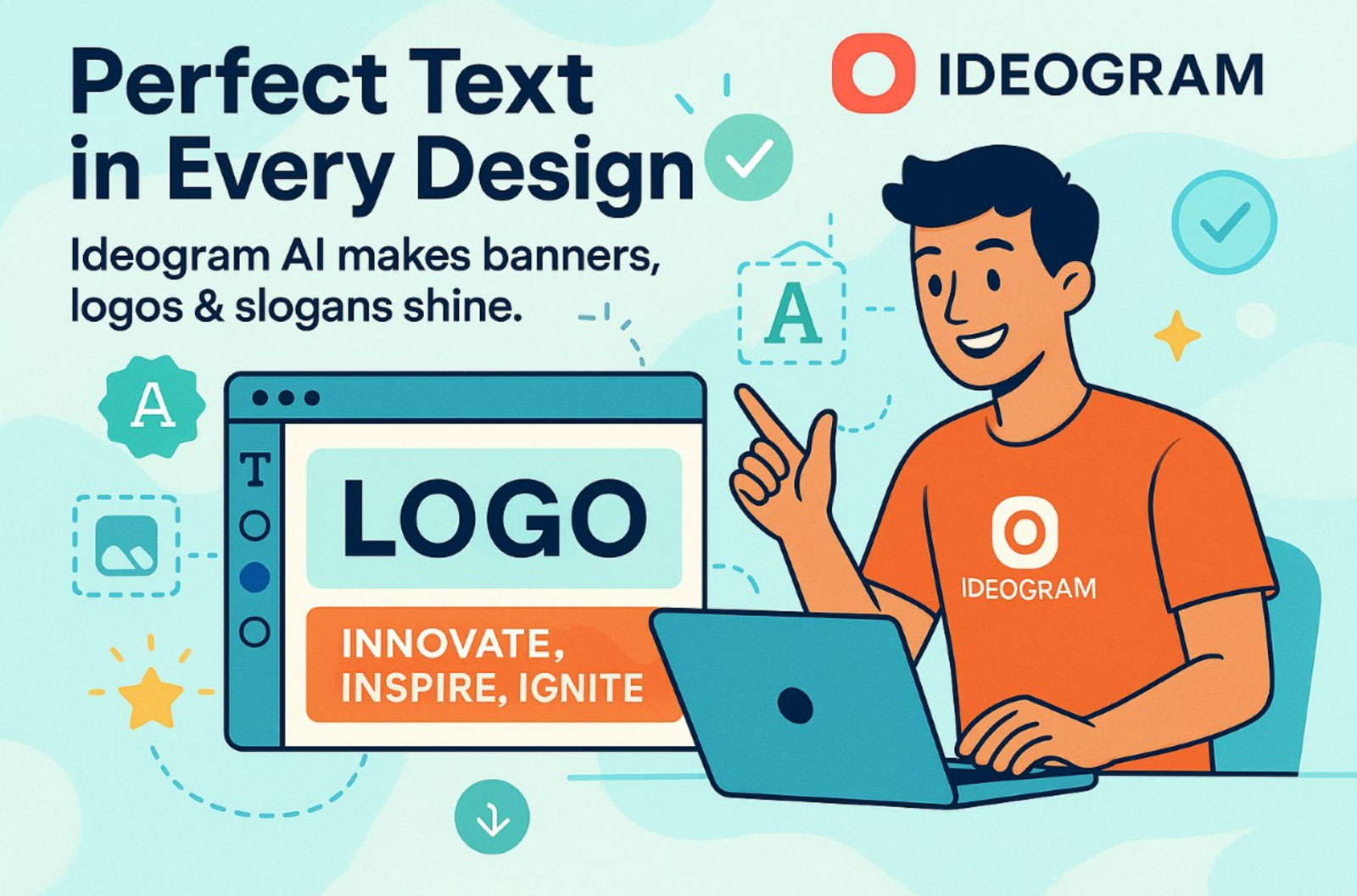
For years, garbled text inside AI-generated images was a running joke, and a genuine professional blocker for any project involving typography. Ideogram was built specifically to solve that problem. Its text rendering accuracy reaches approximately 90% legibility on most prompts, a figure so far above the industry baseline that it has made Ideogram the default choice for any design work where words in the image must actually be readable.
Think about how many graphic design deliverables live in that category: posters, book covers, logotype concepts, event banners, social media graphics with headlines, product packaging, merchandise with typographic slogans, digital ads with call-to-action text. These are not niche use cases, they’re the majority of commercial design work.
Ideogram 2.0 also introduced significant improvements to image realism and style range beyond its text specialization. The platform now handles photorealistic imagery, illustrations, and graphic design styles with a level of quality that makes it a genuine all-rounder, with the text advantage on top.
✓ ~90% text legibility — unmatched in the category
✓ Essential for posters, packaging & typographic design
✓ Competitive image quality beyond text specialization
✓ Generous free tier for exploration
! Aesthetic ceiling lower than Midjourney for non-text work
! Limited in-image editing capabilities
! Style range narrower than multi-model platforms
💰 Free + from $20 / month
Recraft
Native SVG generation, no raster-to-vector conversion needed
30 free credits daily
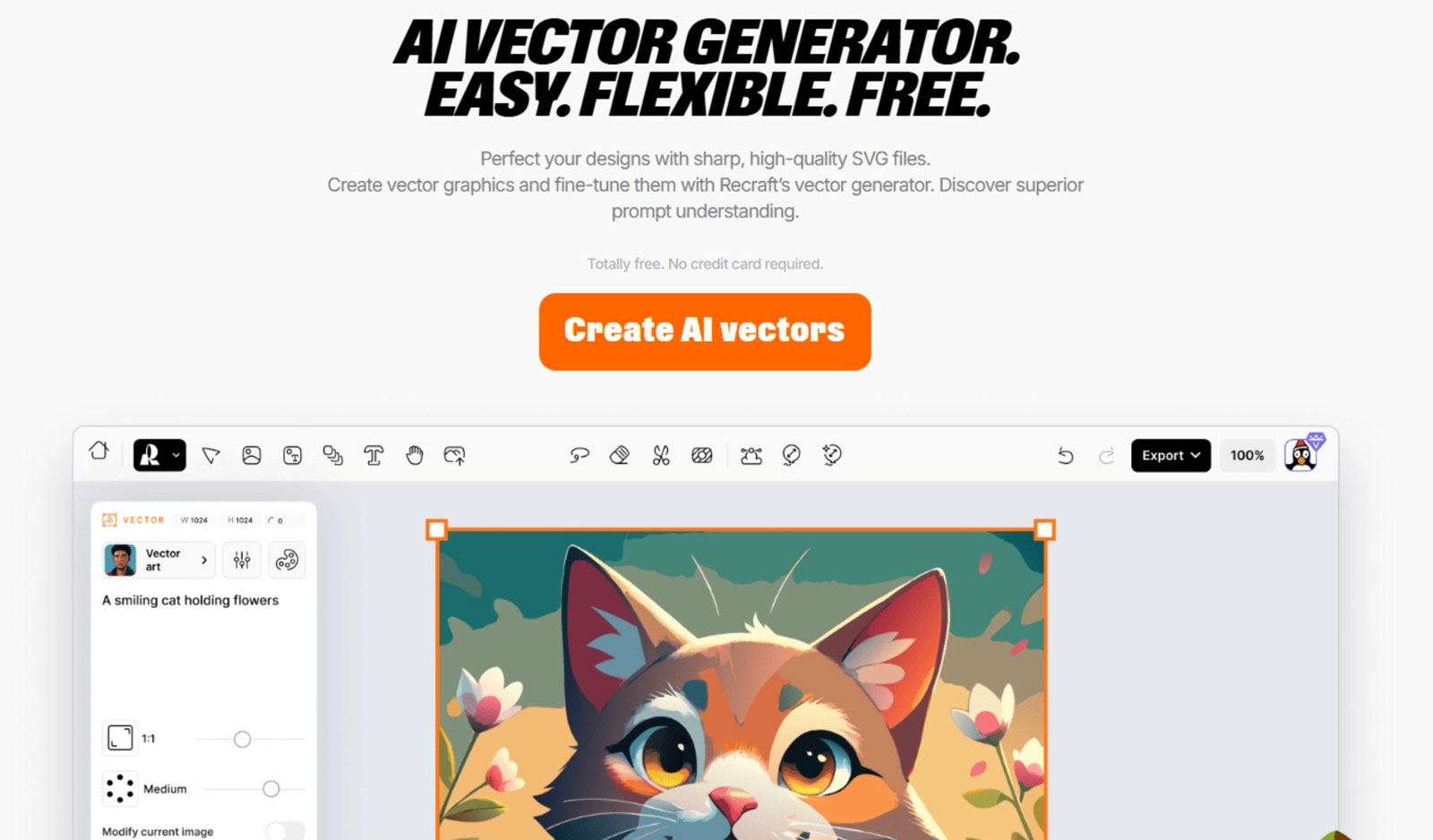
Every other AI image generator on this list produces raster images, pixels in a grid. For logos, icons, brand marks, scalable UI elements, and anything destined for large-format printing or web SVG embedding, that’s a real problem. Converting raster AI outputs to clean vectors has been one of the most frustrating friction points in AI-assisted design workflows, until Recraft.
Recraft is the only mainstream AI design platform that generates genuine SVG output natively. Not a traced approximation of a raster image, but actual vector curves and paths produced directly by the model. This eliminates the notorious auto-trace cleanup step. What you get from Recraft is immediately editable in Illustrator, Figma, or any vector editor.
Beyond SVG, Recraft also offers a refined approach to style consistency. You can define a visual style once and apply it consistently across a generation session, producing assets that feel like they belong to the same design system rather than a random portfolio of AI experiments.
✓ Only platform producing true native SVG output
✓ Immediately editable in Illustrator & Figma
✓ Style consistency tools for brand asset cohesion
✓ 30 free credits refresh daily — no trial expiry
✓ Eliminates auto-trace cleanup workflow
! Not suited for photorealistic image generation
! Complex SVG outputs sometimes need manual cleanup
! Smaller style range than generalist tools
💰 Free + $12 / month
Leonardo AI
Generation + editing in a single unified canvas
150 daily free credits
Leonardo AI sits at an interesting intersection: it’s a powerful image generator and a capable editor, all within one platform. While most AI tools hand you an image and send you elsewhere to edit it, Leonardo’s AI Canvas lets you work on the generated output directly, selecting regions for in-painting, extending compositions, and refining elements without ever leaving the tool.
The platform gives users access to multiple AI models simultaneously, letting you switch between generation approaches within the same project. This model flexibility combined with in-painting capabilities makes Leonardo particularly valuable for iterative creative workflows where the first generation is a starting point, not a final output.
Leonardo also appeals to designers who want control without complexity. The 150 free daily credits, though generated images are made public on the free tier, make it one of the most accessible serious tools for designers testing AI for the first time.
✓ AI Canvas in-painting without leaving the platform
✓ Multiple models accessible in a single interface
✓ 150 free daily credits — high accessibility
✓ Strong for iterative, multi-step generation workflows
! Free-tier images are public — no privacy
! Interface has a learning curve for new users
! Aesthetic ceiling below Midjourney for conceptual work
💰 Free + $12 / month
Exactly AI
Train AI on your own visual signature
Free to try, pay per download
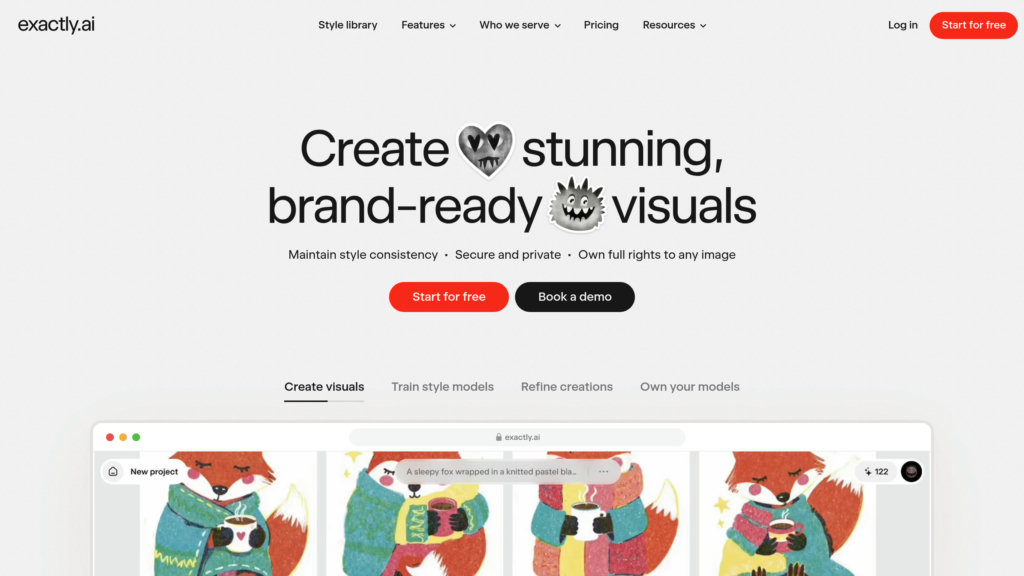
Every tool on this list generates images from general-purpose models trained on the internet. Exactly AI does something categorically different: it lets you train a personalized model on your own work. Upload a portfolio of your illustrations, photographs, or brand assets, and Exactly learns your specific visual language, your color preferences, compositional tendencies, texture choices, and stylistic signatures.
For studios or individual designers who have spent years building a recognizable visual identity, Exactly offers a way to scale that identity without diluting it. Instead of spending hours coaxing a generic AI model toward your style with increasingly elaborate prompts, you start with a model that already is your style.
The pricing model is also genuinely unusual: you use the platform for free indefinitely and pay only when you download a final asset (£75 per download). This makes it risk-free to explore, but means costs accumulate quickly for high-volume production use.
✓ Trains on your own visual style — genuinely unique output
✓ Ideal for maintaining brand consistency at scale
✓ Artist-controlled training — ethically differentiated
✓ Free to explore; pay only for final downloads
! £75 per download is expensive for high-volume use
! Requires sufficient portfolio material to train effectively
! Not a general-purpose generation tool
💰 Free + £75 per download
Freepik AI Suite
200 million stock assets + AI generation in a single subscription
Free plan available
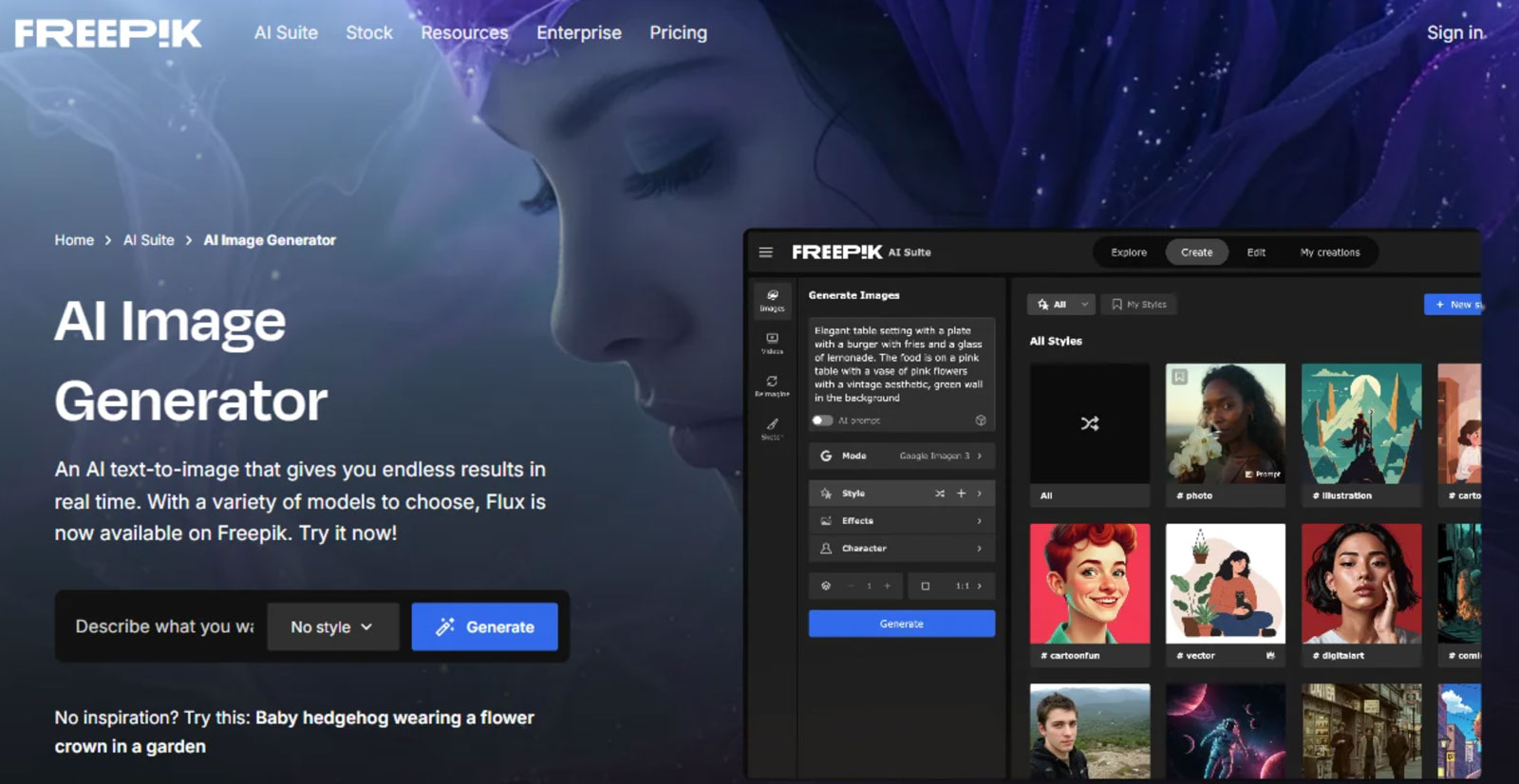
Freepik occupies a unique strategic position: it’s not trying to build the most sophisticated AI generator. It’s integrating AI generation directly into a platform that already hosts over 200 million stock photos, vectors, illustrations, and templates. The result is an unprecedented combination, you can start a project with a stock asset, generate AI variations of it, combine elements, and export everything from a single subscription at $9/month.
For designers who spend significant workflow time sourcing stock assets and then paying separately for an AI tool to customize them, Freepik’s bundled model represents genuine cost consolidation. The AI generation quality won’t compete with Midjourney on pure aesthetics, but for content marketing, social media, and web design, the quality is more than sufficient.
✓ 200M+ stock assets + AI generation in one subscription
✓ Lowest per-month cost of any tool in this list
✓ Ideal for content marketing and social media production
✓ Seamless stock-to-AI workflow in a single platform
! AI generation quality trails specialist tools like Midjourney
! Less fine-grained style control than specialist tools
! Not the right choice for high-concept creative work
💰 Free + from $9 / month
Canva AI – Magic Studio
25+ AI tools inside one design canvas, built for everyone
Free plan available
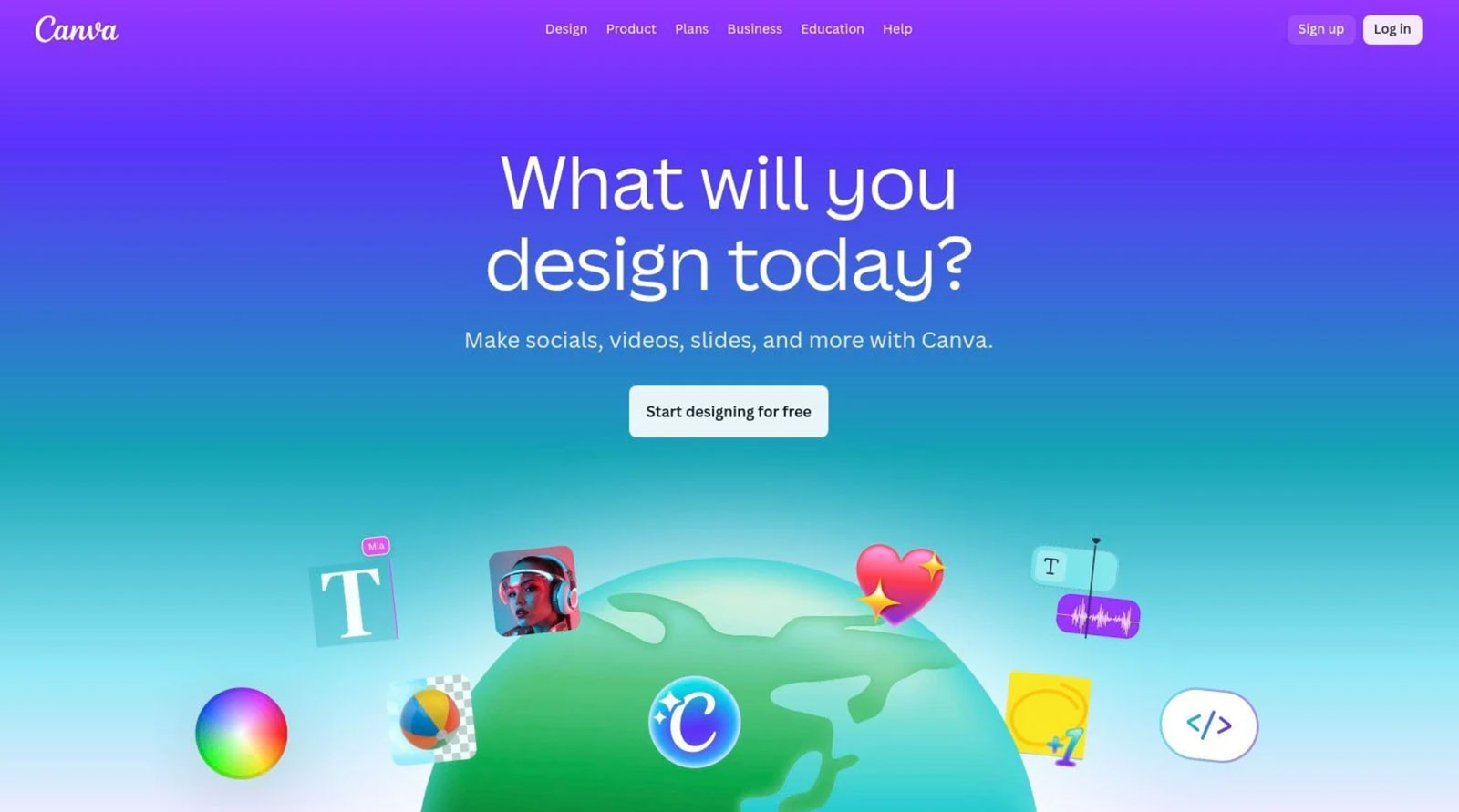
Canva started as a drag-and-drop template editor for non-designers. In 2026, it has evolved into something categorically different: a full AI creative suite called Magic Studio, with over 25 AI tools embedded directly inside the canvas, no tab-switching, no context loss, no separate subscriptions. With 260 million monthly active users and over 10 billion AI tool uses recorded, Canva is arguably the most widely adopted AI design platform on the planet, even if it rarely gets mentioned in the same breath as Midjourney or Firefly.
The Magic Studio suite covers the full creation lifecycle. Magic Design generates complete, on-brand layouts from a text prompt in seconds, not a blank canvas, but a finished starting point. Dream Lab (powered by Leonardo.ai Phoenix) produces high-quality images from text prompts with style options ranging from photorealistic to watercolor and concept art, including a reference-image style transfer feature added in 2026. Magic Write generates copy directly inside your design layout, not a separate window. Magic Layers, launched in 2026 and used 9 million times in its first month, converts any flat AI-generated image into fully editable layered elements. Text becomes editable text boxes. Objects become moveable design elements.
The April 2026 Canva AI 2.0 update, announced at Canva Create in Los Angeles, introduced the world’s first design-specific foundation model, trained specifically on design layers rather than general images. It added conversational design (describe what you want in plain language and get a complete branded design), persistent memory for brand styles, and a real-time AI credit tracker so users always know where they stand. The integration of OpenAI’s gpt-image-2 in April 2026 also gave Dream Lab a significant quality boost, particularly for photorealistic content.
✓ 25+ AI tools in one unified canvas — zero context switching
✓ Magic Layers — unique: converts any image to editable layers
✓ Dream Lab for high-quality image generation with style transfer
✓ Brand Kit integration keeps every output on-brand automatically
✓ Bulk Create scales content production massively
✓ Most accessible AI design tool for non-designers globally
! Aesthetic ceiling lower than Midjourney for conceptual work
! Magic Layers still in beta — US, UK, Canada, Australia only
! Dream Lab limited to 500 generations/month on Pro
! Magic Write outclassed by dedicated AI writing tools
! Not suitable for precision vector or print production work
💰 Free + $14.99 / month Pro
OpenArt AI
100+ AI models, one creative studio, for artists and creators
Free plan available
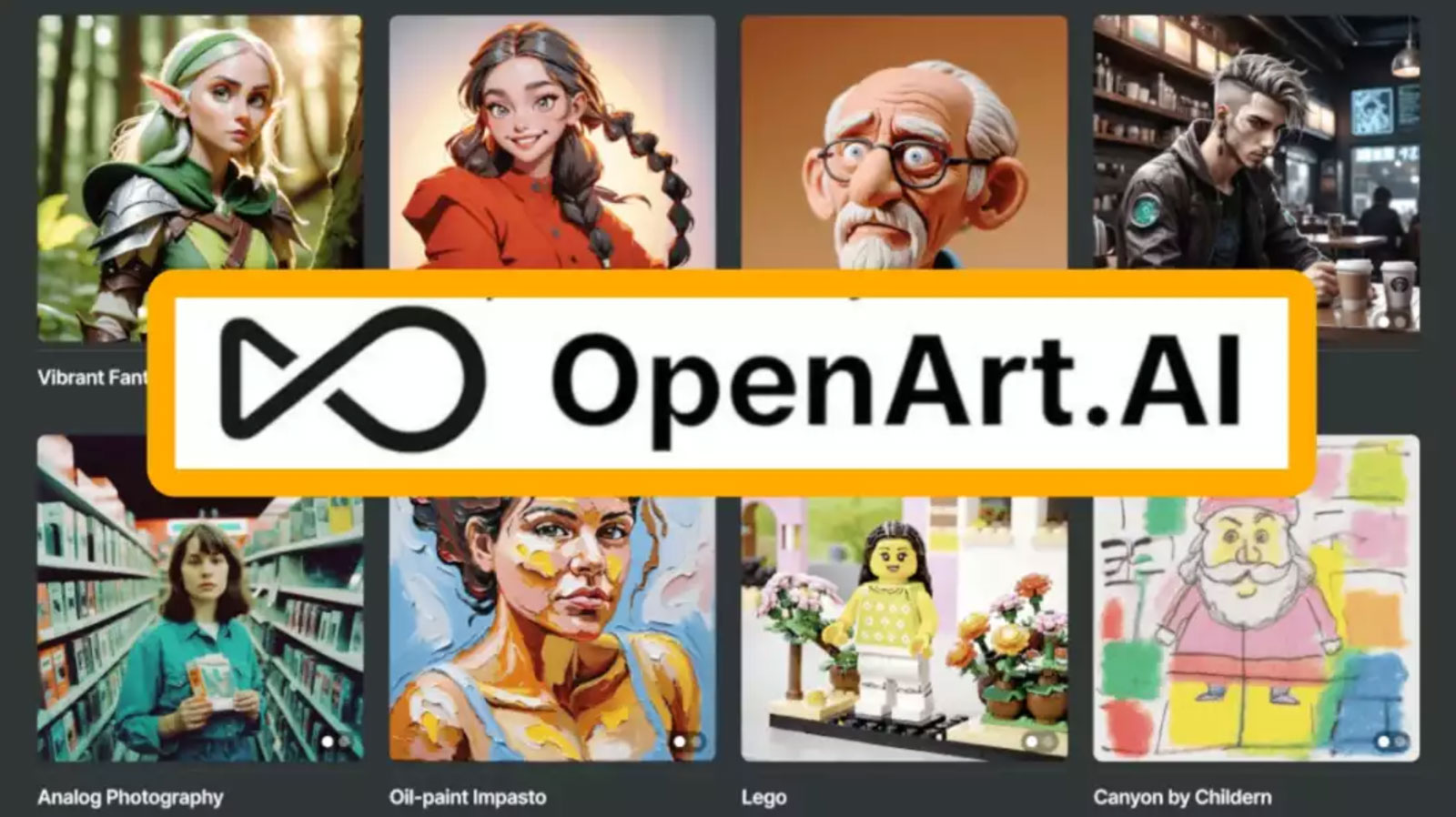
OpenArt AI was founded in 2022 by two former Google engineers, Coco Mao and John Qiao, who started with a deceptively simple idea: a Pinterest-style community for AI-generated images and the prompts behind them. By 2026, it has evolved into something far more substantial: a full-stack AI creative studio with over 100 premium models, a comprehensive editing suite, custom model training, and video generation, all accessible through a browser, with no installation required. With $20M ARR as of 2025 and consistent double-digit growth, OpenArt is one of the fastest-growing platforms in the AI design space.
The platform’s defining advantage is model breadth without platform fragmentation. Most serious creators currently juggle three or four AI tools: one for photorealistic generation, one for anime or illustration styles, one for video, one for editing. OpenArt consolidates all of these under a single credit pool and a single interface. You can generate a photorealistic product shot with Flux, create an anime-style character with a Stable Diffusion variant, produce a short video clip with Kling 2.6 or Sora 2, and run inpainting edits, all in the same session, on the same platform. The access to premium video models like Kling 2.6 and Sora 2 inside a $14.50/month plan is a significant value proposition that no single-model tool can currently match.
Two features set OpenArt apart from the rest of this list. First, Custom LoRA Training: you can train the platform on your own images, brand assets, character designs, product shots, and it generates new outputs that consistently reflect that trained style. The Advanced plan supports approximately 40 custom character models per month; the Infinite plan doubles that. This is more accessible than Exactly AI’s per-download pricing model, though less polished. Second, Character Consistency: a feature specifically designed for creators producing sequential content, comics, visual novels, social media series, where a character needs to look the same across dozens of different scenes and settings. It uses reference images to lock in facial structure, clothing, and other identifying traits across all subsequent generations.
✓ 100+ premium models in one subscription — Flux, SDXL, Kling, Sora 2
✓ Custom LoRA Training — train on your own brand or character assets
✓ Character Consistency for sequential/narrative content projects
✓ Image + video + editing under one credit pool — genuine consolidation
✓ Magic Prompt helps beginners get better outputs automatically
✓ Cheapest entry point ($7/mo) of any multi-model platform
! Commercial rights require Advanced plan ($14.50/mo) — not Essential
! Credit system feels unpredictable — video drains credits very fast
! 100+ model choices create decision paralysis for new users
! Aesthetic ceiling per model lower than Midjourney’s focused output
! Free plan only 40 one-time credits — too limited for real testing
💰 Free + from $7 / month
At a Glance: Full Comparison Table
| Tool | Primary Strength | Vector (SVG) | Text in Image | Free Plan | Starting Price |
|---|---|---|---|---|---|
| Midjourney | Aesthetic quality | ✗ | Weak | ✗ | $10 / mo |
| Adobe Firefly | CC ecosystem integration | ✓ | Good | ✓ | Free |
| Kittl | Multi-model + branding | ✓ | Good | Trial | $15 / mo |
| Ideogram | Text in image (~90%) | ✗ | Best | ✓ | Free |
| Recraft | Native SVG output | ✓ Native | Moderate | ✓ | $12 / mo |
| Leonardo AI | Generation + canvas editing | ✗ | Moderate | ✓ | $12 / mo |
| Exactly AI | Custom style training | ✗ | Moderate | ✓ | £75 / download |
| Freepik AI | Stock + AI in one place | ✗ | Basic | ✓ | $9 / mo |
Which Tool Is Right for Your Use Case?
The right answer depends entirely on what you’re making and how you work. Here’s a use-case-first guide to matching tool to task:
I need the best-looking concept images possible
Aesthetic quality above all else, for mood boards, art direction, pitch decks, and visual concepts.
→ Midjourney
My designs need readable text inside the image
Posters, packaging, banners, or any work where typography appears within the generated image.
→ Ideogram
I need vector/SVG output, not raster images
Logo design, icons, scalable brand assets, or anything destined for large-format print.
→ Recraft
I want AI to learn my personal style
You have an established visual signature and want to scale it without losing what makes it unique.
→ Exactly AI
I live in Photoshop and Illustrator
You want AI without leaving Adobe, Generative Fill and seamless CC integration matter most.
→ Adobe Firefly
I need volume on a tight budget
High asset output for social media or content marketing, with stock and AI bundled in one low-cost subscription.
→ Freepik AI
🔀 The Professional Multi-Tool Workflow (2026)
The most effective approach isn’t picking one tool, it’s knowing when to hand off between them. Here’s how experienced designers combine these platforms across a typical brand project:
Stage 1 — Concept Exploration
Use Midjourney to generate 20–30 visual directions quickly. The goal is to find an aesthetic tone, not produce final assets. Speed and quality here translate to better client conversations.
Stage 2 — Brand Asset Creation
Shift to Recraft for any logo marks, icons, or scalable brand elements. Generate native SVG and edit the paths directly in Illustrator, no auto-trace friction.
Stage 3 — Typographic Compositions
For posters or banners with headline text inside the image, switch to Ideogram. Its 90% text accuracy makes this the only rational choice for typography-led work.
Stage 4 — Final Production in Adobe
Bring everything into Adobe Firefly via Photoshop for Generative Fill, background extension, object removal, and final retouching. IP-safe training data protects the finished deliverable.
Stage 5 — Scale Across Formats
Use Kittl’s Creative Flows to automate resizing, format conversion, and variant generation across all required dimensions. What used to take a full day becomes an hour.
🧭 6 Things to Evaluate Before Committing to Any AI Design Tool
Clarify your output format first. If your workflow ever needs SVG, your options narrow immediately to Recraft and Illustrator-integrated Firefly. Don’t pay for a tool that produces the wrong file format.
Check the training data provenance. For commercial use, confirm the platform was trained on licensed or public-domain content. Adobe Firefly is the gold standard here; others vary significantly.
Audit your current subscription stack. If you’re paying for stock and AI separately, Freepik’s bundled model may consolidate costs. At $9/month, the math is often obvious.
Test the free tier before upgrading. Seven of the eight tools on this list offer some form of free access. Spend a week with the free tier before committing, your real workflow needs will surface quickly.
Consider integration over isolation. A tool that fits inside your existing workflow (like Firefly inside Photoshop) is often worth more than a standalone tool with better raw output quality, because switching costs add up.
Plan for a multi-tool future. No single platform wins in every category. The designers getting the most from AI in 2026 are using 2–3 tools in sequence, each at its specific strength point.
