
Finding great free mockups shouldn’t feel like a full-time job. The problem? Most “best of” lists are either outdated or just repeat the same five names without telling you what makes each site actually useful.
We spent time across all 15 platforms below, downloading files, checking licenses, and looking at update frequency, so you don’t have to. Here’s what we found.
You may also like:
In this article
- Mr.Mockup — Best overall free library
- Unblast — Best curated quality
- MockupTree — Best for volume & variety
- ResourceBoy — Best for design resources beyond mockups
- LS Graphics — Best for Figma users
- Mockups Design — Best for branding mockups
- Pixeden — Best for packaging & stationery
- MockupWorld — Largest free directory
- Minimal Mockups — Best for premium-feel freebies
- PixelBuddha — Best storytelling mockups
- Mockup Cloud — Best scene creators
- Mockupnest — Best for clean minimal style
- Pixpine — Best hidden gem
- Good Mockups — Best for print designers
- Mockupbee — Best for product packaging
Quick Comparison
| Site | Free Mockups | Formats | Commercial Use | Best For |
|---|---|---|---|---|
| Mr.Mockup | 1000+ | PSD | ✓ Yes | All-around |
| Unblast | 8,000+ | PSD, Figma, Sketch | ✓ Yes | Curated quality |
| MockupTree | 6,000+ | PSD | ✓ Yes | Variety & volume |
| ResourceBoy | 4,000+ | PSD | ✓ Yes | Design resources |
| LS Graphics | 500+ | PSD, Figma | ✓ Yes | Figma users |
| Mockups Design | 5,000+ | PSD | ✓ Yes | Branding |
| Pixeden | 200+ | PSD | ✓ Yes | Packaging |
| MockupWorld | 3,000+ | PSD | ✓ Yes | Directory |
| Minimal Mockups | 300+ | PSD | ✓ Yes | Premium feel |
| PixelBuddha | 600+ | PSD | ✓ Yes | Storytelling |
| Mockup Cloud | 100+ | PSD | ✓ Yes | Scene creators |
| Mockupnest | 150+ | PSD | ✓ Yes | Minimal style |
| Pixpine | 500+ | PSD | ✓ Yes | Hidden gem |
| Good Mockups | 400+ | PSD | ✓ Yes | Print design |
| Mockupbee | 600+ | PSD | ✓ Yes | Product packaging |

Mr.Mockup is the site I open first when I need a mockup fast. Created by the design studio Noeeko, every file is crafted with serious attention to detail, these aren’t just generic smart-object PSDs thrown together for SEO. The lighting, shadows, and scene compositions feel intentional and professional.
With over 800 free mockups spanning apparel, stationery, packaging, billboards, books, and devices, there’s almost always something that fits. New files are added regularly, and the overall style leans toward clean and photorealistic, the kind of presentation that makes clients say “wow” rather than “is this a template?”
Pros
- Exceptionally high quality
- Full commercial license
- Consistent visual style
- Regular new additions
Cons
- Requires Photoshop
- Smaller library than aggregator sites
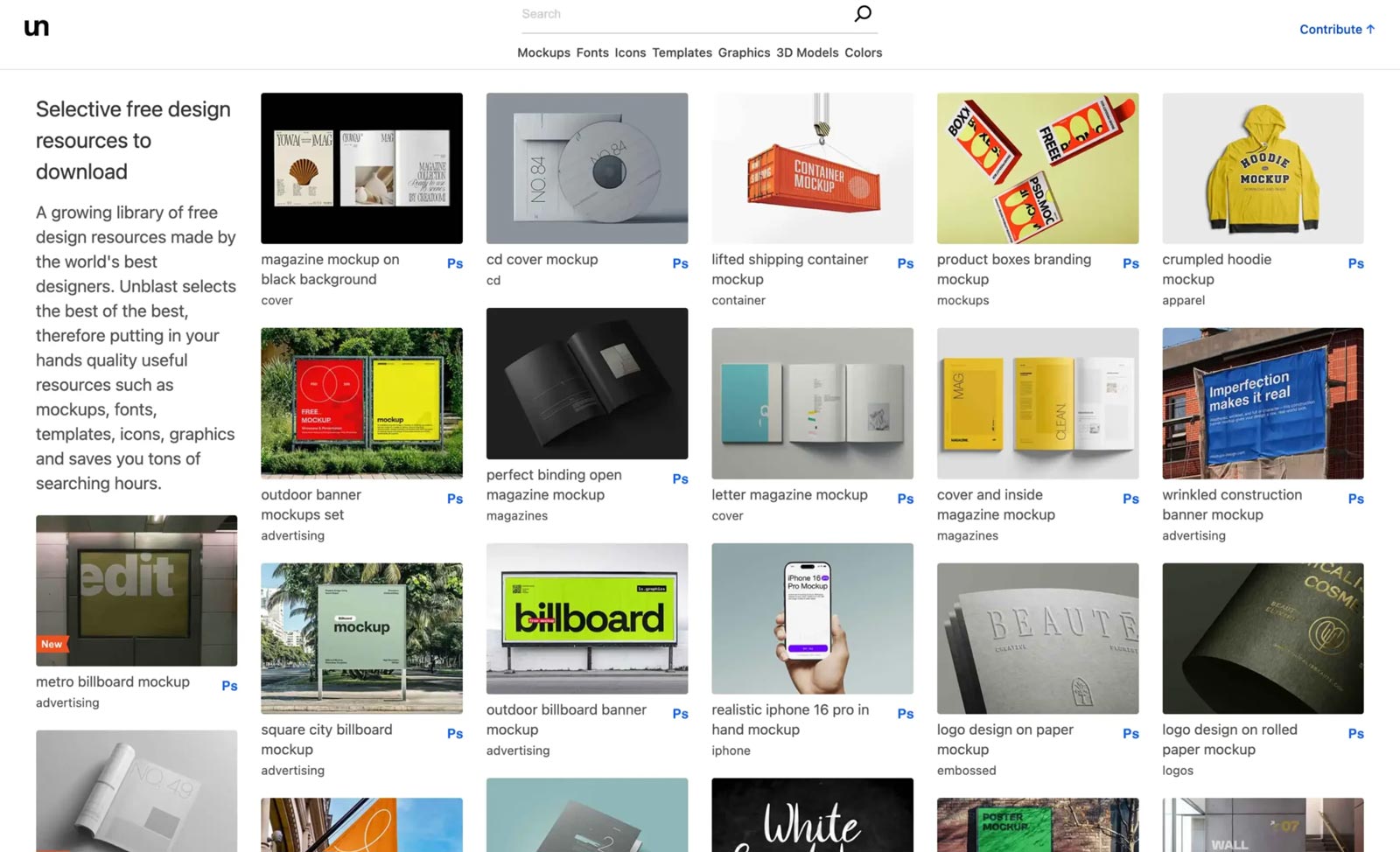
Unblast is one of the most respected free mockup platforms in the design community, and for good reason. With over 8,000 free assets including mockups, fonts, icons, templates, and graphics, it functions more like a curated design hub than a simple download site.
What sets Unblast apart is the emphasis on quality control. Not every file makes it in. The result is a library where you can generally trust what you download will look professional. Beyond PSD, many files come in Figma and Sketch format, a genuine advantage for web and UI designers who don’t want to touch Photoshop.
Pros
- Figma & Sketch formats
- Strong quality curation
- Also offers fonts & icons
- No account required
Cons
- Some links redirect to creator sites
- Interface can feel busy

Full disclosure: MockupTree is our own platform. We’ve included it here because we genuinely believe it belongs in any serious list, but you should weigh that context accordingly.
MockupTree has grown into one of the largest repositories of free PSD mockups online, with over 6,000 files covering everything from iPhone and MacBook mockups to billboards, packaging, apparel, food containers, and more. Every mockup is free for both personal and commercial use.
The navigation is one of MockupTree’s strongest points, categories are granular (not just “devices” but “iPhone,” “iMac,” “iPad,” “MacBook,” “Laptop” separately), making it genuinely fast to find what you need. New mockups are added regularly.
Pros
- Largest free library
- Excellent category navigation
- Commercial use included
- Consistent upload schedule
Cons
- PSD only (no Figma)
- Quality varies across uploads
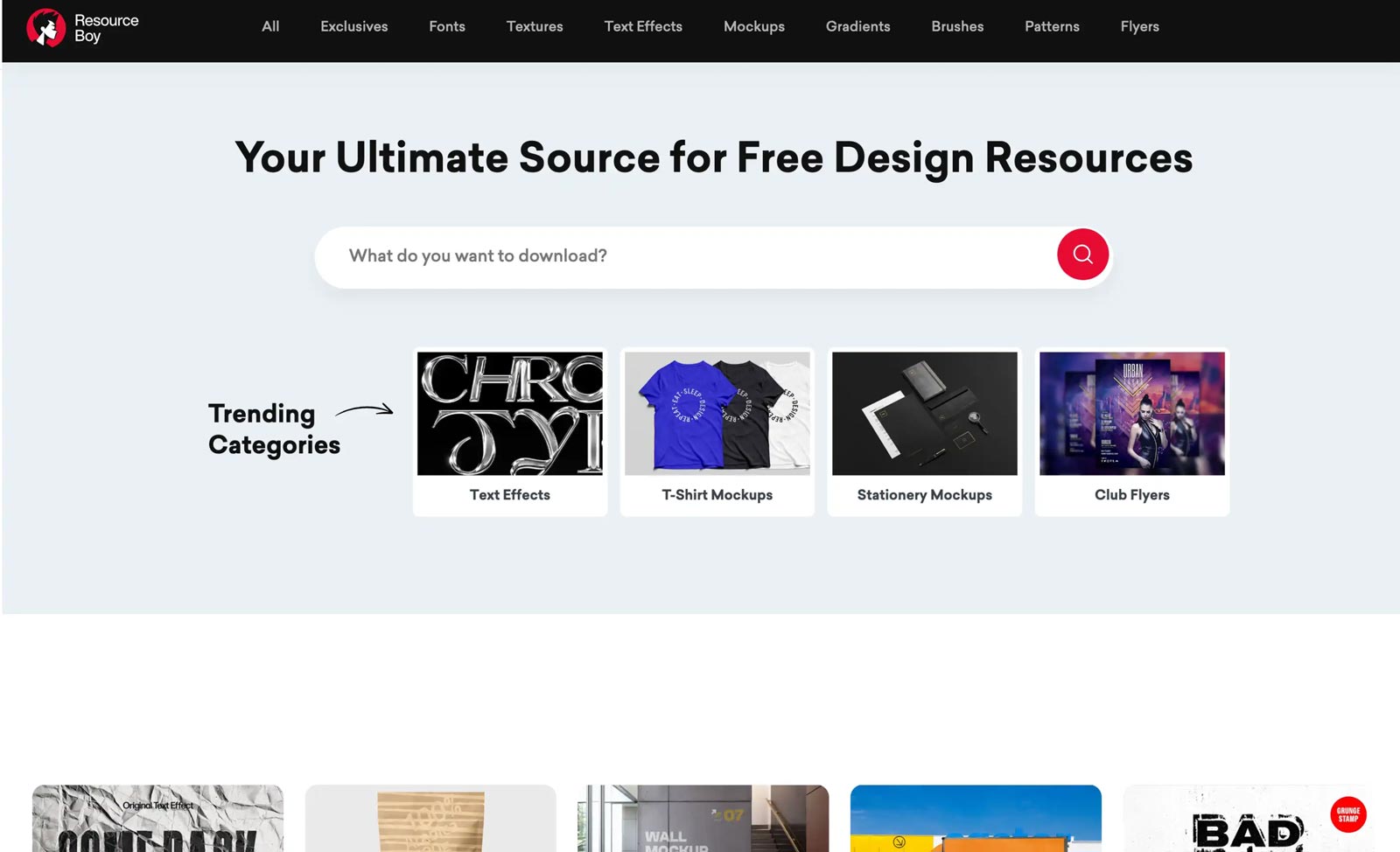
ResourceBoy has quietly become one of the most comprehensive free design resource sites online. It’s not just a mockup repository, it’s a full toolkit, offering fonts, textures, text effects, gradients, Photoshop brushes, patterns, and flyer templates alongside its extensive mockup collection.
The mockup library itself is curated from top creators including Pixelbuddha, Mockupbee, Mr.Mockups, and Mockupnest, meaning you often get content from multiple trusted sources in one place. The “Exclusives” section features assets not available anywhere else, which is a nice differentiator.
Pros
- Goes beyond mockups (fonts, textures)
- Exclusive content
- Curated from top creators
- Clean, fast interface
Cons
- License varies per asset
- Some mockups link to original creator sites

LS Graphics is the best option for designers who live in Figma and want professional mockups that fit directly into their workflow, no Photoshop required. Their free library includes device mockups (iPhone, MacBook, iPad), UI kits, branding assets, and animated mockups, all optimised for Figma’s component system.
The quality here is genuinely premium. LS Graphics is a creative studio first, and the mockups reflect that, they’re shot with real cameras, carefully lit, and designed to make any UI or branding project look polished. The free tier gives you a solid foundation; the subscription unlocks hundreds more including 3D assets and illustrations.
Pros
- Native Figma support
- Studio-quality photography
- Also offers UI kits & illustrations
- Clean download experience
Cons
- Smaller free library
- Best mockups behind subscription
Mockups Design was built out of genuine frustration, the founder, a working graphic designer, couldn’t find high-quality free mockups that actually looked professional. Today it’s a global resource with over 5,000 free PSD files, and the branding and stationery section in particular stands out.
The mockups are smart-object ready and straightforward to use. The site has a clear, uncluttered layout, and you don’t need an account to download. If you regularly present branding identities to clients, business cards, letterheads, envelopes, brand guidelines, this is the site to have bookmarked.
Pros
- Excellent branding mockups
- No account needed
- Clean, easy navigation
- Regular updates
Cons
- Less strong on device mockups
- PSD only

Pixeden has been a trusted name in the design community for over a decade, and its free mockup section remains one of the highest-quality options available, particularly for packaging and stationery. With over 200 free PSD files, the library is smaller than others on this list, but every file has been crafted to a consistently high standard.
The packaging mockups in particular are impressive: tubes, cans, boxes, pouches, and labels all presented in realistic, well-lit environments. If you’re working on a product packaging project and need a mockup that won’t embarrass you in front of a client, Pixeden is worth the browse.
Pros
- Exceptional packaging mockups
- Very high visual quality
- Well-established, trusted source
Cons
- Free tier = personal use only
- Smaller library
- Requires paid plan for commercial
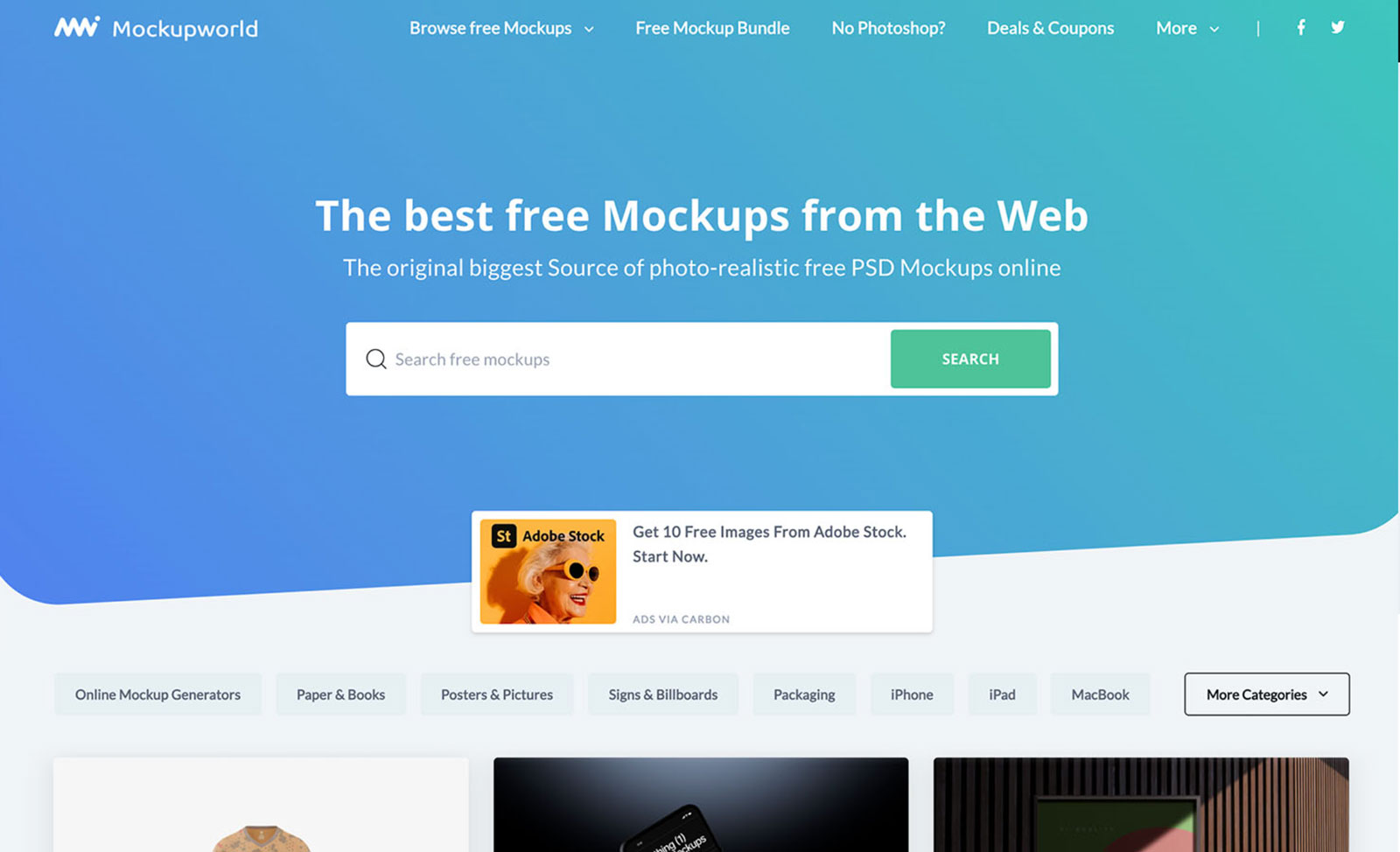
If you can’t find a specific mockup anywhere else, check MockupWorld. With over 3,000 files spanning virtually every category, devices, packaging, posters, signage, books, apparel, cosmetics, vehicles, and more, it functions as the most comprehensive free mockup directory on the web.
It’s worth noting that MockupWorld aggregates content from multiple creators, so quality varies. Some files are outstanding; others feel dated. The search bar and filtering are decent, and the site is updated regularly with new submissions from the design community worldwide.
Pros
- Largest single directory
- Covers rare/niche categories
- Community-driven, always fresh
Cons
- Quality is inconsistent
- License must be checked per file
- Some links redirect elsewhere
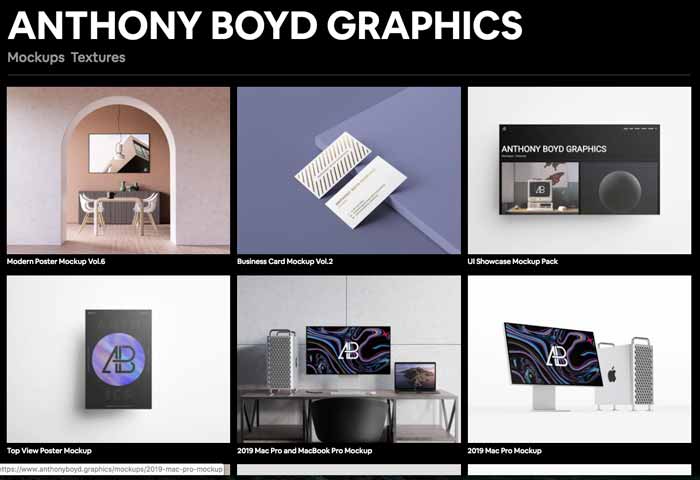
Formerly known as Anthony Boyd Graphics, a name that earned deep respect in the design community, Minimal Mockups continues that legacy with some of the most beautifully crafted free mockups available. The style is clean, photorealistic, and restrained: these are mockups that make your designs look like they belong in a magazine spread.
The free library covers smartphones, laptops, books, business cards, packaging, and more, all available for both personal and commercial use with no attribution required. If you’ve used Anthony Boyd’s old files before, the new Minimal Mockups site delivers the same premium feel in a cleaner package.
Pros
- Truly premium visual quality
- No attribution required
- Clean minimal aesthetic
- Works great for portfolios
Cons
- Smaller free library
- Very minimal style — not for everyone

PixelBuddha occupies a unique spot in the mockup landscape. Rather than focusing on clean product shots, their mockups tend to tell a story, a notebook on a coffee table, a poster on a brick wall, a bag on a city sidewalk. The result is presentation material that feels lived-in and real rather than sterile.
Beyond mockups, PixelBuddha also offers fonts, UI kits, icons, and illustrations, making it a solid general design resource. The free section is well-stocked, though some assets require account creation to access, and license terms vary so it’s worth checking each file before commercial use.
Pros
- Unique storytelling aesthetic
- Also offers fonts and UI kits
- High creative quality
Cons
- Some require account signup
- License varies per asset
- Mixed free/paid content

Mockup Cloud stands out for its scene creators, complex, multi-element PSD compositions where you can place your design across an entire styled workspace or branded environment rather than a single product. This is genuinely useful for presenting full brand identity systems to clients.
The free section offers a solid selection including scene creators, branding mockups, apparel, billboards, devices, and packaging. The quality is consistently high, and the files are well-organised for a smooth Photoshop experience.
Pros
- Excellent scene creators
- Great for full brand presentations
- High quality throughout
Cons
- Smaller free library
- PSD only
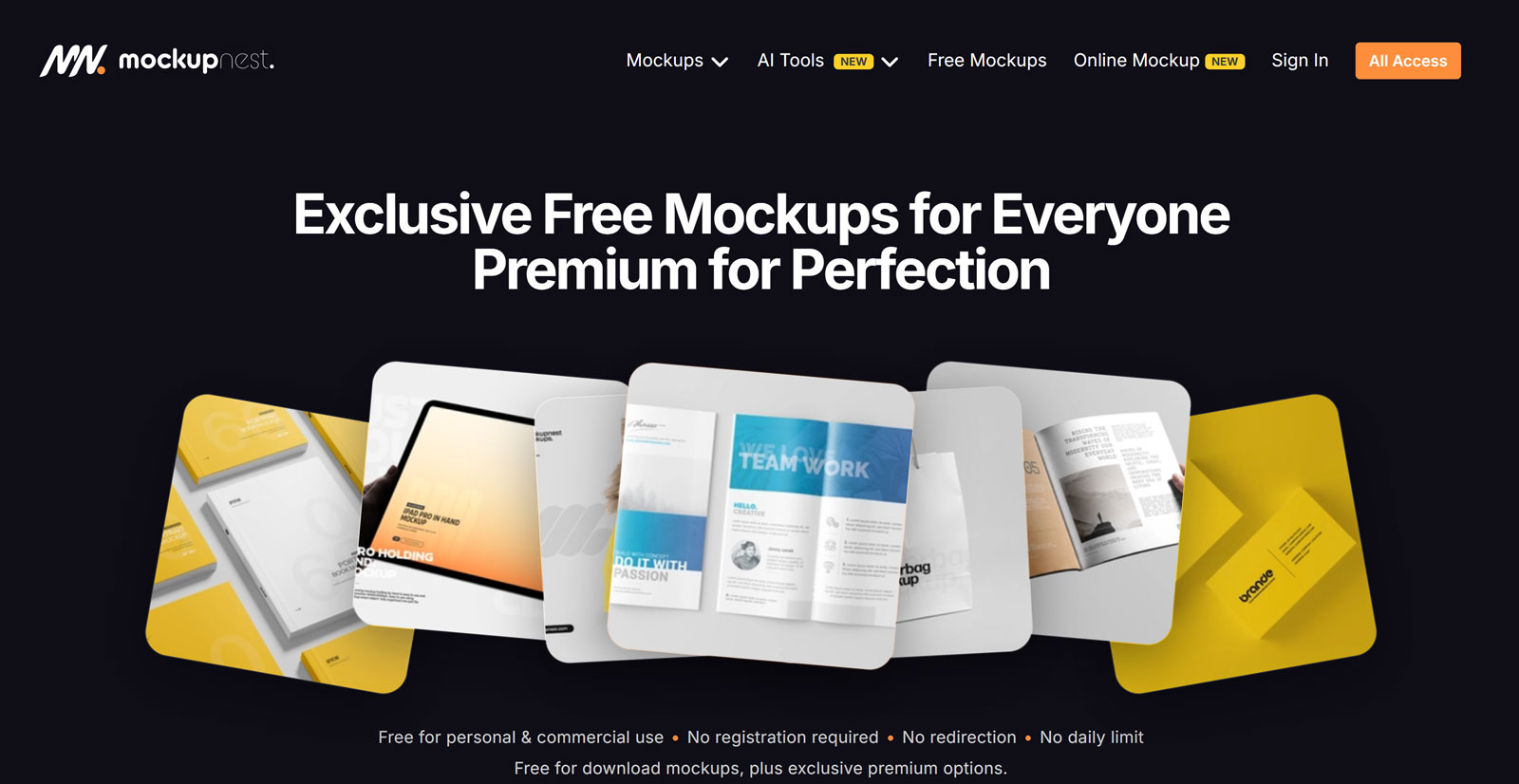
Mockupnest has carved a clear niche: elegant, simple mockups that put your design front and center without visual distraction. If your work is minimalist by nature, think Swiss-style branding, clean packaging, or refined digital products, the Mockupnest aesthetic is the perfect match.
The library covers branding, packaging, website displays, billboards, and books. The free selection is smaller than some competitors but consistently well-executed, with clean backgrounds, natural lighting, and smart-object layers that are straightforward to edit.
Pros
- Clean, distraction-free aesthetic
- Easy to edit files
- Works well for luxury brands
Cons
- Smaller total library
- Not ideal for lifestyle or urban mockups

Pixpine doesn’t get the attention it deserves. With over 500 free PSD mockups across a wide range of categories, it’s a genuinely useful resource that most designers walk past in favour of the better-known names. That’s actually an advantage, you’re less likely to be presenting the same mockup your client’s other designer used.
The collection includes apparel, packaging, stationery, devices, and outdoor advertising, all free to download. The quality is solid throughout, not at the very top tier, but consistently usable for professional work.
Pros
- Less overused than top sites
- Solid variety
- Free commercial license
Cons
- Less well-known (harder to evaluate)
- Smaller community around it
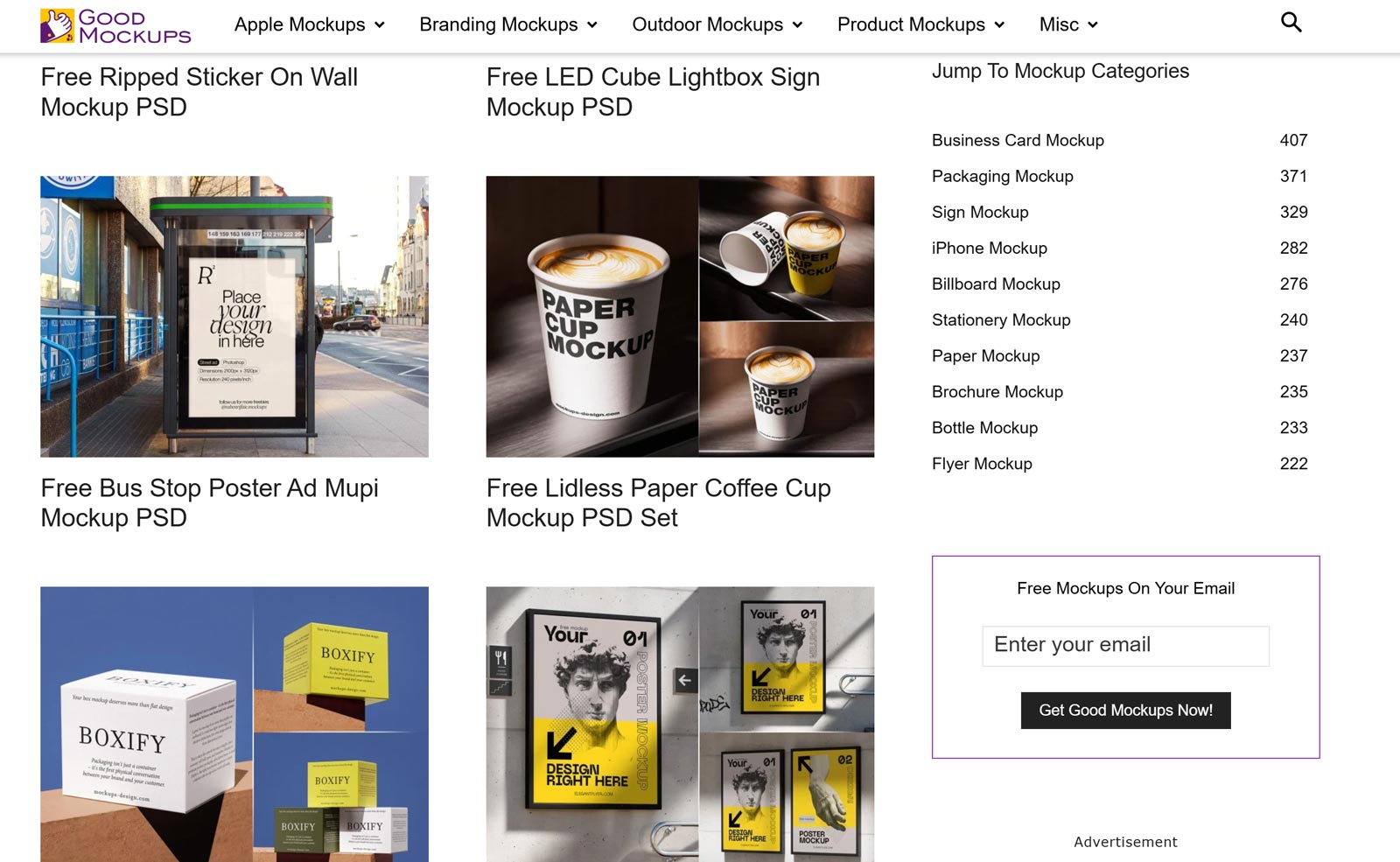
Good Mockups is curated by a seasoned graphic artist with a particular focus on print design, posters, books, stationery, brochures, and paper goods. Every mockup on the site is hand-picked for quality, which means the library is smaller but more reliable than the aggregator-style sites.
All mockups are smart-object ready and come with clear commercial licensing. If you do a lot of print work and need mockups that show paper texture, realistic shadows, and accurate folding, Good Mockups is one of the best specialist resources available for free.
Pros
- Hand-curated quality
- Excellent for print work
- Reliable commercial licensing
Cons
- Less strong on digital/app mockups
- Smaller total library
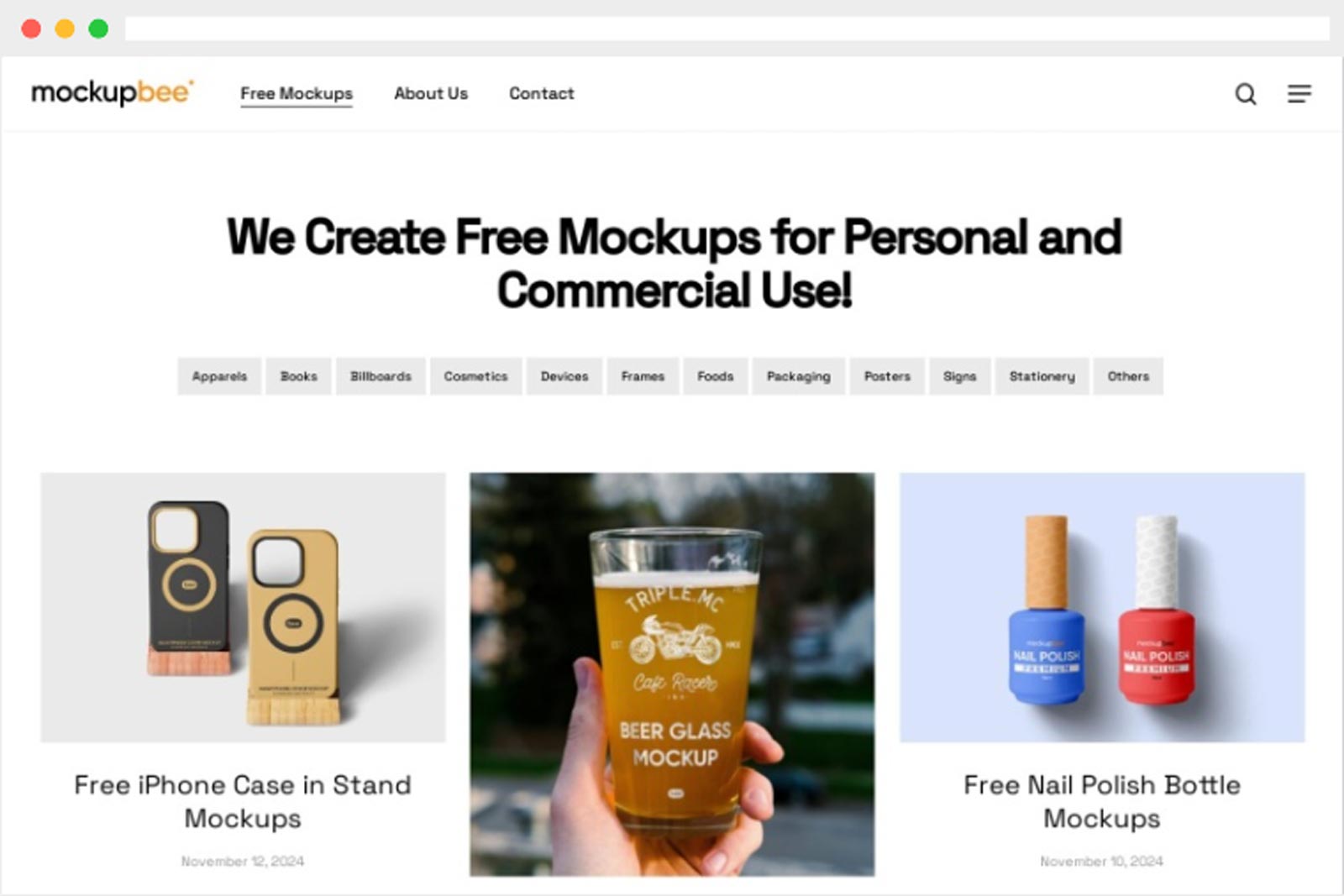
Mockupbee has established itself as one of the most reliable destinations for product and packaging mockups. Cups, bottles, bags, boxes, cosmetics, cans, pouches, the product library is comprehensive and the file quality is consistently high. If you work on consumer packaging or product branding, this site deserves a permanent spot in your bookmarks.
All files are PSD with smart-object layers, and the commercial license is straightforward. The site is clean and easy to navigate with well-organised categories. New additions come in regularly from a tight-knit team of contributing designers.
Pros
- Best-in-class for packaging
- Wide product category coverage
- Reliable quality
- Clear commercial license
Cons
- Less strong on device/app mockups
- PSD only
Final Thoughts
There’s no single “best” free mockup website, it depends on what you’re designing and how you prefer to work. Here’s a quick cheat sheet:
- 🏆 Best overall quality: Mr.Mockup
- 🎨 Best for Figma users: LS Graphics or Unblast
- 📦 Best for packaging: Mockupbee or Pixeden
- 🔢 Largest free library: MockupTree or Unblast
- 🖨️ Best for print work: Good Mockups or Mockups Design
- 🌍 Best for finding niche mockups: MockupWorld
Bookmark two or three that match your typical workflow and you’ll rarely need to look elsewhere. And if you’re specifically after PSD mockups with no sign-up required, MockupTree’s full library is a solid daily starting point.
