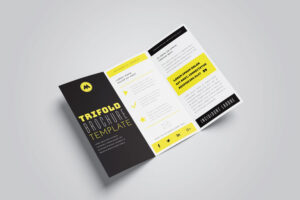
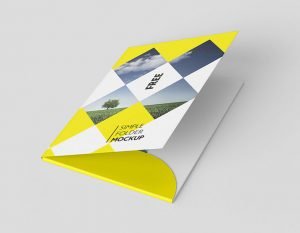
The best Brochure Mockup to present your 4 fold brochure design from all different perspectives. Copy and branding designs into the mockup by simply selecting the smart object layer in which you wish to put it.
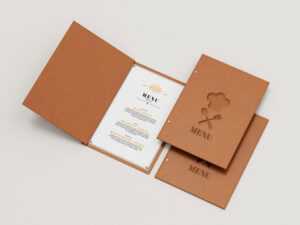
The best Clipboard Mockup for branding projects, restaurant or cafe menu design and all sorts of other projects. The mockup is fully editable so you can easily add your design via smart layers and choose whatever background clip color you want.
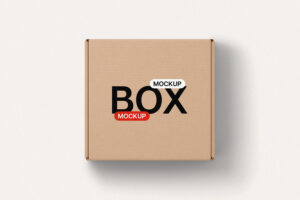
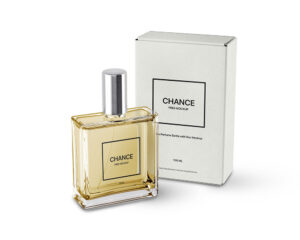
The best Box Mockup which help you to showcase gift packaging designs for branding. Editable PSD format help you to make changes and via smart-object layers you can achieve the desire presentation.
Showcase your logo designs professionally and effortlessly with this high-quality logo mockup. The layered PSD files come equipped with smart object layers, allowing you to quickly replace the placeholder image with your own logo design. Download now, customize in seconds, and elevate your portfolio or client presentations to the next level.
The best T-shirt Mockup with a v-neck style t-shirt you can add freely to your inventory. This PSD includes front views of the t-shirt and lets you place your designs via the smart layers.
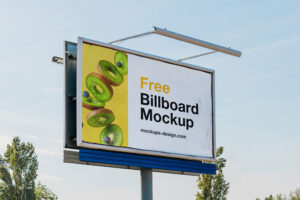
The best Billboard Mockup to place your event based design or outdoor ad campaign to amaze your design community. The mockup will become a great canvas for your prints, illustrations, typography, and branding. Smart Objects for fast and easy customization, organized layers.
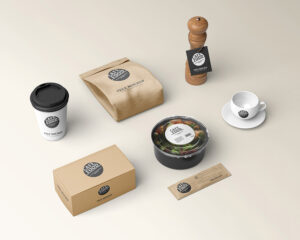
The best Coffee Mockup to showcase your designs inducing a psd paper cup mockup and accessories. Inside psd file you will find few smart objects for placed on the paper bag. Background color should be changed according to the packaging design.
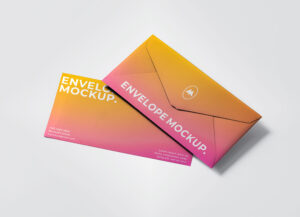
The best Stationery Mockup with a plastic-wrapped envelope, a floating business card, and a pen, all of which can feature your creative designs. This can be done with a few clicks thanks to the smart objects that enable you to easily drag and drop your graphics into the layers.
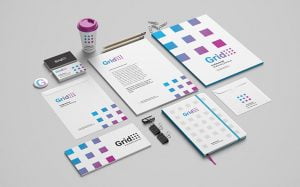
The best Stationery Mockup with 9 different branding design elements. Every element in this pre-made scene is moveable with transparent shadows so you can make your own various composition with these elements.
The best Box Mockup to showcasing milk carton with customizable background. Very easy to use to present your design in a very photorealistic and modern way. Inside psd file you can change by using smart objects.
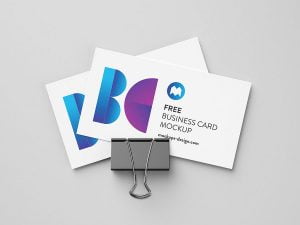
The best business card mockup to present your design in a professional and classy way. Featuring both the front and back sides of your business card, this mockup offers a realistic and detailed presentation that helps your branding stand out. Ideal for client pitches and portfolio displays.
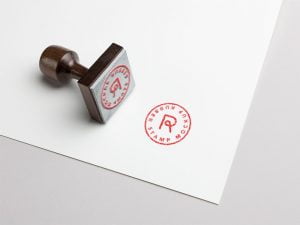
The best Stamp Mockup to place transparent typography or logo design of triangular shape so it can fit inside the stamp like the image below. In this psd file you can replace current artwork by using smart object.
The best Bag Mockup with several editing options including replacing your own logo design, changing the bag color, contrast and brightness of the bag, and the scene background color. You can change the color of side panel as there is a layer for it in psd file for each mockup.
The best Brochure Mockup is created with folded dimension. 5 different angles are rendered to showcase front and backside of brochure design. You can use this mockup to display leaflets for product or services related artworks.
The best business card mockup to showcase your design in a photorealistic way, providing a clear preview of how your card will look after printing. Easily add your own graphic elements using smart objects, and customize the colors to perfectly match your brand identity. Ideal for designers and businesses aiming for professional presentations.
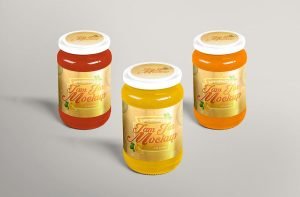
The best Jar Mockup has three different angles rendered in 3D with glass finish. All smart layers are placed on the top of layer panel for design insertion. You can change the background color as per the color scheme of your packaging design.
The best Box Mockup in perspective view to enable users to display 3 sides of it. Personalize all sides of the box and give your brand a realistic presentation, including the background in your design as well to keep the colorful display of the mockup.
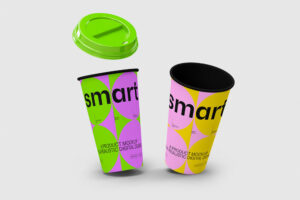
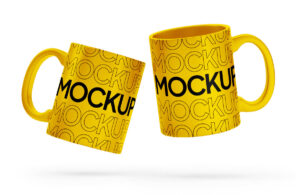
The best Cup Mockup which features a floating cup and lid that can be easily colored and customized. You can add your personal touch to the scene with ease and share your designs for coffee brands with different categories or product lines.
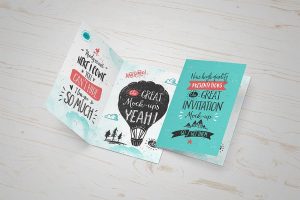
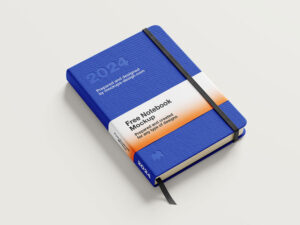
The best Greeting Card Mockup that allows you to clearly display your cover designs. It is customizable via adobe photoshop using the smart objects and so your editing process will only take a few minutes.
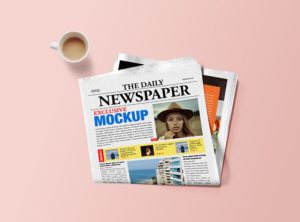
The best Magazine Mockup that you can change the title of each magazine as well as spine artwork one by one. Completely layered PSD file with smart objects.
The best business card mockup to easily place your artworks on smart objects for both the front and backside of your business card design. Customize the background color effortlessly using adjustment layers, allowing you to create presentations that perfectly fit your brand style.
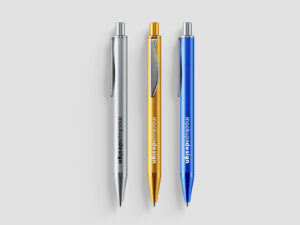
The best Pen Mockup with 4 different views, allowing you to share a fresh look for your luxurious pens. You can also edit the scenes with the separated shadows and background, and the adjustable colors of the ballpoint pens.
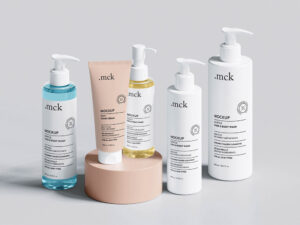
The best Cosmetic Mockup that you can easily key features of this mockup like the tube and lid colors, reflection effects to give it a photorealistic look in the scene and other effects like lights, shadows and background color. Use Smart Objects to customize your designs.
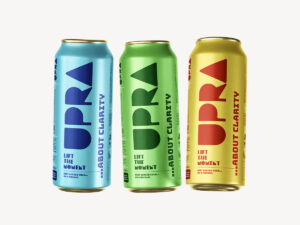
The best Can Mockup for professional packaging showcasing. You can use this PSD mockup to showcase your sardine product new design in a modern and minimal way. Made with photoshop and featuring smart object quick editing.