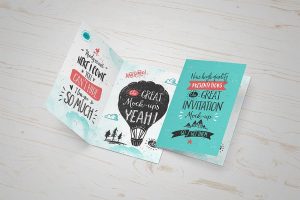
The best Greeting Card Mockup that allows you to clearly display your cover designs. It is customizable via adobe photoshop using the smart objects and so your editing process will only take a few minutes.
The best Magazine Mockup that you can change the title of each magazine as well as spine artwork one by one. Completely layered PSD file with smart objects.
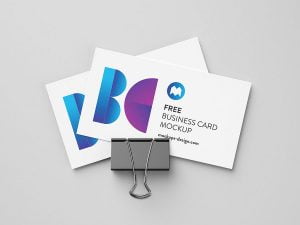
The best business card mockup to easily place your artworks on smart objects for both the front and backside of your business card design. Customize the background color effortlessly using adjustment layers, allowing you to create presentations that perfectly fit your brand style.
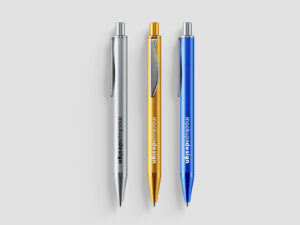
The best Pen Mockup with 4 different views, allowing you to share a fresh look for your luxurious pens. You can also edit the scenes with the separated shadows and background, and the adjustable colors of the ballpoint pens.
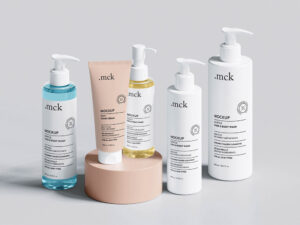
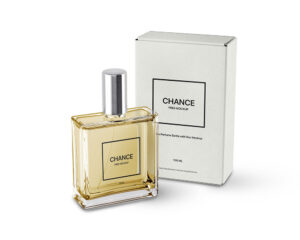
The best Cosmetic Mockup that you can easily key features of this mockup like the tube and lid colors, reflection effects to give it a photorealistic look in the scene and other effects like lights, shadows and background color. Use Smart Objects to customize your designs.
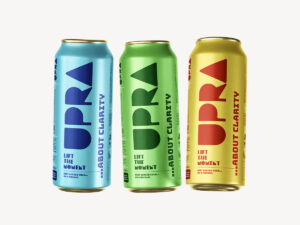
The best Can Mockup for professional packaging showcasing. You can use this PSD mockup to showcase your sardine product new design in a modern and minimal way. Made with photoshop and featuring smart object quick editing.
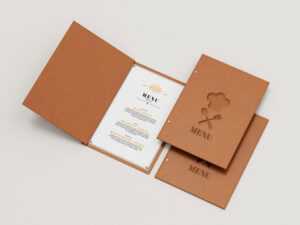
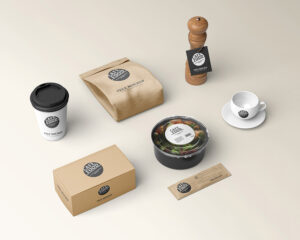
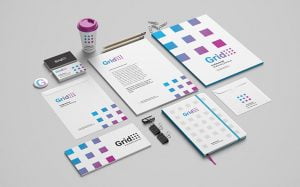
The best Stationery Mockup that can be used for logotypes and other branding designs as well as a display of menu items and special offers for fast food restaurants, casual dining restaurants, or coffee shops. You can also edit the background and the shadows, and easily add your designs via smart objects.
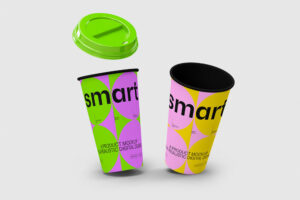
The best Can Mockup to to display your own design or branding. You can edit the full sleeve via the smart object layers in Photoshop. All the objects are layered and can be edited independently.
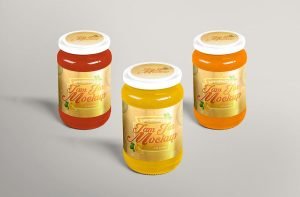
The best Bag Mockup to create a fabulous presentation of herbal packaging designs. The PSD file is completely editable that designers can make changes according to their requirement. Get the desire branding via smart-object layers.
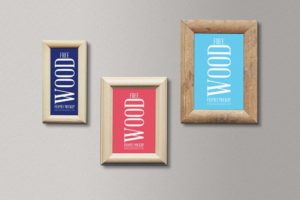
The best Frame Mockup a gold-copper color makes it more premium and precious like your good memories. Display your pictures in two different sizes by simply drag and drop your picture inside smart object layers.
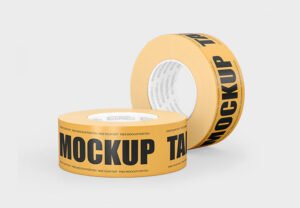
The best Tape Mockup with plenty of useful features and customization capabilities. With smart object included you can edit the layers of the graphic canvas or remove them completely and place your own graphics inside, without worrying about perspective, light and shadow effects.
The best white business card mockup designed in the standard 3 x 2.5 inch size. Easily showcase your design by placing artwork via smart layers, and customize the background colors to match your branding needs. Ideal for professional presentations and client previews.
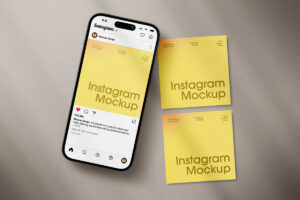
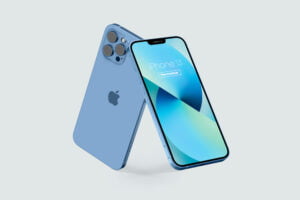
The best iPhone Mockup to present your artwork, branding designs, online posters, advertisements for items and events, websites, and most importantly, applications. Place artwork on smart object and change the background as per your choice or color theme of user interface.
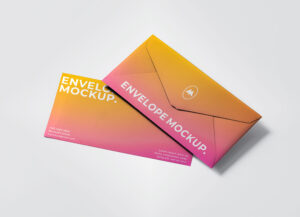
The best Stationery Mockup with business card, envelop, A4 paper, folder and a marble underneath the letterhead. Place artworks on smart objects and receive a realistic outcome of your corporate branding.
The best Box Mockup to present you craft soap packaging in the best way that could be possible. You can apply your designs on all visible sides of the craft soap packaging box and the tag by using smart object option.
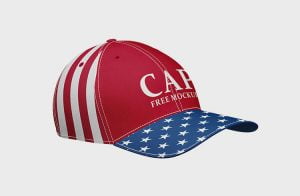
The best Cap Mockup will that you can replace artworks of all portions of the cap separately. Background of psd files can also be changed by applying fill color. Via smart objects, you can easily customize and change any mockup element.
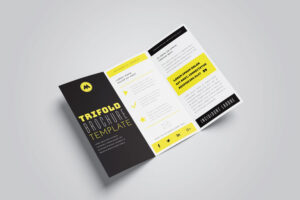
The best Brochure Mockup with 5 different angles. Place artwork on each panel one by one and save the file to receive a photorealistic outcome. You can further customize the background by placing any floor texture or apply fill color of your choice.
Showcase your monogram, logotype, logomark, or typography designs in a highly realistic way with this premium logo mockup. Simply place your artwork inside the smart object layer for effortless customization tailored to your specific needs. Easy to edit, it saves you time while delivering stunning visual results perfect for client presentations, portfolios, websites, and social […]
The best Poster Mockup with 3 posters lined up pasted on street wall in an urban style. Insert artworks on the poster mockup one by one and get a realistic pasted effect. You can customize it and use it for concerts, open mics, new openings, or artwork posters.
The best Bottle Mockup to create a realistic presentation of beverage packaging designs. The mockup can be inserted using the smart objects and used for personal and commercial purposes.
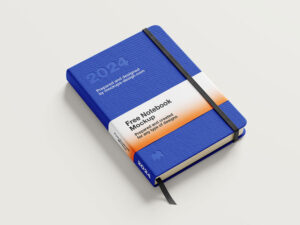
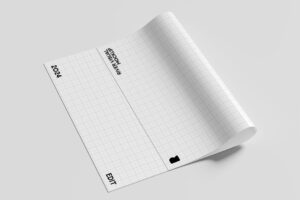
The best Paper Mockup with accessories to display any of your branding designs in subtle and a very useful way. You can change the color of the paper and add your designs via smart objects.
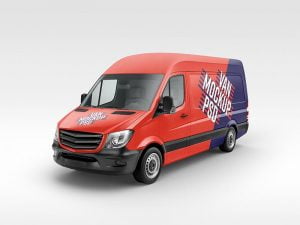
The best Van Mockup with changeable base color and easy wrapping by using single smart object. Once the artwork is placed on the smart layer, change the color of background that compliments the vehicle branding.
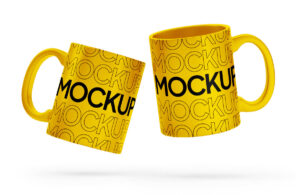
The best Mug Mockup with 3 individual views and smart objects. The corresponding shadows and highlights will make your designs, whether they’re texts, logos, illustrations, or images, appear highly realistic.
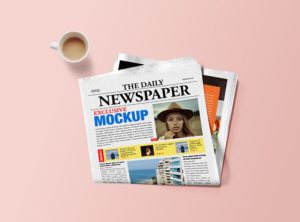
The best Magazine Mockup that help you to showcase magazine designs for presentation. This mockup is maintained with a smart-layers that enables the users to insert their creations and attain the same results as required.