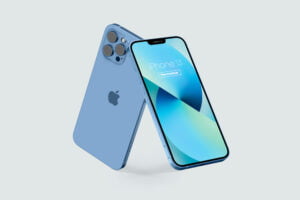
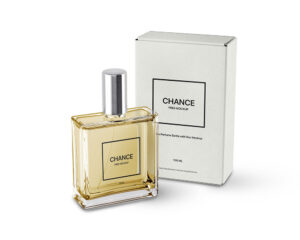
The best Perfume Mockup which showcases a floating bottle of perfume and its packaging. So all you need to do is simply add your graphics to both items, and hit the save button.
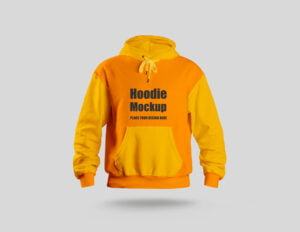
The best Hoodie Mockup to shows of a flat laid hoodie with a clothes hanger. Just upload your own artwork within your browser and let the automagic do its work.
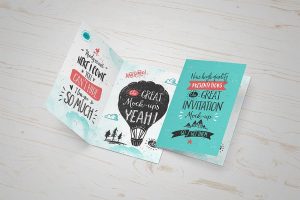
The best Invitation Mockup can be used for invitation/wedding cards, greeting cards for birthdays, holidays, etc. Fully customisable free mockup, customise colors of invites, ribbon, and background.
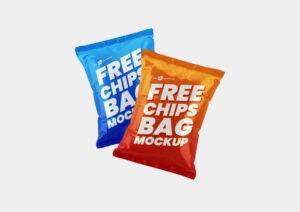
The best Chips Mockup to display chips packet design or any snack packaging design with single and three packets. Place artwork on smart object placed on the top of layer panel, change the background color and prepare the mockup swiftly.
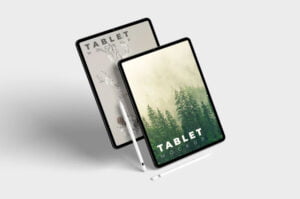
The best IPad Mockup which you can present your application design or website in a more professional way. This free mockup comes in PSD file with a smart layer. Background color can be changed also.
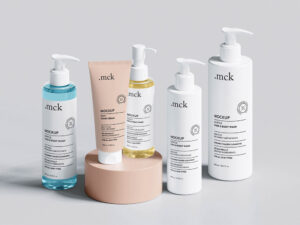
The best Bottle Mockup can be used for facial serums, eye-drops, essential oils, and other products. Quick and easy to edit thanks to the smart objects and the separated background.
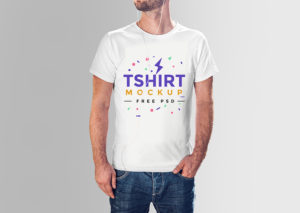
Present your T-shirt designs with exceptional clarity and flexibility using this multi-angle T-shirt Mockup. Featuring three distinct views, a front view, a tilted side view, and a backside view, this mockup allows you to display your artwork from every angle, ensuring a complete and realistic representation of your design. This versatile mockup is perfect for […]
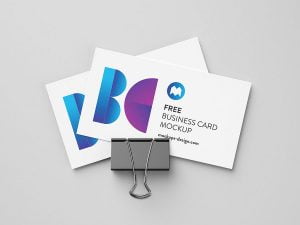
The best business card mockup to showcase your design in a clean, minimal, and professional way. This free PSD mockup is perfect for presenting any business card style, offering easy customization through smart object layers. Ideal for branding projects, client previews, and portfolio displays.
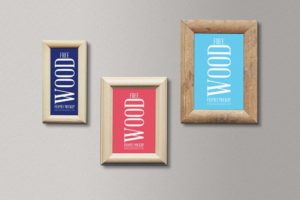
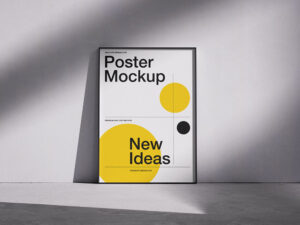
The best Frame Mockup allows designers to share two posters from a front point of view that can be used for portraits as well as images of natural landscapes, oil paintings, etc. Select the smart object layer in the psd mockup and insert your design into it.
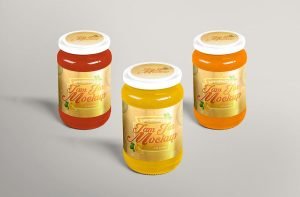
The best Jar Mockup is available in matte and glossy finishes, the cap is availabel in matte, glossy and 2 metallic finishes. This free mockup is easy to edit with smart objects.
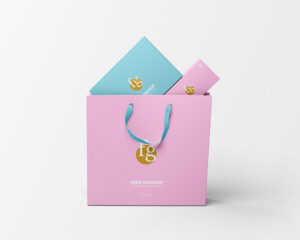
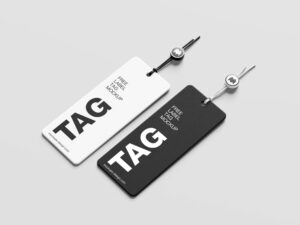
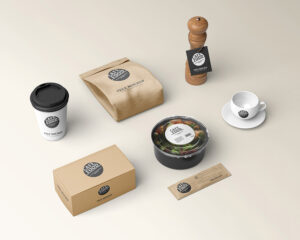
The best Stationery Mockup including tags and booklet mockup to showcase a branding product designs. Offering smart objects and layers that allow you to showcase your designs on a list of items.
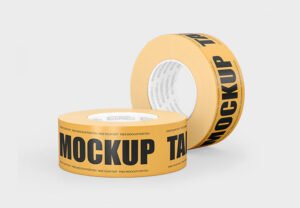
The best Tape Mockup are two most usable tape colors available in psd file with yellow and red colors. Place artworks on smart layers and change the background color as per your design.
Showcase your lettering, typography designs, logomarks, or emblems with stunning photorealistic 3D effects. Simply double-click the smart object layer to place your artwork, and instantly get a professional, eye-catching presentation that highlights every detail of your design. Perfect for designers who want to present their logos with depth, style, and realistic textures that make your […]
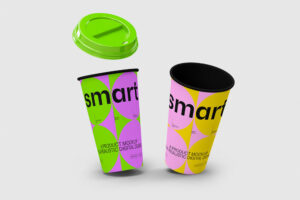
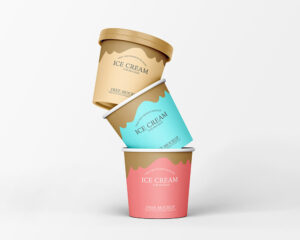
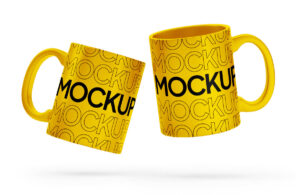
The best Cup Mockup features 2 cups set inside a paper holder. You can customize the cups, both inside and out, featuring a vivid color selection and insert your artwork using the smart layers.
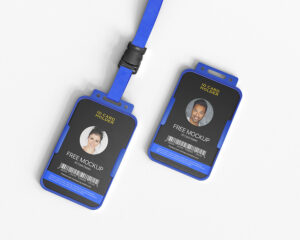
The best ID Card Mockup for conferences, concerts, meetings, or needed ids for companies and team projects. Very easy to showcase your design and you can customise every part of it.
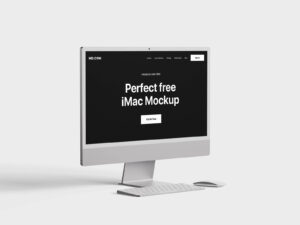
The best MacBook Mockup is its front view screen that allows your designs and texts, whether big or small, to be clear to all viewers. Easily add your screens thanks to the smart layers and save time to create amazing presentations for your clients.
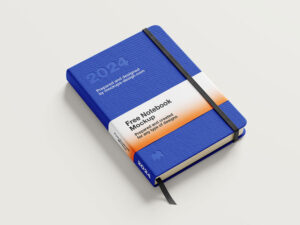
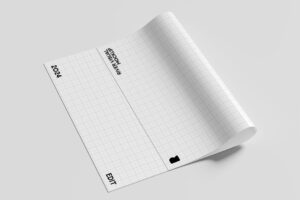
The best Book Mockup enables you to showcase to-do lists and planning sheets as well as fonts and logos. Change your artwork by using smart objects and place custom textured background as per your choice or use existing solid color.
The best Card Mockup allows you to share projects for gyms, swimming pools, universities, and even libraries membership cards. This free mockup display that can be added to the scene with the smart object layers.
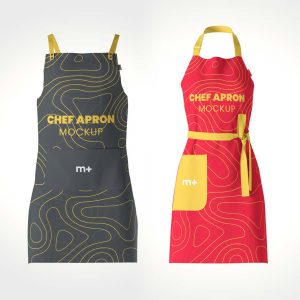
The best Apparel Mockup to showcase your designs with ease. Via smart objects, you can easily customize and change any mockup element, like colors in order to make it fit your design presentation needs.
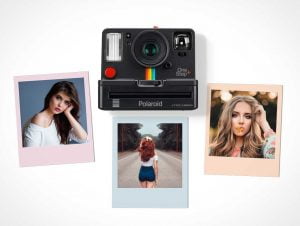
The best Polaroid Mockup to your photographs and images and use the mockup for online projects like social media posts and website designs even if they’re commercial projects. You can add any graphics thanks to the smart layer.
The best Bottle Mockup to showcase the design of mineral water bottle, drinking water bottle, distilled water, fizzy drinks etc. You can also change the cap color by using smart layer. Background color is also changeable.
The best Sweatshirt Mockup which you can change the artwork or base color of crew neck collar, long sleeves, hem, cuff and artwork of the label attached to hem. You can also change the color of background.
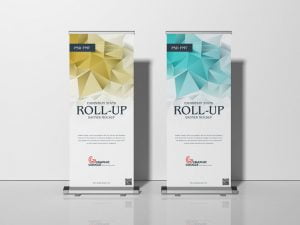
The best Stand Mockup scene contains a big backdrop in the background as well as a counter table in front. All designs are editable with smart layers using Photoshop. Go ahead, download the PSD file and enjoy great feedbacks from your audience.
The best Bag Mockup to see the front and a bit of the side of the bag, which makes it a great choice to showcase your logos, artworks, badges, or texts. You can choose plain ones or simply use a trendy texture after you insert your designs in the smart object layer.