
Tested across real use cases, for POD sellers, graphic designers, and agencies. No fluff, no affiliate padding. Just honest comparisons of what actually works in 2026.
The mockup generator space in 2026 looks very different from even two years ago. In addition to the well-established browser-based tools, a new generation of AI-first platforms has arrived, tools that generate scenes from text prompts, wrap designs around 3D objects automatically, and maintain visual consistency across an entire brand’s output. Furthermore, the pricing has shifted: genuinely useful free tiers now exist where they didn’t before.
As a result, the question is no longer “should I use an AI mockup generator?” It’s “which one fits my specific workflow?” This guide answers that question clearly, and helps you avoid paying for tools that don’t suit how you actually work.
You may also like:
- 10 Best Free Mockup Websites for Designers
- 10 Best T-Shirt Mockup Generators
- 10 Best AI Tools for Graphic Design
- How to choose the right tool
- Placeit — Best for variety
- Kittl — Best for POD sellers
- Canva — Best for beginners
- Recraft — Best for brand work
- Dynamic Mockups — Best for scale
- Fotor — Best text-to-mockup
- Freepik — Best for existing users
- Picsart — Best for t-shirts
- Mediamodifier — Best cross-device
- Mockey.ai — Best free AI tool
- Mockupgenerator.ai — Best no-friction
- Freemockup.ai — Best simple free
- Full comparison table
- Which tool should you use?
- FAQ
How to Choose the Right AI Mockup Generator
Before diving into individual tools, it’s worth narrowing down your options based on how you actually work. Most people don’t need all twelve tools below, they need one or two that fit their specific situation.
The four key questions to ask yourself
First, do you have Photoshop? If yes, you have access to the highest-quality mockup outputs (PSD-based tools with smart objects). If not, browser-based generators are your practical path, and in 2026, several of them are genuinely excellent.
Second, how many mockups do you create per month? If you’re generating 5 or fewer, a free tool handles everything. If you’re producing 50+, the time cost of free tiers starts to outweigh subscription fees, and batch-capable tools like Dynamic Mockups become worth investigating.
Third, do you need the design and the mockup from the same tool? Some sellers don’t have ready-made graphics, they need a design library alongside the mockup generator. In that case, tools like Kittl and Vexels that combine both are more efficient than switching between platforms.
Fourth, is brand consistency a priority? For freelancers presenting to one client, a quick Placeit template is fine. For agencies managing multiple brands, or for brand identity designers, tools like Recraft that learn and maintain your visual style across outputs are worth the extra cost.
You’re a POD seller: Start with Kittl (design + mockup) or Mockey.ai (free AI). You’re a graphic designer: Recraft for brand work; Mediamodifier if you need PSD export. You’re a beginner: Canva, it’s already open, it works, and it’s free. You need volume: Dynamic Mockups with Shopify integration.
| Tool | Free Plan | Price | Best For | Photoshop |
|---|---|---|---|---|
| Placeit | ✅ (watermarked) | $7.47/mo | Variety & lifestyle scenes | No |
| Kittl | ✅ (limited) | $10/mo | POD sellers + design | No |
| Canva | ✅ | Free / $15/mo | Beginners, quick turnarounds | No |
| Recraft | ✅ (30 credits/day) | $25/mo | Brand consistency & vectors | No |
| Dynamic Mockups | ✅ (limited) | Paid plans vary | POD at scale, Shopify API | No |
| Fotor | ✅ | $3.33/mo | Text-to-mockup generation | No |
| Freepik | ✅ | Free / Subscription | Existing Freepik users | Optional |
| Picsart | ✅ | Free / Subscription | T-shirt mockups specifically | No |
| Mediamodifier | ✅ (limited) | $15.80/mo | Browser + PSD export | Optional |
| Mockey.ai | ✅ | $4.10/mo | Free AI mockups, 5,000+ templates | No |
| Mockupgenerator.ai | ✅ | Free | Quick one-off mockups | No |
| Freemockup.ai | ✅ | Free | Fast free t-shirt previews | No |

If you need sheer variety, nothing else comes close. Placeit now operates a library of over 150,000 templates, apparel, devices, packaging, lifestyle scenes, and more, and is the dominant tool in its category for non-designer business operators. The AI-assisted search feature introduced in 2025 lets you describe what you need (“fall Etsy hoodie mockup”) and it surfaces matching templates immediately, which significantly reduces the time spent browsing.
What makes Placeit stand out
Beyond volume, the subscription model is genuinely competitive. No credits, no per-download fees, no feature tiers, one subscription unlocks everything, with the commercial license included on all paid plans. Everything you download can be used for store listings, client work, advertising, and social media without additional fees. That simplicity matters when you’re in the middle of a client project and don’t want to think about license compliance.
Furthermore, Placeit is fully cloud-based and works on desktop, mobile, or tablet, no Photoshop or complex software required. For teams that work across multiple devices or non-designer business owners, this accessibility is a meaningful advantage over PSD-based workflows.
Where it falls short
That said, the tool isn’t perfect. Some older templates haven’t been updated and look dated compared to what newer AI-first platforms produce. Additionally, with 150,000 options, it’s easy to spend 20 minutes scrolling instead of actually creating something useful. The free tier downloads come with watermarks, so you’ll need a paid plan for anything client-facing or commercial.
Pros
- Largest mockup template library online (150K+)
- No per-download fees, flat subscription
- Full commercial license included
- AI-powered template search added in 2025
- Video and animated mockups included
- Works on any device, no software needed
Cons
- Free tier watermarks every download
- Popular templates are widely overused
- Some templates look dated (pre-2022)
- Less creative control than PSD or 3D tools

Kittl started as a design tool but has, since then, quietly built one of the better mockup ecosystems for print-on-demand sellers. The mockup quality leans toward clean and photorealistic, the kind of image that actually converts in an Etsy listing rather than screaming “this is a template.”
The AI toolkit that sets Kittl apart
What truly differentiates Kittl is the AI layer built on top of the design-and-mockup workflow. Kittl includes an AI background remover, an AI vectorizer for converting raster images to scalable vector graphics, an AI background generator for creating custom product scenes, and an AI design generator that creates layouts from text prompts. The image generator is particularly flexible: it lets you choose from 26 different AI models, each geared toward producing different results, from photorealistic product shots using ChatGPT Image 1 and Google Imagen 4, to typography-friendly outputs using Ideogram 3, to fast concept experiments using DALL·E 3.
Design tools as a built-in advantage
Moreover, Kittl solves a problem most mockup platforms ignore: what do you put on the mockup? The design library includes thousands of ready-to-use graphics, and the built-in design editor lets you create or customize artwork before dropping it into a mockup, all without switching tabs or tools. For POD sellers who aren’t professional designers, this combination is genuinely valuable.
Pros
- Design tools + mockup generator in one dashboard
- 26 AI image models to choose from
- AI background generator creates custom scenes
- Highly rated, 4.7/5 across G2 and Trustpilot
- Strong typography tools for text-based designs
Cons
- Premium mockups locked behind paid tiers
- Free plan limited to 100 tokens/month
- More complex than simple one-click generators
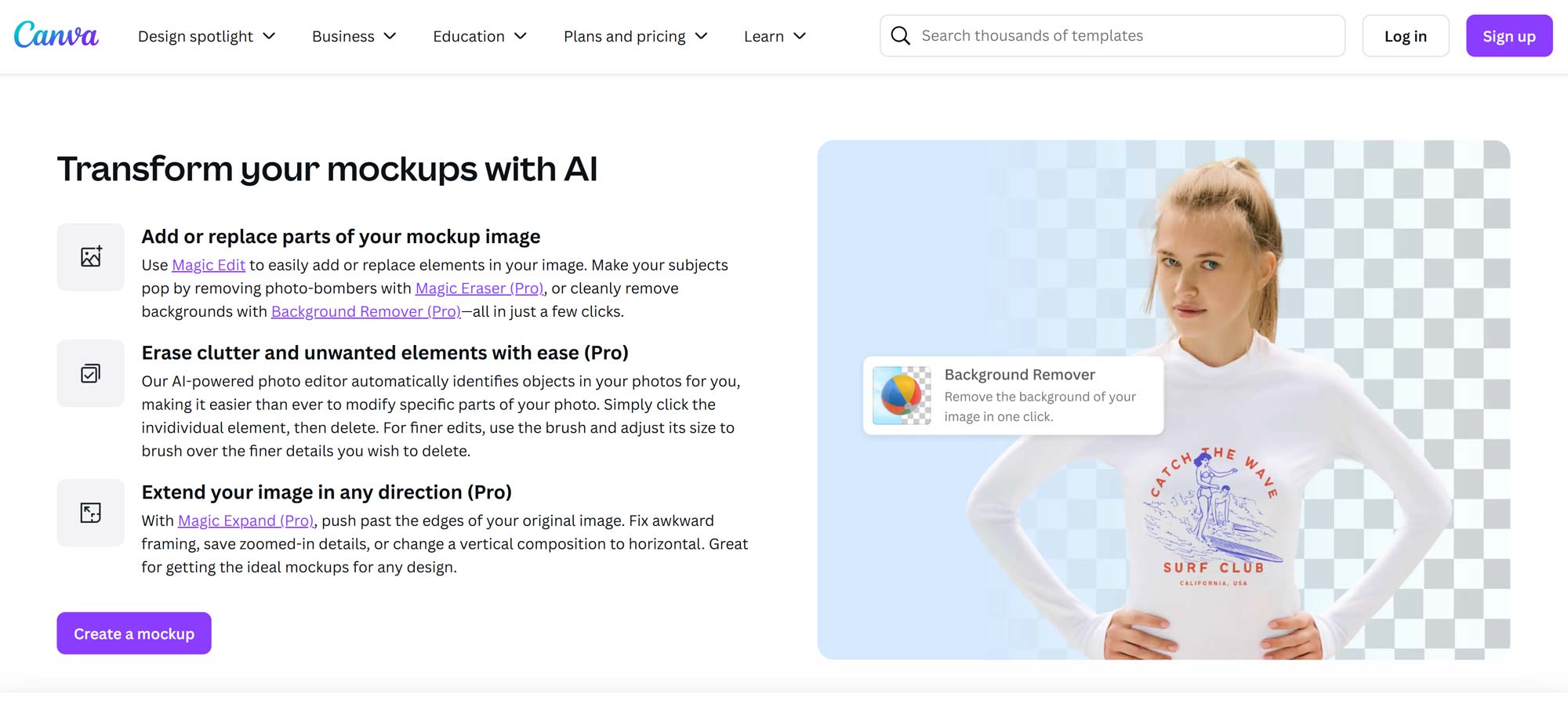
Canva is the tool most people already have open, which is both its biggest strength and its clearest limitation. The mockup generator is genuinely accessible, upload your design, pick a template, and you’re done in under two minutes. For quick client previews, social media content, or anyone who doesn’t want to learn yet another tool, it does the job reliably.
Where Canva works well
The key advantage of Canva is its ecosystem. Since most designers already use it for social graphics, presentations, and marketing materials, adding mockup creation to that workflow costs no extra time for onboarding. The free plan is genuinely generous compared to most competitors, and the template library has grown significantly since Canva acquired design assets throughout 2024–2025.
Where Canva reaches its limits
However, depth is the issue. Canva’s mockup library is large but not specialized. As a result, you’re unlikely to find the exact angle, garment type, or product configuration that a dedicated mockup tool offers. For everyday content creation it works well; for detailed product presentations or high-end client work, the results start to feel generic because so many other designers are using the same templates.
Pros
- Free plan that actually works, no watermarks on standard assets
- Zero learning curve for existing Canva users
- Works within broader design workflow (social, print, video)
- Reliable quality for everyday content creation
Cons
- Not specialized, lacks depth for serious mockup work
- Same templates used by millions of other creators
- Less control than dedicated tools or PSD files

Recraft is the tool I’d recommend to anyone doing serious brand work. What makes it fundamentally different from other generators is not the quantity of templates, it’s how it handles brand consistency and design precision at the AI level.
The brand consistency advantage
Recraft lets you upload reference images and train a custom style profile. Everything it generates afterward maintains your brand’s visual identity consistently across all outputs. For design teams maintaining brand guidelines across multiple campaigns and clients, this is genuinely valuable in a way that template-based tools simply can’t replicate. Moreover, Recraft uses advanced computer vision to detect the 3D shape of an object, detecting curves of a mug or the folds of a shirt, so designs wrap naturally around the surface rather than appearing as flat overlays.
The vector and text advantage
Two additional capabilities separate Recraft from competitors. First, it is currently the only AI mockup generator that supports native, editable SVG paths, you can resize or recolor your vector logo directly on the 3D surface, giving you the speed of AI with the precision of traditional software. Second, text rendering in generated images is noticeably more accurate than most AI tools, you can create mockups where the text is actually legible, which remains a weakness across most of the AI design space.
The trade-off: cost and learning curve
The free plan gives you 30 daily credits, but images are public and don’t include commercial licenses. Therefore, you’ll need a paid plan for any client-facing or commercial work. At $25/month, Recraft is the most expensive tool on this list, a cost that’s justified for agencies and brand designers, but harder to justify for casual POD use.
Pros
- Only AI tool with native editable SVG output
- Brand style training, onsistent visual identity
- Superior text rendering vs. all AI competitors
- 3D surface wrapping (detects folds, curves automatically)
- 30 free credits/day for testing
Cons
- Most expensive tool on this list at $25/mo
- Free plan images are public, not commercial
- Steeper learning curve than template-first tools
- Overkill for simple POD product listings

Dynamic Mockups was built specifically for print-on-demand at scale, and that focus is visible throughout the product. Where other tools require you to upload designs one at a time, Dynamic Mockups lets you batch-generate large volumes of mockups simultaneously, a critical capability if you’re managing a catalog with hundreds of products.
The scale advantage
The Shopify integration is the standout feature for e-commerce teams. Rather than generating mockups manually and uploading them to your store, Dynamic Mockups connects directly to your Shopify product catalog, meaning that when you create or update a design, the corresponding mockup images in your store are updated automatically. For stores with 100+ products across multiple color variants, this automation saves significant time every week.
Who it’s right for
However, it’s worth being clear about the trade-off. Dynamic Mockups is almost certainly overkill if you’re only making a handful of mockups at a time. The setup process, connecting APIs, configuring product mappings, requires more technical comfort than a simple browser-based generator. Consequently, it’s a tool that rewards investment: the bigger your catalog, the more value it delivers.
Pros
- Batch generation, hundreds of mockups automatically
- Shopify native integration, updates listings automatically
- Full API for building custom automation workflows
- Eliminates the most repetitive part of POD operations
Cons
- Significant overkill for small stores or infrequent use
- Requires technical comfort to set up properly
- Smaller template library than Placeit or Mockey.ai

Fotor takes a fundamentally different approach than most tools on this list. Instead of picking from template libraries, you describe what you want using a text prompt, and Fotor generates a mockup scene from scratch around your product. That flexibility is genuinely useful when you need something specific that doesn’t exist in any standard template library.
The text-to-mockup workflow
The practical value of this approach is differentiation. Because you’re generating scenes rather than selecting from shared templates, your mockups are less likely to appear in competitors’ stores, an increasingly important consideration as template libraries become overused. Additionally, the text prompt interface is faster for experienced users who know exactly what they want, since there’s no browsing or filtering involved.
Beyond mockups
Fotor also covers a broad range of adjacent tools: background removal, avatar creation, AI face generation, and general graphic design features similar to Canva. Whether this is an advantage or a distraction depends on how you work. For users who want a single tool for multiple tasks, it adds value. For those who prefer specialized tools, the breadth can make the interface feel unfocused.
Pros
- Text-to-mockup, no template browsing required
- Generated scenes are unique, not overused templates
- Most affordable paid option at $3.33/month
- Background removal and editing tools included
Cons
- AI outputs are inconsistent compared to curated templates
- Requires more prompting skill to get good results
- Platform breadth can make it feel unfocused

Most designers already use Freepik for stock assets, vectors, and photos. As a result, the mockup generator feels like a logical extension of an existing workflow rather than a new tool to learn. You find a template you like within the same interface you already know, upload your design, and download the result, without needing a separate account or subscription.
What works well
The template quality, when you find a good one, is competitive with dedicated mockup platforms. The branding and packaging mockup categories are particularly strong. Moreover, if you’re already paying for a Freepik subscription for other assets, access to the mockup generator adds meaningful value at no extra cost.
What to watch out for
However, quality is inconsistent across the contributor-based library, there are excellent files mixed in with noticeably generic ones. Additionally, free-tier users need to provide attribution for commercial use, which can be impractical for store listings and advertising. For non-Freepik users, there are more specialized tools that offer better value as a primary mockup destination.
Pros
- No new tool to learn, same platform you already use
- Solid branding and packaging mockup categories
- Affordable premium upgrade at $5.75/month
- Non-mockup assets (vectors, photos) also available
Cons
- Quality inconsistent, contributor-driven library
- Free tier requires attribution on commercial use
- Better lifestyle/apparel options exist elsewhere
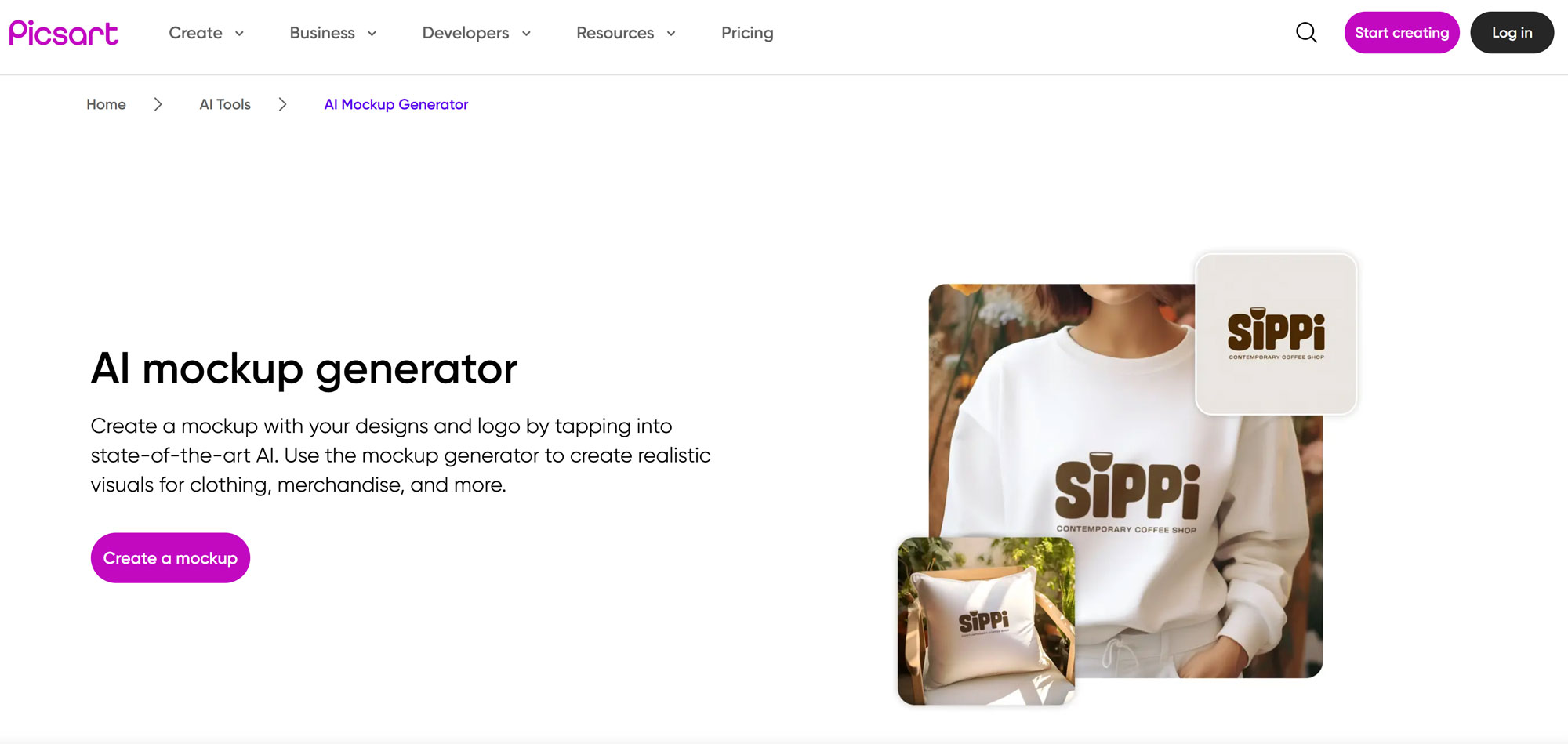
Picsart’s AI Mockup Generator has a specific and clearly defined scope: t-shirts. Within that focus, it does the job well. Upload your design, and you’ll get a high-resolution mockup on a realistic shirt model within seconds, no Photoshop, no account required for basic use.
What Picsart does well
The strength here is speed and simplicity. The templates cover a useful range of shirt styles, cuts, and colors, and the instant preview before downloading means you’re not committing to a download you haven’t seen. For t-shirt sellers who need fast, clean product images without complexity, it removes every unnecessary step between having a design and having a usable mockup.
The clear limitation
However, the narrowness of the focus is also the limitation. If you need anything beyond apparel, product packaging, devices, branding assets, lifestyle scenes, you’ll hit Picsart’s boundaries quickly. As a result, it functions best as a complementary tool rather than a primary mockup platform for anyone selling across multiple product categories.
Pros
- Fast, seconds from upload to download
- Free tier is genuinely usable
- Simple interface with no learning curve
- Multiple shirt styles and colors supported
Cons
- Very limited product categories beyond t-shirts
- Not suitable for multi-product businesses
- Less lifestyle variety than Placeit or Kittl

Mediamodifier’s main advantage is how well it works across every device, desktop, tablet, and mobile, without any installation or configuration. The browser interface is genuinely clean and responsive, and the template library covers product mockups, branding materials, and social media assets in a format that functions identically regardless of what you’re working on.
The unique PSD export feature
However, what truly sets Mediamodifier apart from other browser-based tools is a feature most competitors don’t offer: the ability to download PSD project files for select templates. In other words, you can generate a mockup in the browser, then export the layered Photoshop file to continue editing offline with full creative control. For designers who want the convenience of browser-based generation but the precision of desktop editing, this bridging capability is genuinely useful and unusual in this category.
Pros
- PSD export, unique among browser-based tools
- Works cleanly on any device or screen size
- Covers branding, product, and social media mockups
- Bridges browser convenience with desktop editing control
Cons
- Template library updated less frequently than competitors
- Higher price than some better-known alternatives
- Less well-known, smaller user community
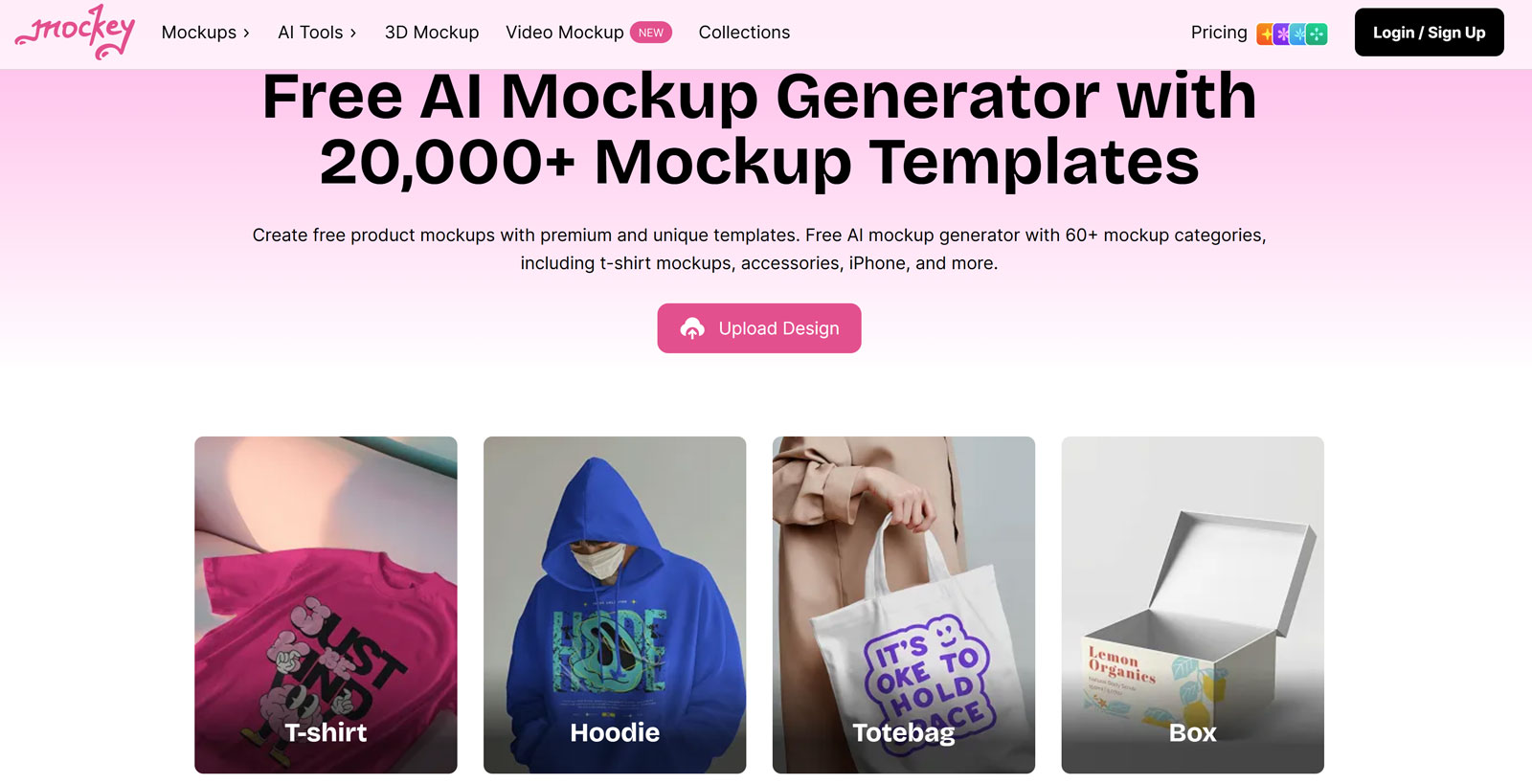
Mockey.ai sits at the intersection of affordability and genuine AI capability. The free tier is one of the most generous in this category, no signup required for basic use, and the AI-driven background generation adds scene variety that template-only tools can’t match at the same price point.
The free tier advantage
With over 5,000 templates covering apparel, tech, packaging, stationery, and more, Mockey.ai’s library is comparable in breadth to Placeit at a fraction of the cost. Furthermore, the AI background matching automatically selects or generates a scene that complements your product type, so rather than choosing a background manually from a dropdown, the tool makes a contextually appropriate choice and you adjust if needed.
The cost-to-value calculation
At $4.10/month for the Starter plan, Mockey.ai is the most affordable paid AI mockup tool available. As a result, it’s an easy upgrade from the free tier once you need commercial-use downloads without the daily limit. For casual users and early-stage POD sellers, the free tier handles most needs without any payment.
Pros
- No signup needed, instant free access
- 5,000+ templates, comparable to Placeit
- AI background generation adds unique scene variety
- Most affordable paid tier at $4.10/month
- 3D and animated mockup exports included
Cons
- Free tier limited to 3 commercial downloads/day
- AI outputs occasionally inconsistent
- Less well-known, fewer community resources

Mockupgenerator.ai does one thing and keeps it simple: upload a design, pick a product type, and get a mockup. There are no accounts to create, no subscriptions to manage, no settings to configure. The AI handles placement and integration automatically, and the whole process takes under two minutes from start to finish.
It’s not, however, the most feature-rich option on this list. Customization is limited compared to dedicated tools, and the template library is smaller than Placeit or Mockey.ai. Nevertheless, for the occasional mockup when you don’t want to log into a full platform, or when you need to show a client something quickly, it does exactly what’s needed without friction.
Pros
- Completely free, no account, no limits advertised
- Zero friction, fastest setup of any tool on this list
- Commercial use included on free tier
- Good for quick concept mockups and client previews
Cons
- Limited customization versus dedicated tools
- Smaller template library
- Not suitable as a primary tool for serious production

Freemockup.ai is a deliberately lightweight tool. It focuses on t-shirt mockup generation, costs nothing, requires no account, and produces usable results in under a minute. There are no advanced features, no AI background generation, and no extended template library, just a clean interface for quickly visualizing a design on a shirt.
As a result, it’s not a tool you’d use for final store listings or client presentations. Rather, it’s useful for early-stage design evaluation, quickly checking whether a graphic looks right on a shirt before investing time in a higher-quality mockup. For that specific purpose, it works reliably and without friction.
Pros
- Completely free, no exceptions
- Fastest t-shirt preview tool on this list
- No account, no signup, no loading
Cons
- Very limited scope, t-shirts only
- Not high enough quality for store listings or ads
- No advanced features whatsoever
Which Tool Should You Use?
The honest answer is that the right choice depends entirely on what you’re actually making and how often. That said, most situations map clearly to one or two tools.
For POD sellers
If you’re running a Shopify or Etsy store, start with Mockey.ai on the free tier to test your designs quickly, then move to Kittl when you need both design creation and mockup generation in the same workflow. If your catalog has grown to 50+ products, consider Dynamic Mockups to automate the ongoing maintenance of product images.
For graphic designers and agencies
Brand identity work belongs in Recraft, the style consistency, native vector output, and accurate text rendering are genuinely unique capabilities that no other tool on this list matches. For presentation mockups and general client work, Placeit or Mediamodifier cover the range effectively. Moreover, if you’re already in Freepik for other assets, the mockup generator is a free add-on worth using.
For beginners and occasional users
Start with Canva if you’re already using it, or Mockupgenerator.ai if you want zero setup. Freemockup.ai works well specifically for t-shirt concept checks. However, as your needs grow, transitioning to a more capable free tier like Mockey.ai makes sense before committing to any paid subscription.
The combination approach
In practice, most designers end up using two tools in combination. A common and effective pairing is Mockey.ai for fast volume and AI variety alongside Recraft or Kittl for work that requires more precision or brand consistency. The free plans generally don’t penalize stacking, so there’s no cost disadvantage to using more than one.
Frequently Asked Questions
The Right Tool for Every Situation
No single AI mockup generator wins across every use case. However, the decision is clearer than it first appears, each tool has a specific strength that makes it the obvious choice for the right situation.
- 🏆Best overall variety: Placeit — 150,000+ templates, one subscription, full commercial license.
- 🎨Best for POD sellers: Kittl — design library + mockup generation + 26 AI models in one platform.
- 🆓Best free AI tool: Mockey.ai — 5,000+ templates, AI backgrounds, no signup, commercial use.
- 💎Best for brand designers: Recraft — only AI tool with native SVG, brand style training, accurate text.
- ⚙️Best for scale: Dynamic Mockups — Shopify integration, batch automation, API access.
- 💡Best text-to-mockup: Fotor — generate scenes from descriptions, not templates.
- 🔗Best for beginners: Canva — already open, already familiar, free tier works.
- 💻Best cross-device + PSD export: Mediamodifier — browser generation with offline editing capability.
- ⚡Best zero-friction free tool: Mockupgenerator.ai — no account, open and go.
Finally, if you’re looking for free PSD mockups you can edit directly in Photoshop, with full commercial licensing and no subscription required, the MockupTree free library has over 6,000 files covering apparel, devices, packaging, iPhone mockups, and outdoor signage. It’s a useful complement to any of the AI generators above when you need maximum editing control over the final output.
