
Free PSD libraries, browser-based generators, AI tools, and POD-integrated mockups, all tested, rated, and honestly reviewed so you can stop wasting time on the wrong platform.
A clothing mockup is the difference between a product that sells itself and one that needs a discount to move. Buyers can’t touch the fabric, check the fit, or see the print quality in person. Your mockup image carries the full weight of that missing physical experience.
Getting that image right matters more in 2026 than ever before. The print-on-demand market has matured, buyers are more discerning, competition is higher, and the days when any mockup would do are over. What works now is realism, consistency, and matching the visual language of your brand to the right mockup style.
We’ve done the work of testing every platform below, downloading files, using the generators, checking licenses, and assessing real workflow impact. Here’s what we found.
You may also like:
- How to choose the right tool for you
- MockupTree — Best free PSD library
- Placeit — Best browser-based generator
- Printful — Best free POD generator
- Printify — Best free multi-supplier
- Gelato — Best for global POD sellers
- Vexels — Best all-in-one design + mockup
- Artboard Studio — Best 3D & AI mockups
- Mockey.ai — Best AI-powered generator
- Envato Elements — Best unlimited subscription
- Creative Market — Best premium boutique mockups
- GraphicRiver — Best single-purchase value
- Freepik — Best budget PSD platform
- Creatsy — Best hyper-realistic niche mockups
- Pixel Sauce — Best Photoshop bundle
- Etsy — Best for unique styled mockups
- Fourthwall — Best for creator merch stores
- Dynamic Mockups — Best Shopify integration
- Full comparison table
- FAQ
How to Choose the Right Clothing Mockup Tool
Before scrolling through 18 options, spend 30 seconds answering two questions. The answers narrow the list to 2–3 platforms that are actually right for you.
Are you creating mockups one-at-a-time or in volume? If you’re building a full catalog, say 20+ products in multiple colors, you need a batch-capable tool or a large PSD library. If you need one or two images for a client presentation, a browser-based generator is faster.
Do you have Photoshop? PSD-based mockups give the highest quality and flexibility, but require Photoshop. If you don’t use PS, browser generators (Placeit, Mockey.ai, Artboard Studio) or POD-integrated tools (Printful, Printify) are the practical choice.
| Your situation | Best fit | Why |
|---|---|---|
| Free PSD, no subscription | MockupTree | 5,000+ free commercial-use PSDs |
| No Photoshop, need it now | Placeit or Mockey.ai | Browser-based, zero setup |
| POD seller on Printful/Printify | Printful or Printify | Free, integrated, syncs to store |
| Need design + mockup together | Vexels | 40,000+ designs + built-in generator |
| Building a premium brand | Creatsy or Creative Market | Highest realism, boutique quality |
| Large catalog, consistent output | Envato Elements + Bulk Mockup | Unlimited downloads + Photoshop batch |
| Creator selling merch | Fourthwall | All-in-one: design, mockup, storefront |
| Shopify + automation | Dynamic Mockups | API + Shopify integration |
These platforms offer meaningful free tiers, from full PSD libraries to unlimited POD mockup generation, with no credit card required to get started.
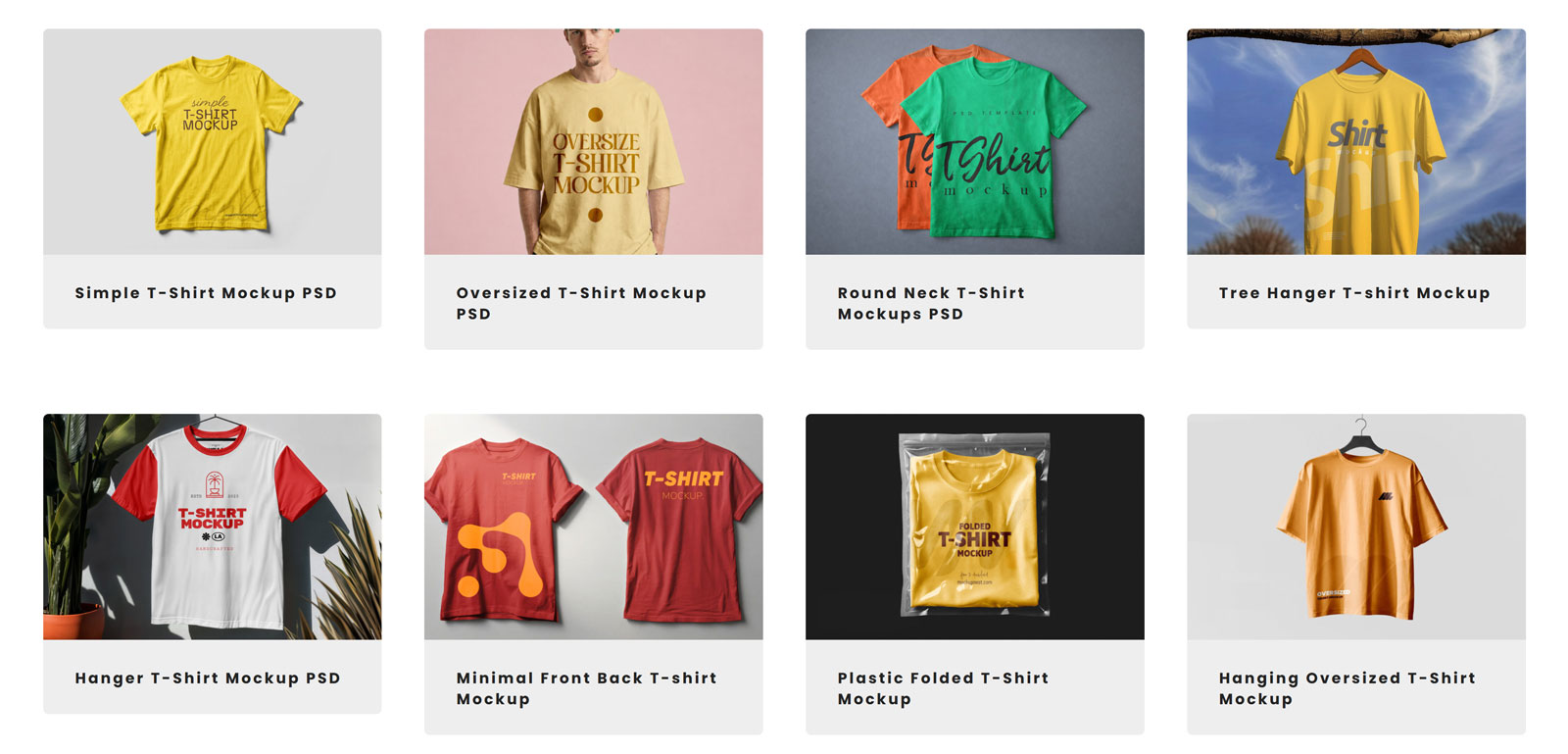
MockupTree is the largest free PSD mockup library available to designers, with over 5,000 clothing and apparel mockups spanning t-shirts, hoodies, hats, jackets, dresses, tank tops, and more, all free for commercial use with no account registration required.
What separates MockupTree from other free libraries is the breadth of categories. Need an oversized streetwear tee, a Bella Canvas 3001 flat lay, a ghost mannequin for a zip-up hoodie, or a lifestyle model shot for a women’s crop top? They’re all here, organized into granular subcategories that make finding exactly what you need genuinely fast.
Every file is a layered PSD with smart objects, drop your design in, adjust the garment color if needed, and export at print resolution. No watermarks, no attribution requirements, and no paywalls for the core library.
Pros
- Largest free clothing mockup library online
- No account, no signup, no paywall
- Commercial license included as standard
- Excellent category navigation (granular subcategories)
- Updated regularly with new files
- Print-resolution output (300 DPI)
Cons
- Requires Photoshop to edit PSD files
- No browser-based editing option
- Quality varies across different contributor files
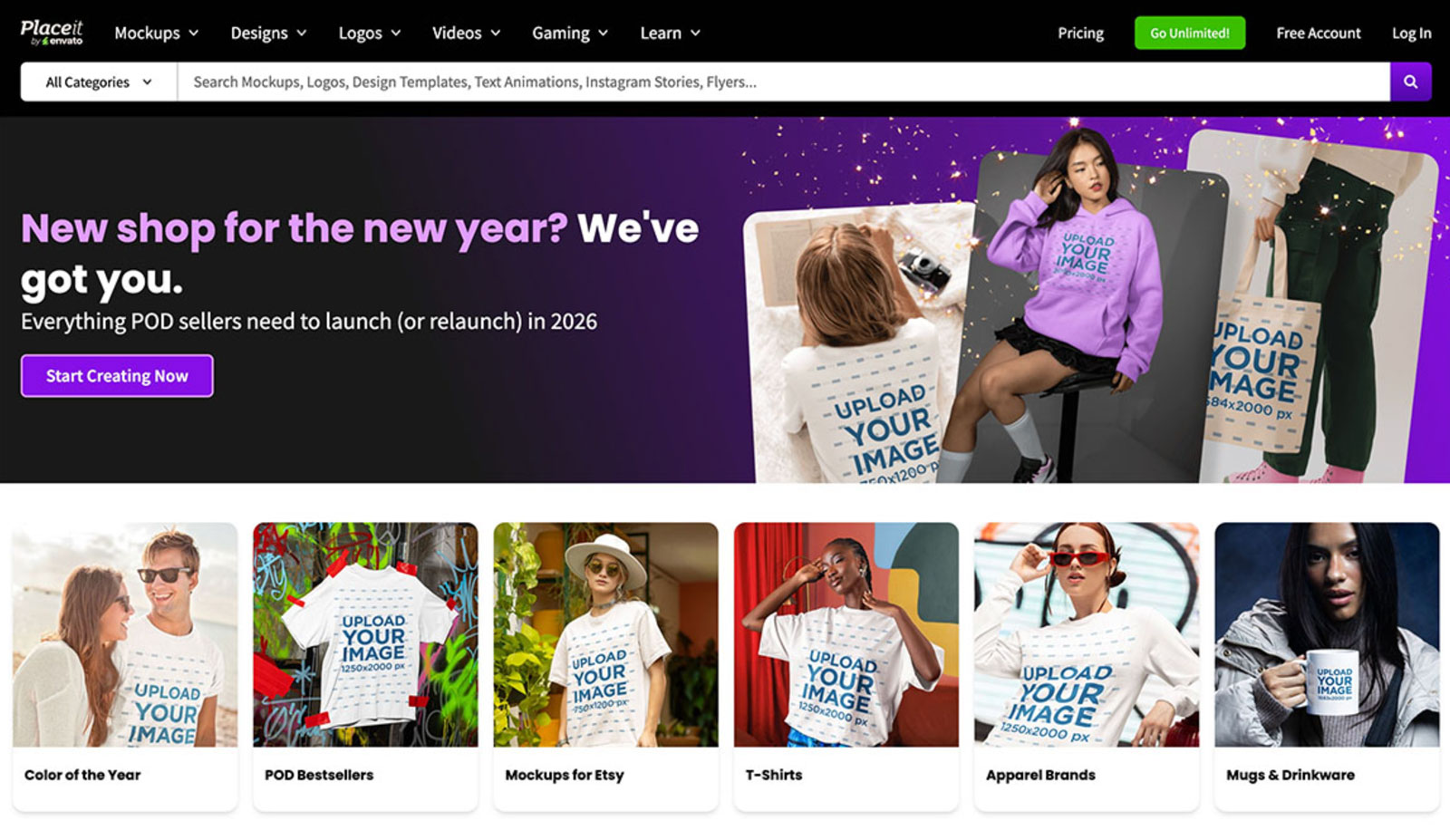
Placeit has earned its place as the most widely used browser-based mockup tool in the world, and for good reason. Upload your design PNG, pick from over 8,000 apparel templates, and download a high-resolution product image without opening a single piece of software. No Photoshop, no layers, no setup.
The template library covers the full clothing range: t-shirts, hoodies, tank tops, long sleeves, hats, beanies, leggings, and more, all with real models in real environments. You can change shirt colors with a single click, preview in multiple angles, and even generate video mockups for social media ads. For speed and accessibility, nothing else comes close.
The trade-off is control. You can’t adjust lighting, reposition shadows, or add custom scene elements. What you see is what you get, and what you get is good, but not unique. Popular templates are used by hundreds of other stores.
Pros
- No software required, works in any browser
- Fastest workflow for single mockup creation
- Shirt color-change in one click
- Video and animated mockups included
- 8,000+ clothing templates, largest browser library
Cons
- Popular templates are widely shared, less unique
- Limited scene customisation vs. PSD files
- Resolution lower than high-res PSDs
- Monthly subscription required for commercial downloads
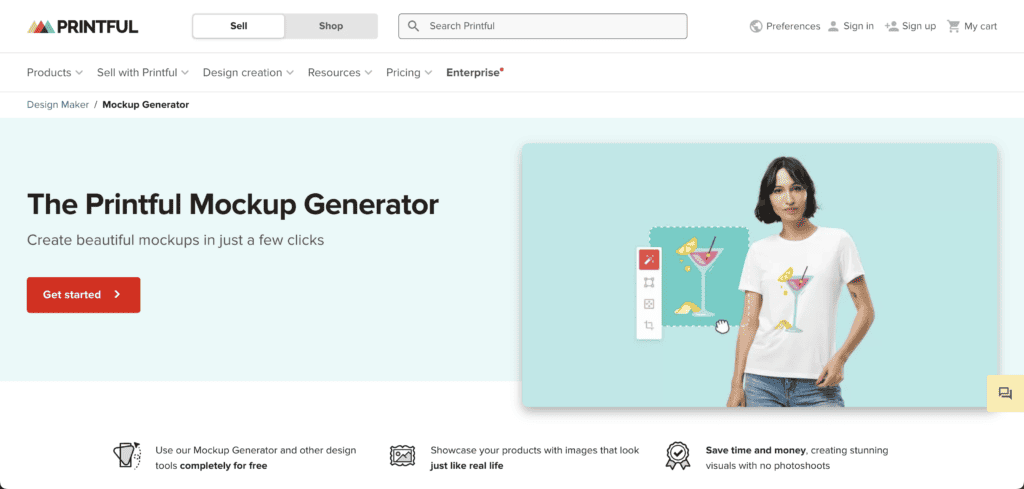
If you’re using Printful to fulfill your orders, their built-in mockup generator deserves to be your first stop, and it’s completely free. Upload your design, select the garment and color, and Printful generates both a flat-lay and a model shot automatically. The images integrate directly into your product listings, and since Printful already has your design file for fulfillment, the workflow is truly seamless.
The quality is solid, Printful’s mockups are professionally lit and realistic, and they cover a wide range of apparel categories from classic tees and hoodies to all-over-print pieces, athletic wear, and accessories. The mockups are specifically built to match the actual print products, which means what buyers see is genuinely close to what they receive.
Pros
- Completely free — unlimited mockups
- Directly integrated with fulfillment workflow
- Model + flat lay generated automatically
- Mockups match actual printed product accurately
- Beginner-friendly — no design skills needed
Cons
- Limited to Printful’s product catalog
- No standalone mockup library
- Less creative control than PSD tools
- Lifestyle backgrounds are limited
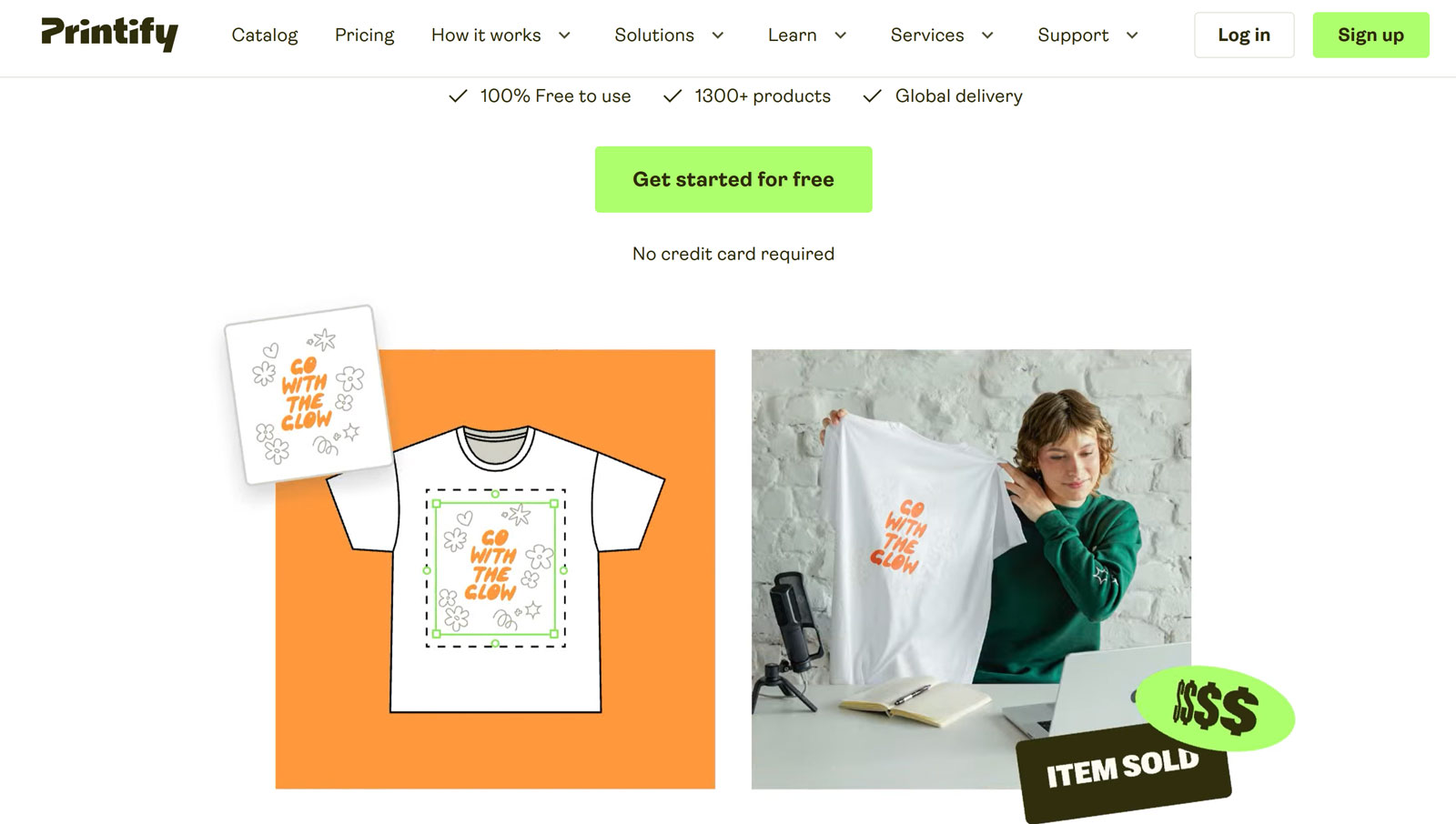
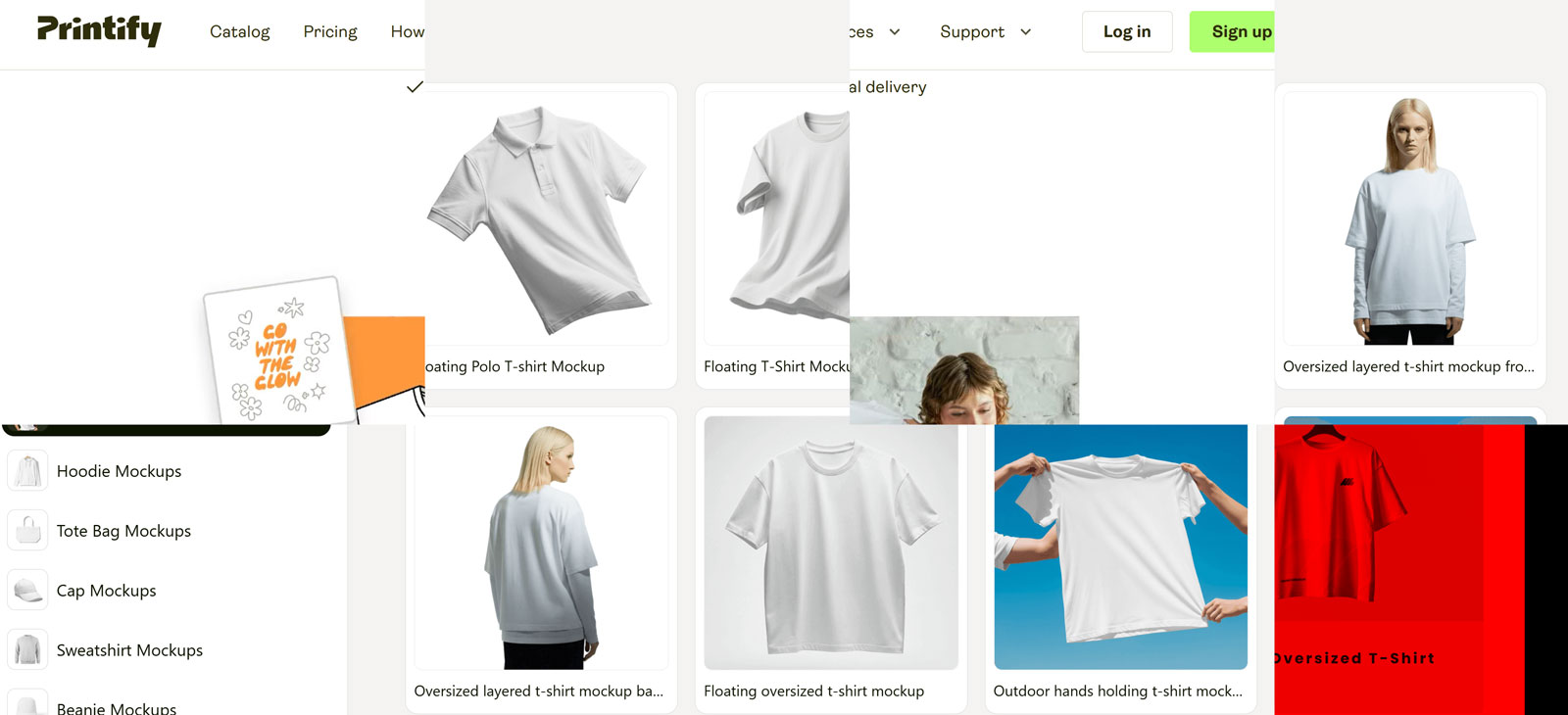
Printify’s mockup generator differs from Printful’s in one important way: since Printify aggregates multiple print providers, you can generate mockups for the same garment from different suppliers, Gildan vs. Bella+Canvas vs. independent print shops, and compare how your design looks across them before committing to a supplier.
The one-click variant feature is genuinely useful for apparel sellers: generate all color variants of the same design simultaneously, then download the full set ready for your Shopify or Etsy gallery. For sellers with large catalogs, this significantly reduces time spent on product setup.
Pros
- Free unlimited mockup generation
- Compare mockups across multiple suppliers
- One-click all-color-variant generation
- Wide product range (140+ providers)
- Beginner-friendly interface
Cons
- Printify account required
- Limited lifestyle and scene variety
- Mockup style varies by supplier
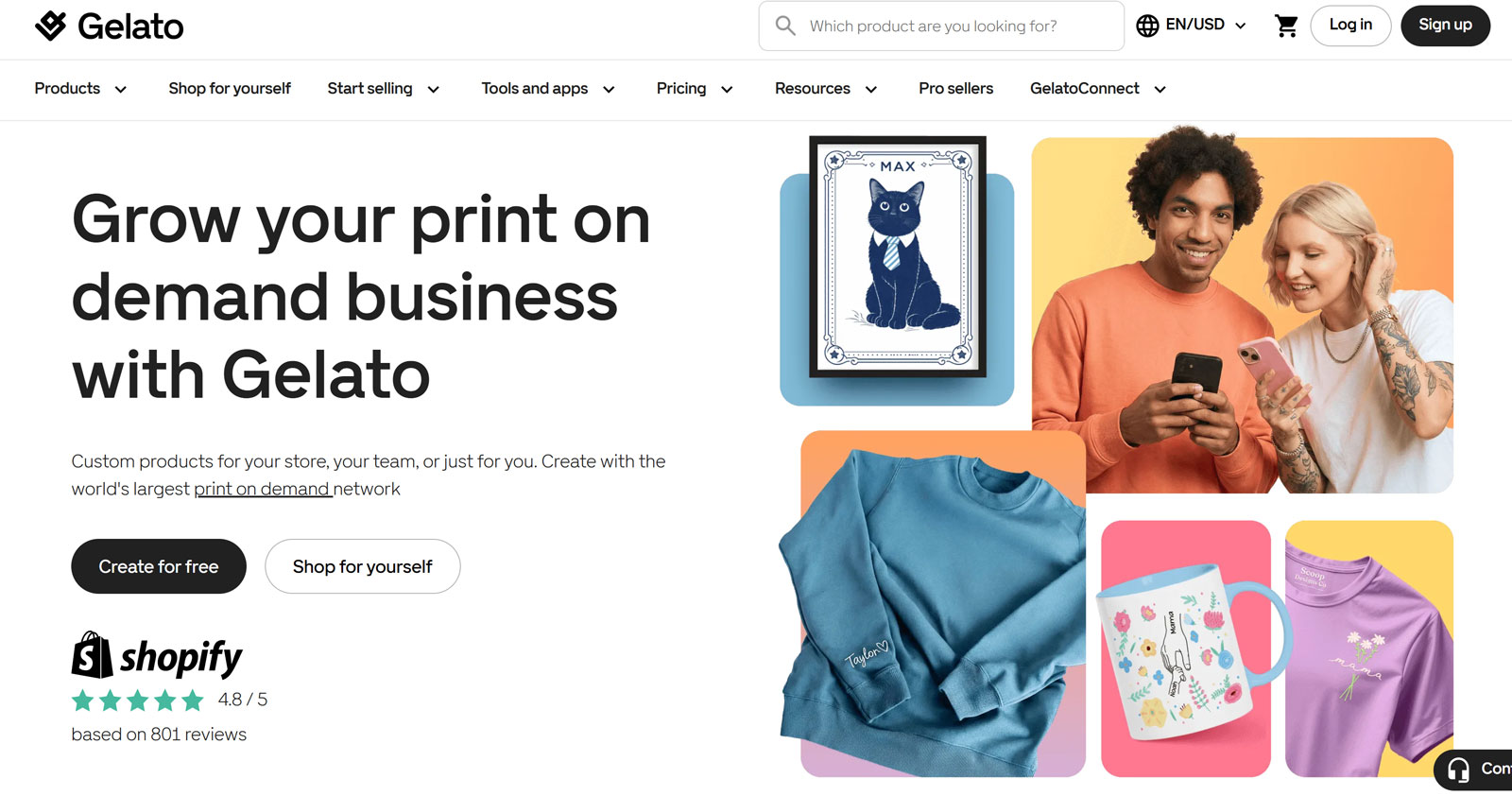
Gelato’s strength is its global production network, 140+ print partners in 32 countries, which enables faster shipping and lower costs for international customers. Their free mockup generator mirrors this global reach: mockups are crisp, consistent, and professionally finished in a way that suits sellers targeting customers across the US, UK, Europe, and Australia simultaneously.
Where Gelato’s mockups particularly shine is consistency. Every product image has the same lighting approach, the same background treatment, and the same general aesthetic, making it easy to build a visually coherent store without extra design work.
Pros
- Completely free, unlimited mockups
- Excellent consistency across product range
- Global-oriented — suits international sellers
- Beginner-friendly with professional results
Cons
- Limited to Gelato’s product catalog
- Fewer model variety options than Placeit
- No advanced editing controls
These tools offer ongoing access to large libraries, generators, or both for a monthly or annual fee, best for sellers who need consistent, high-volume mockup creation.
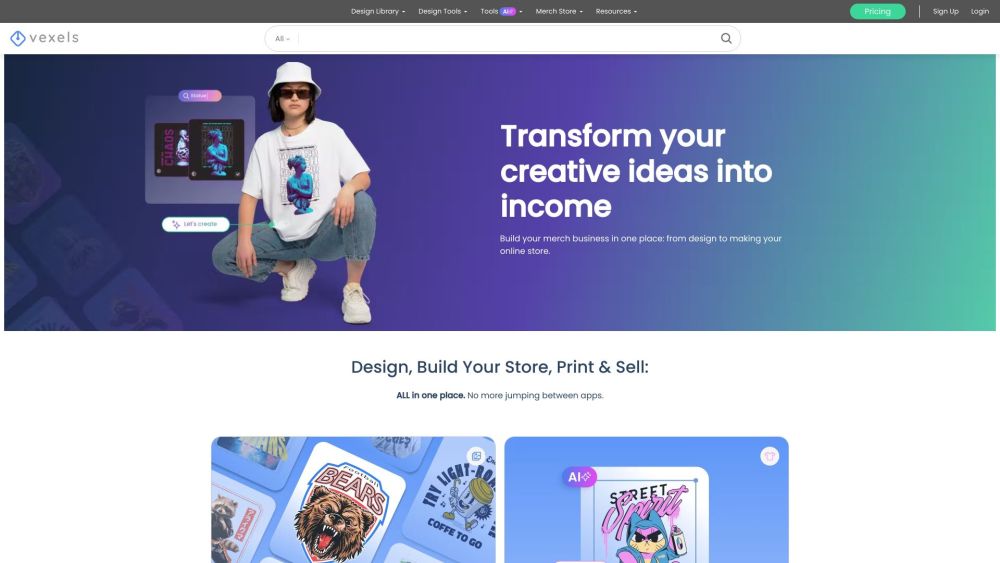
Vexels solves a problem most mockup platforms ignore: where do you get the design to put on the mockup? Most tools assume you already have finished artwork. Vexels doesn’t, it gives you 40,000+ ready-to-use graphic designs and a built-in mockup generator, all within the same subscription and the same dashboard.
The workflow this enables is powerful for POD sellers: browse the design library, find a Halloween graphic or sports illustration or typography design, drop it into the mockup generator, choose your garment and color, and download a ready-to-upload product image, all without leaving Vexels. For sellers who aren’t designers but need a consistent pipeline of new products, this is the most efficient subscription available.
Pros
- Design library + mockups in one subscription
- 40,000+ ready-to-sell graphics included
- Merch-ready commercial license on all assets
- AI quote generator, logo maker included
- Listing preview feature for Etsy/Amazon
Cons
- Smaller mockup variety than dedicated mockup platforms
- Learning curve for new users
- Most valuable at higher subscription tiers
Artboard Studio is what you use when you need maximum creative control without installing Photoshop. The browser-based canvas gives you layer control, lighting adjustments, custom text, multiple design elements, and the ability to export not just static images but animated GIFs and video clips of your apparel mockup, useful for social media ads and product launches.
The 3D apparel mockup capability is a genuine differentiator. You can visualize a t-shirt rotating, a hoodie in multiple views simultaneously, or a product in a fully custom scene, all within the browser. For brands that want marketing imagery rather than just product shots, Artboard Studio does things no other tool on this list can.
Pros
- 3D apparel mockups — unique in this list
- Animated and video export for ads
- Full creative control without Photoshop
- Figma and Sketch integration
- Community templates available
Cons
- Steeper learning curve than Placeit
- Free tier limited to 3 projects only
- Complex layers can slow browser on lower-spec devices
- Trustpilot score (3.8) reflects some support issues
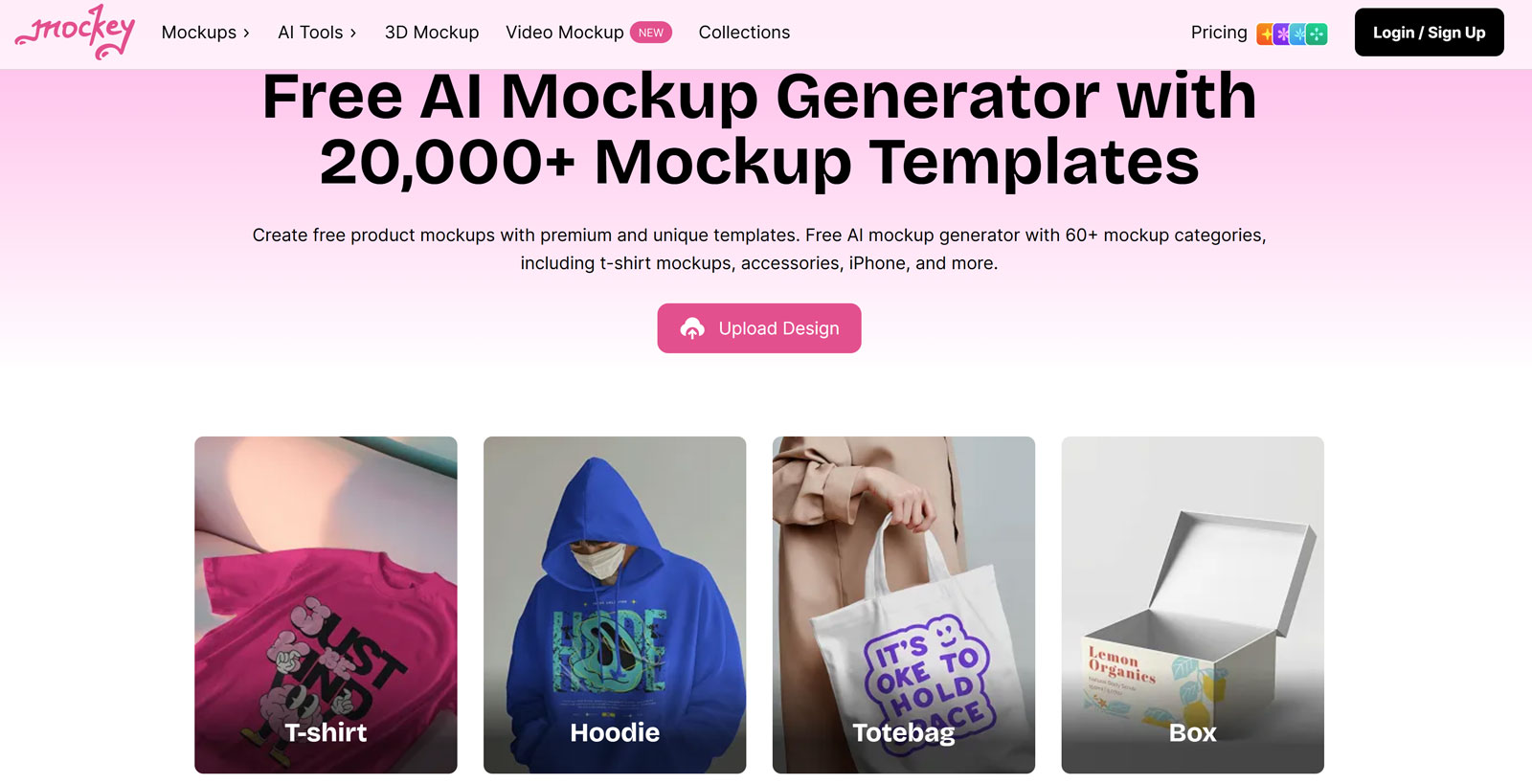
Mockey.ai sits at the intersection of affordability and AI capability. At $4.10/month for the Starter plan, it’s the most cost-effective paid mockup tool on this list, and the AI-driven background generation is genuinely impressive. Upload your design, pick an apparel type, and Mockey.ai places it on a model in a contextually appropriate environment that it generates automatically.
The template library of 5,000+ apparel mockups covers the full clothing range, and the free tier (limited to three mockups per day) is enough to test whether the quality meets your standard before committing. For sellers who want variety in their product images without the time investment of PSD editing, Mockey.ai delivers more creative range than Placeit at a lower price.
Pros
- Lowest price of any paid tool on this list
- AI background generation adds scene variety
- 5,000+ templates — more than Placeit
- Free tier available for testing
- 3D and animated mockups included
Cons
- AI outputs can be inconsistent
- Not industry-standard quality yet
- Smaller library for specific niche garments
- Free tier limited to 3 per day
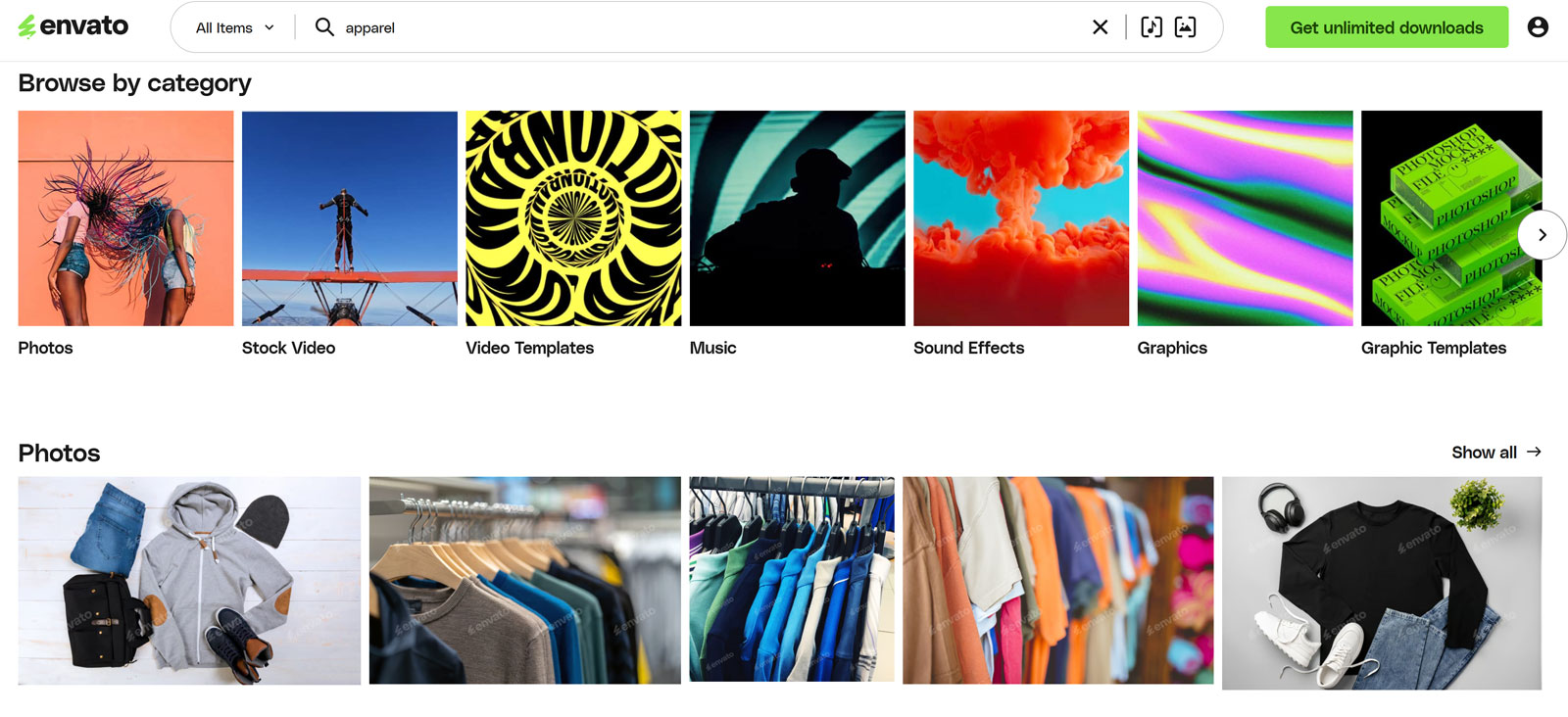
Envato Elements is the subscription platform for designers who want unlimited access to premium assets without the overhead of per-file purchasing. A single subscription unlocks unlimited downloads across mockups, fonts, graphics, templates, illustrations, and video footage — with 1,200+ clothing mockup PSD sets in the library as of 2026.
The quality standard is consistently higher than free platforms. Envato’s curation process filters out low-quality contributions, meaning you can generally trust the files you download. For studios or frequent designers who regularly need new mockup styles, the unlimited nature of the subscription makes the per-asset cost effectively zero.
Pros
- Unlimited downloads — no per-file cost
- Consistently high quality curation
- Covers all creative assets, not just mockups
- Simple commercial license on all files
- Constantly updated library
Cons
- Subscription required — no one-time option
- Most mockups require Photoshop
- Some templates feel dated
These marketplaces let you purchase exactly what you need without an ongoing subscription, ideal for one-off projects or when you need a very specific mockup style.
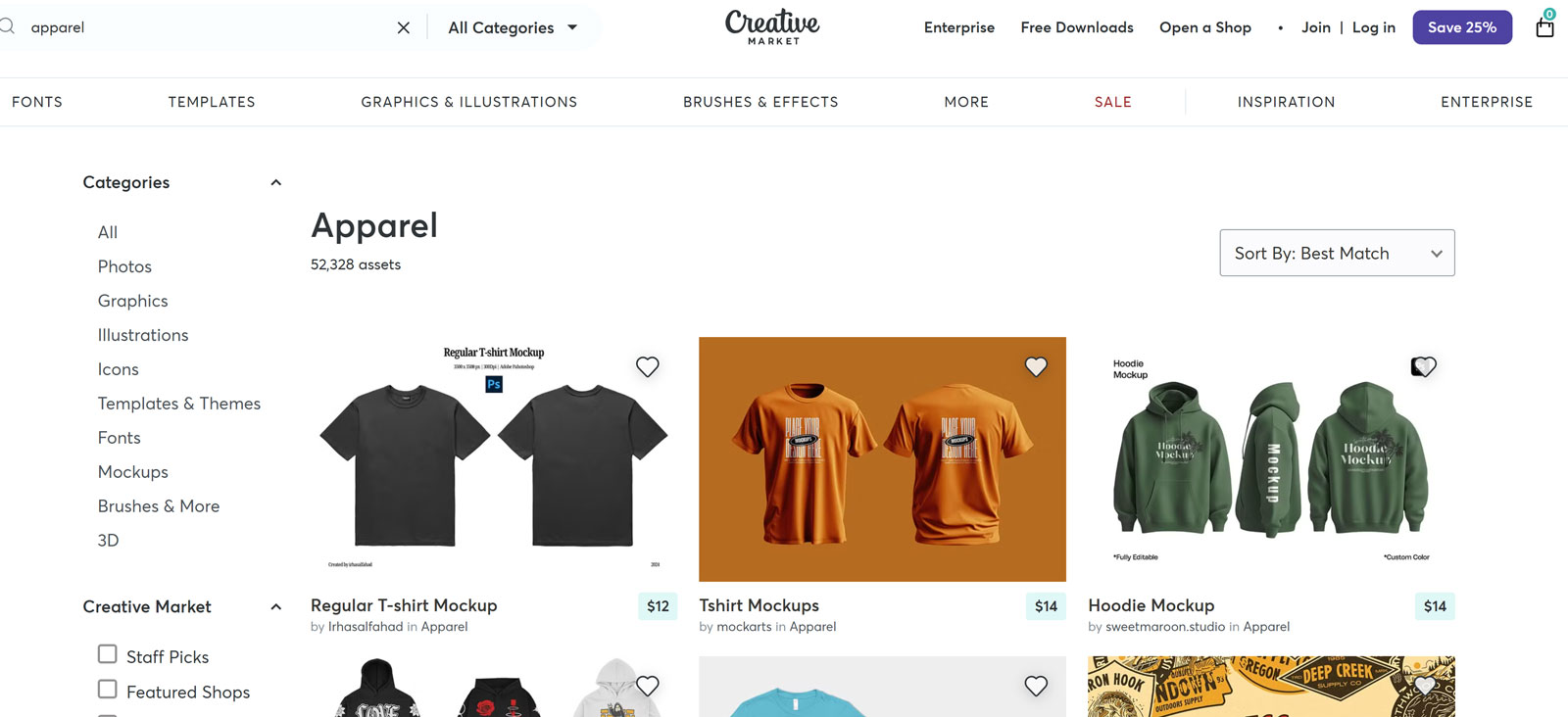
Creative Market functions as a boutique shop for mockup files, where independent designers and studios sell premium PSD sets often not available anywhere else. The quality ceiling here is higher than any other platform on this list. You’ll find mockup sets built by full-time photographers and Photoshop artists, with attention to detail (fabric texture, lighting realism, shadow depth) that goes well beyond what generalist platforms offer.
The tradeoff is cost, quality mockup sets on Creative Market typically range from $10–$40 per pack. But if you’re presenting to high-end clients or building a premium apparel brand, the investment in a superior mockup often pays back in client confidence and conversion rate.
Pros
- Highest quality ceiling of any platform
- Unique aesthetics not available elsewhere
- One-time purchase — own it forever
- Supports independent designers
- 12,700+ clothing mockup assets
Cons
- Costs add up for large collections
- Quality varies significantly between creators
- No on-site editing — Photoshop required
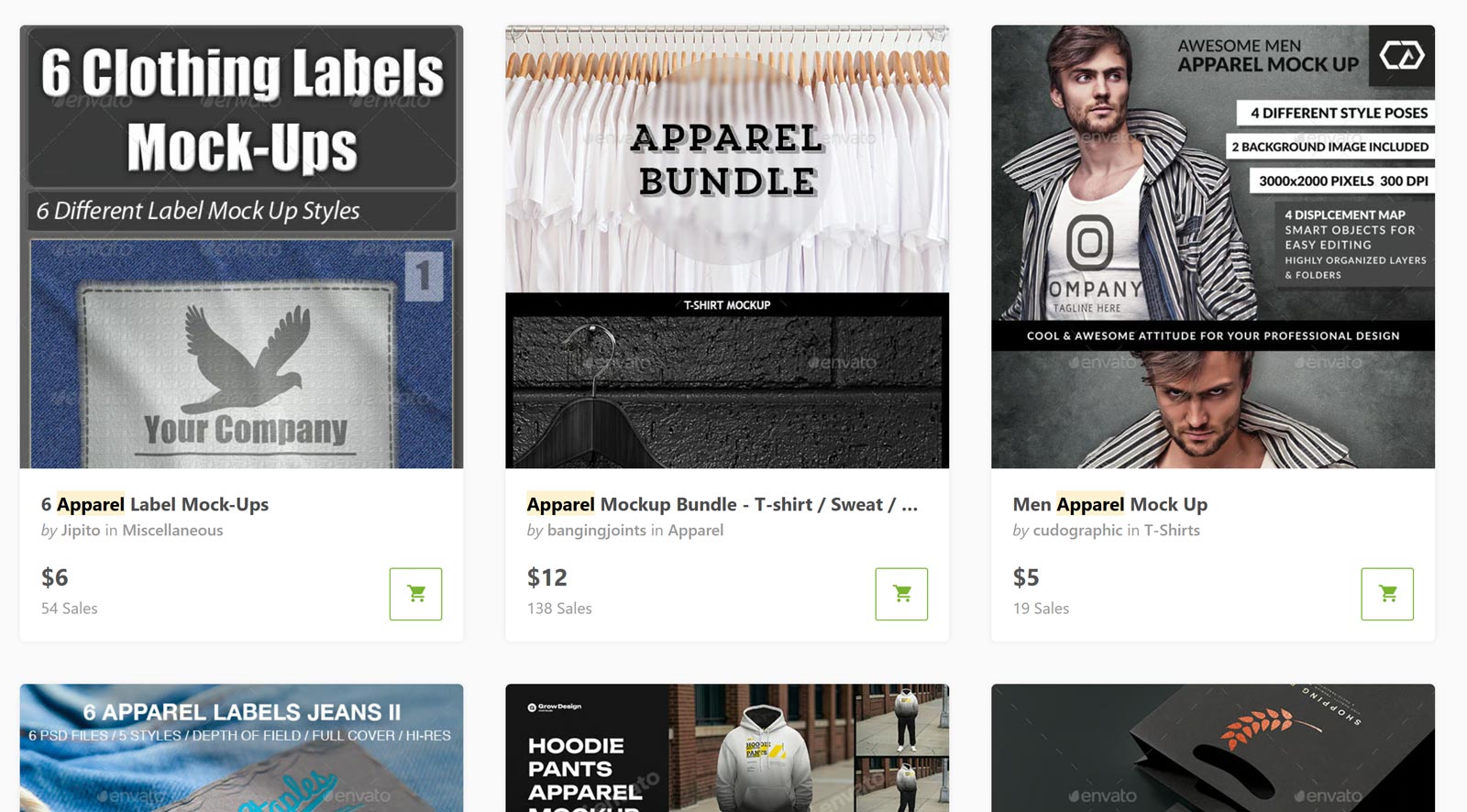
GraphicRiver is the à la carte counterpart to Envato Elements, part of the same Envato ecosystem, but built for pay-per-item purchasing rather than unlimited subscriptions. If you need one specific mockup style and don’t want to commit to a subscription, GraphicRiver’s vast catalog (with clothing mockups starting at $2) offers good-quality PSD files at prices that are hard to argue with.
The collection is extensive, hundreds of clothing mockup entries covering every garment type, style, and presentation format, and the item previews are detailed enough to make informed purchases before downloading.
Pros
- Very low entry price ($2+)
- No subscription required
- Detailed previews before purchase
- Part of trusted Envato ecosystem
Cons
- Costs accumulate for large collections
- Envato account required
- No unlimited option
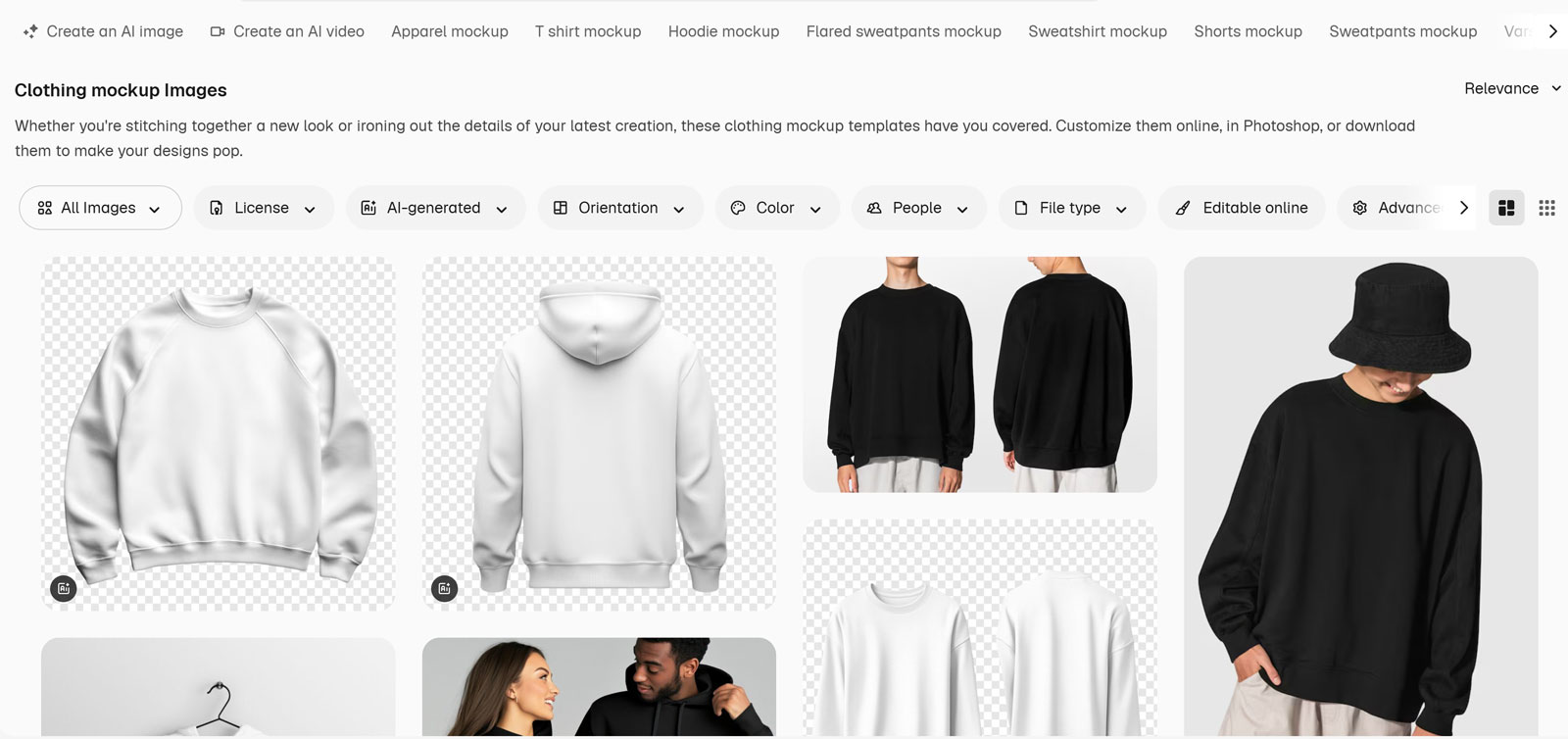
Freepik occupies a pragmatic middle ground: a large free tier that covers many common mockup needs, with a budget-friendly premium upgrade that removes attribution requirements and unlocks additional files. With 1,000+ clothing mockup PSDs available, it’s a solid resource for designers who don’t want to pay for Envato Elements but need more variety than MockupTree.
The quality is inconsistent, the contributor model means files range from professional-grade to noticeably amateur, but the search and filter tools have improved significantly in 2025–2026, making it easier to find higher-quality submissions. Free tier users must provide attribution; premium removes this requirement.
Pros
- Large free tier — 1,000+ clothing mockups
- Very affordable premium upgrade
- Broad category coverage
- Non-mockup assets also available (vectors, photos)
Cons
- Free tier requires attribution on commercial use
- Quality is inconsistent across files
- Trustpilot score (3.5) reflects mixed user experience
- Ads-heavy free experience
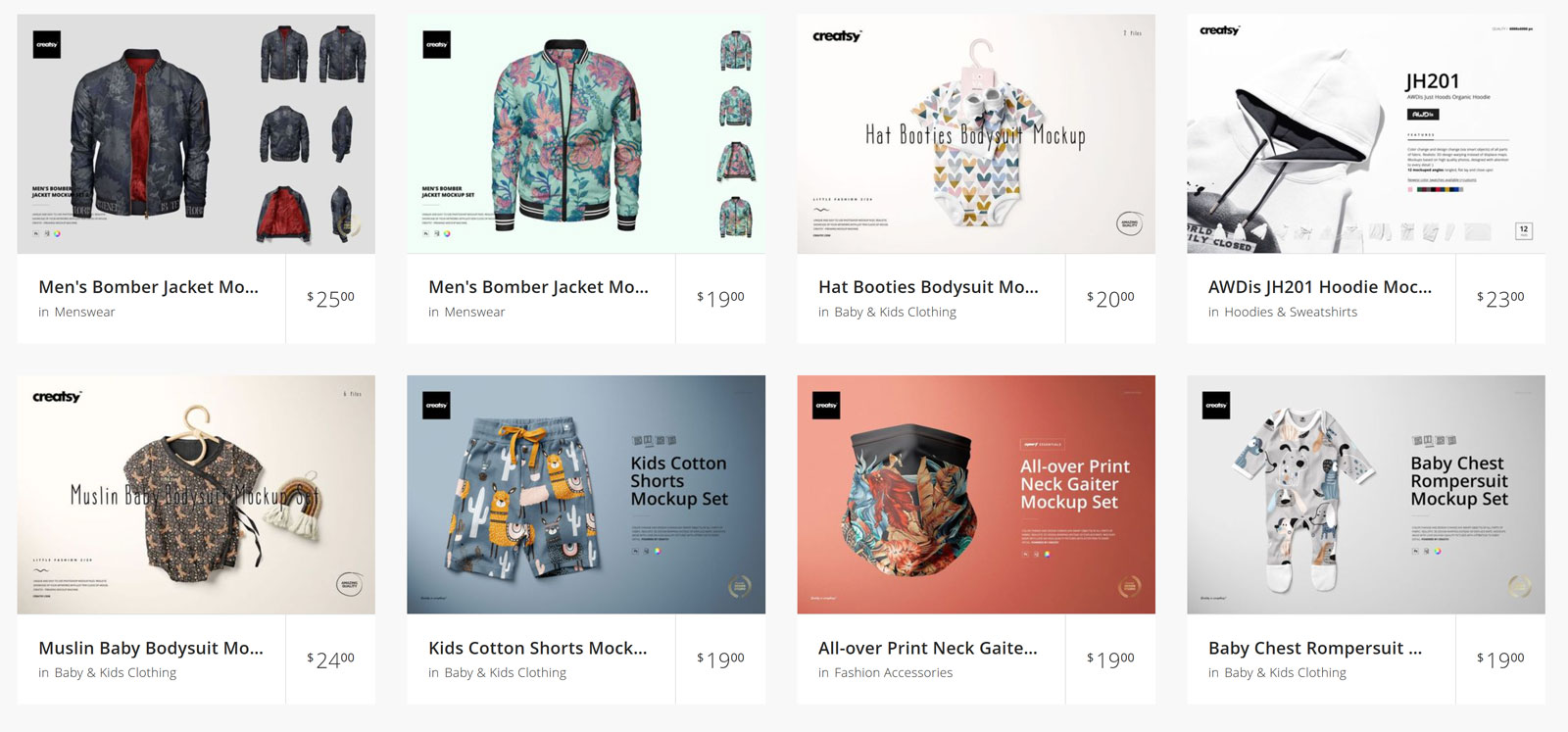
Creatsy occupies the highest quality tier of any mockup provider on this list. These are mockups built by a specialized studio, not assembled from stock photography, with resolutions often reaching 6000px and fabric detail that includes realistic drape, sheen, texture, and stitching. If you’re selling to a client who can spot a bad mockup, Creatsy is what you use.
The specialty is niche and unusual garment types: scarves, knitwear, activewear with complex paneling, specialty fabrics. If the standard t-shirt/hoodie template won’t cut it, Creatsy likely has exactly the specialist file you need.
Pros
- Highest realism available — specialist studio quality
- Ultra-high resolution (6000px)
- Covers niche garments other platforms don’t
- Excellent for fashion client presentations
Cons
- Premium pricing
- Photoshop required for all files
- Overkill for most everyday POD needs
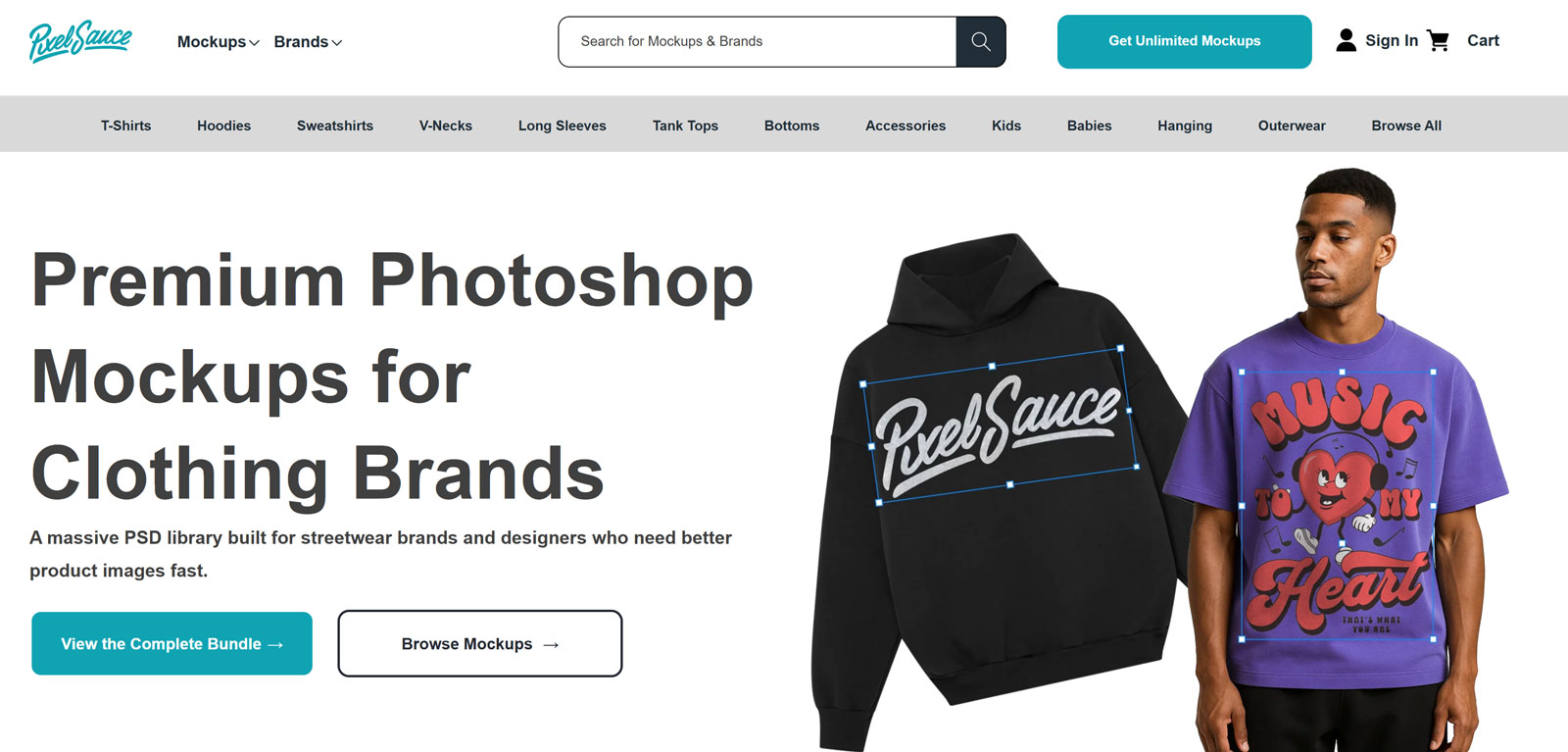
Pixel Sauce’s value proposition is simple: pay once, own everything. Their Whole Site Bundle gives you 3,500+ apparel mockup PSDs covering every garment type, t-shirts (including Bella+Canvas and Gildan brand-specific cuts), hoodies, tank tops, hats, kids’ apparel, and more. One purchase, one download, no ongoing cost, no subscriptions.
The brand-specific garment accuracy is a standout feature. Pixel Sauce includes mockups specifically calibrated to popular print-on-demand garment brands, meaning your Bella+Canvas 3001 mockup matches the actual garment’s proportions, collar shape, and drape, reducing the risk of customer disappointment on receipt.
Pros
- 3,500+ mockups in one purchase — no recurring cost
- Brand-specific garment accuracy
- Color libraries included for fast variant creation
- High resolution throughout
Cons
- Photoshop required — not negotiable
- Higher upfront cost
- No future updates included
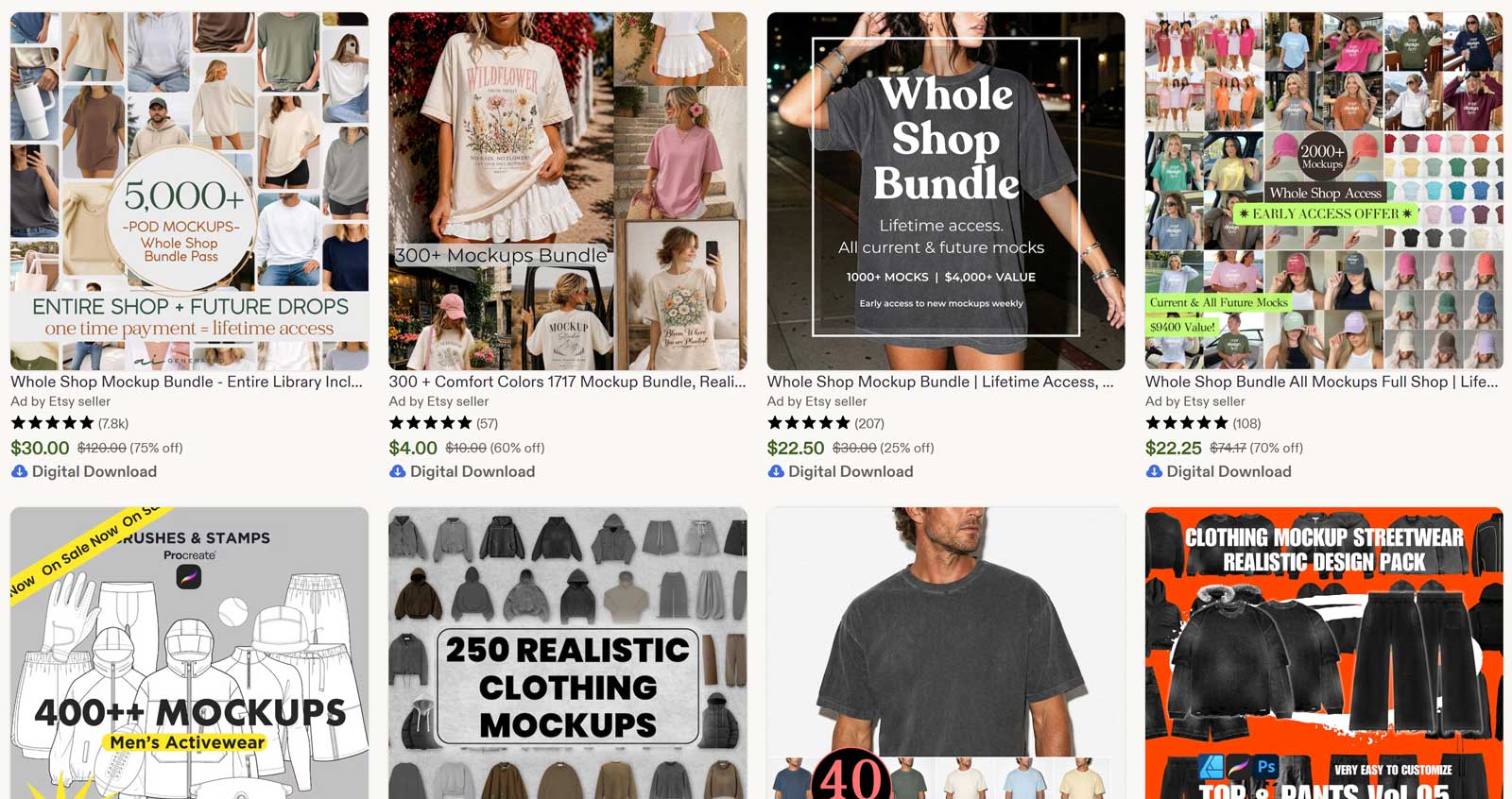
Etsy isn’t a mockup generator or a PSD library, it’s a marketplace where independent photographers and designers sell styled mockup photos that can’t be found on any other platform. The lifestyle shots here are genuinely unique: a shirt on a model in a specific boho interior, a hoodie on a person at a coffee shop window, a t-shirt in a particular aesthetic that perfectly matches a niche brand identity.
The key advantage is differentiation. When every competitor is using Placeit templates or the same free PSD flat-lays, a mockup sourced from an independent Etsy creator stands out, because it’s not on the platforms that generate overuse.
Important note: Etsy’s platform-level Trustpilot score (1.4/5) reflects buyer experience with Etsy as an e-commerce platform, not mockup quality specifically. Individual mockup sellers on Etsy typically have strong individual ratings. Always check the specific seller’s reviews before purchasing.
Pros
- Truly unique mockups not available on mass platforms
- No subscription — pay only for what you need
- Instant download on purchase
- Supports independent creators
Cons
- Quality varies significantly between sellers
- License terms differ per listing — must be checked
- No centralised quality standard
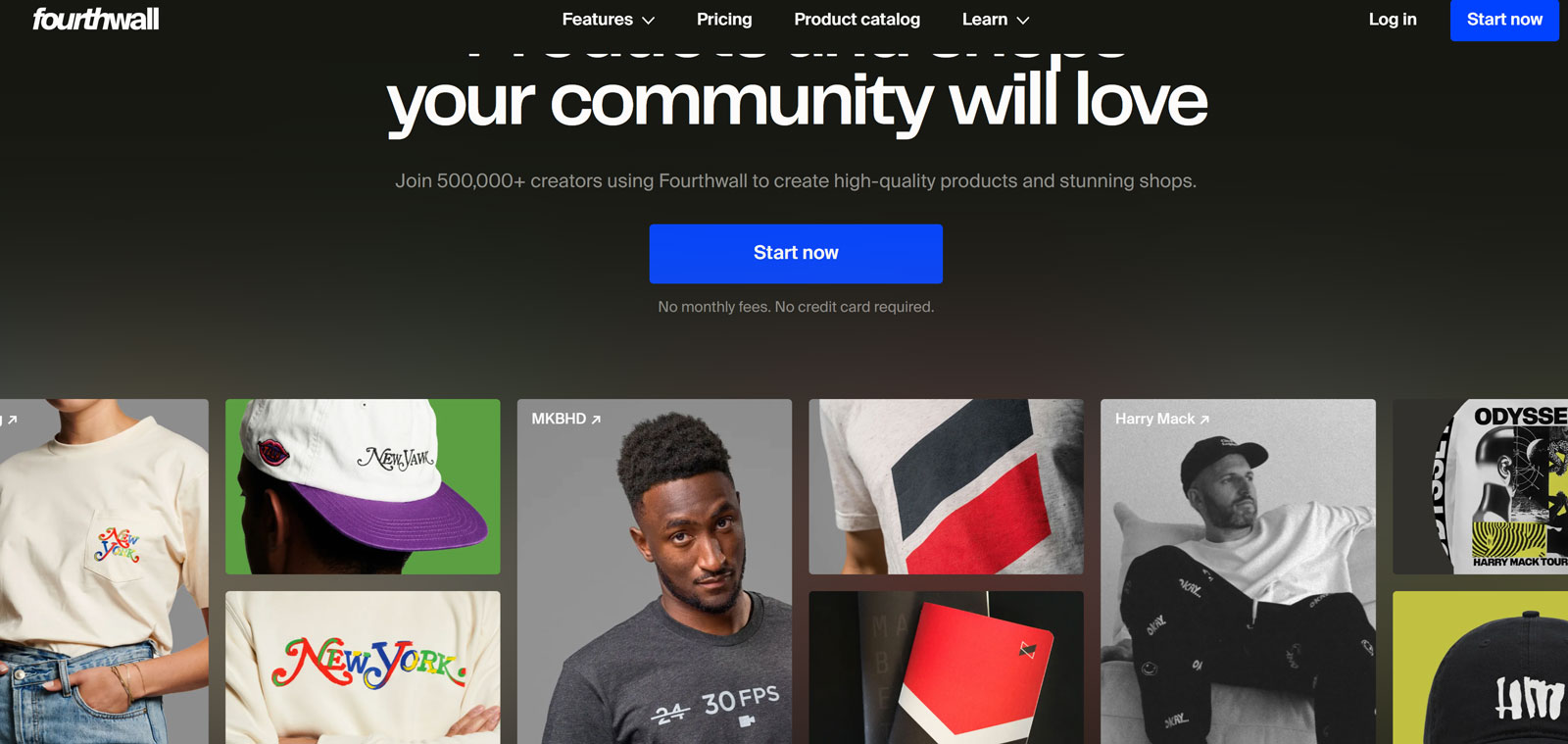
Fourthwall is built specifically for content creators, YouTubers, streamers, podcasters, and influencers, who want to sell branded merchandise without the overhead of running a Shopify store. The platform combines a mockup generator, storefront builder, payment processing, and fulfillment into a single tool that’s free to use (Fourthwall earns revenue through a percentage of product sales).
The mockup generator is integrated directly into the product editor: upload artwork, position it on the garment, toggle between front/back/sleeve placements, and get print-resolution quality indicators in real time. The resulting mockup images are automatically added to your product page.
Pros
- Completely free — no upfront cost
- Full commerce stack in one platform
- Print quality indicators in real time
- No separate mockup tool needed
Cons
- Mockups limited to Fourthwall’s product catalog
- Less lifestyle variety than standalone tools
- Best suited to creator audience specifically
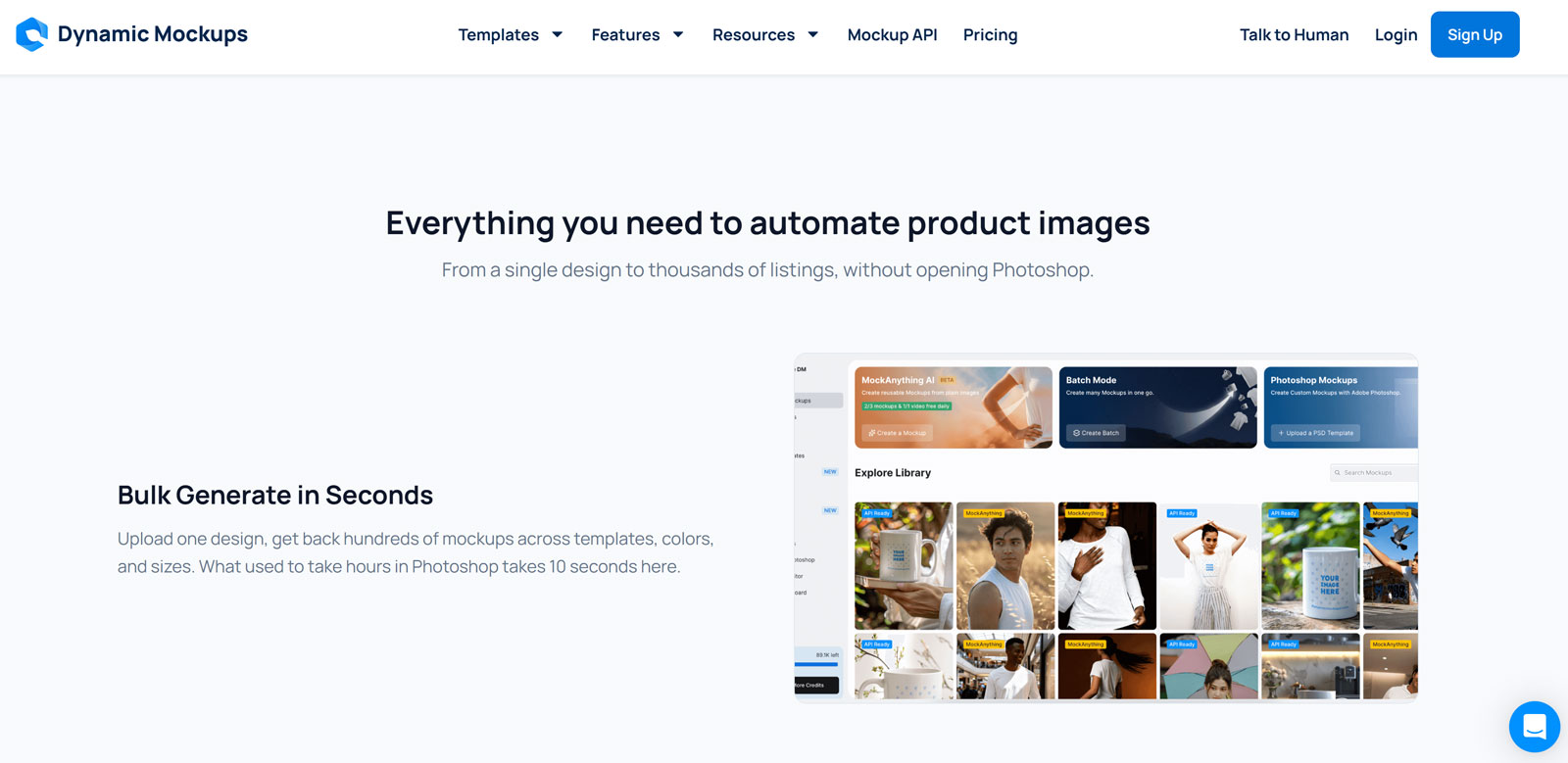
Dynamic Mockups is one of the most technically capable platforms on this list, built for e-commerce teams who need to generate mockups programmatically at scale. With 500+ t-shirt mockup templates, a Shopify integration, and an API that lets developers automate mockup creation for entire product catalogs, it’s the tool that bridges mockup creation and e-commerce operations.
For a solo POD seller, this may be more infrastructure than needed. For a store with hundreds of SKUs across multiple color and size variants, the ability to generate every product image automatically via API is transformative, eliminating hours of repetitive Photoshop work per week.
Pros
- API enables fully automated mockup pipelines
- Shopify native integration
- Bulk generation at scale
- Eliminates repetitive Photoshop workflows
Cons
- Overkill for small stores
- API requires technical knowledge to implement
- Smaller template library than Placeit
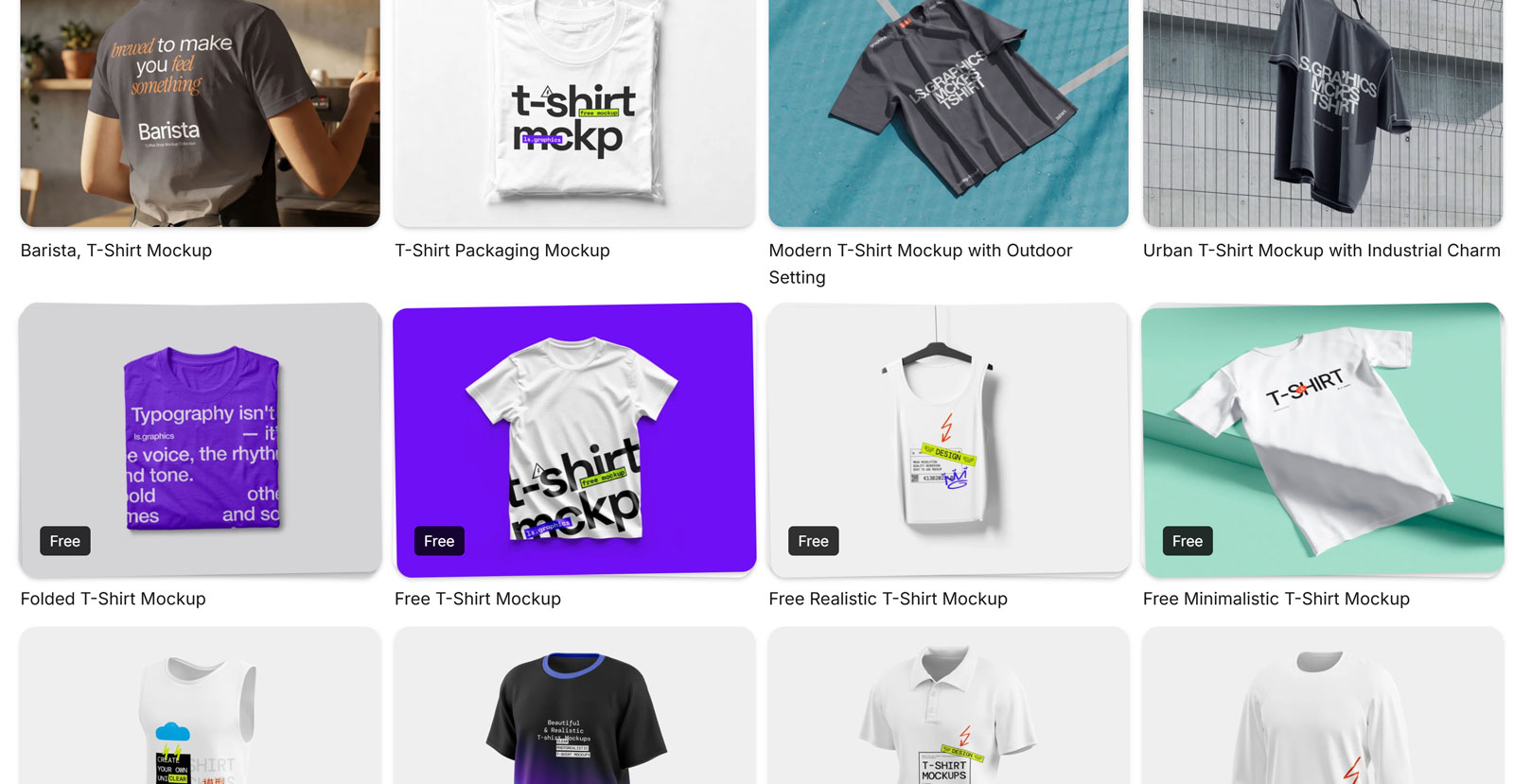
LS.Graphics rounds out the list as the definitive answer for Figma-first designers who need clothing mockups that work natively within their UI/UX workflow. Created by a design studio, every mockup here is photographically lit and composed with the same attention that goes into premium Creative Market files, but available in Figma format alongside PSD and Sketch.
The free library covers device mockups, branding assets, and a solid selection of clothing mockups, all at studio quality. The premium subscription unlocks 3D assets, animated mockups, and a significantly expanded clothing library that covers everything from casual tees to technical activewear.
Pros
- Native Figma format — no export/import workflow
- Studio-quality photography
- Free tier genuinely useful
- 3D and animated mockups in premium tier
Cons
- Smaller clothing-specific library than dedicated platforms
- Best assets require premium subscription
Full Comparison: All 18 Platforms
| # | Platform | Type | Price | Format | Photoshop? | Commercial ✓ | Best For |
|---|---|---|---|---|---|---|---|
| 1 | MockupTree | Free Library | Free | PSD | Required | ✓ | Widest free selection |
| 2 | Placeit | Browser Gen. | $14.95/mo | PNG/JPG | Not needed | ✓ | Speed, no Photoshop |
| 3 | Printful | POD Generator | Free | PNG/JPG | Not needed | ✓ | Printful POD users |
| 4 | Printify | POD Generator | Free | PNG/JPG | Not needed | ✓ | Multi-supplier POD |
| 5 | Gelato | POD Generator | Free | PNG/JPG | Not needed | ✓ | International sellers |
| 6 | Vexels | All-in-One | $10.50/mo | Browser | Not needed | ✓ | Design + mockup combo |
| 7 | Artboard Studio | 3D / AI Tool | Free / $16/mo | Browser/PNG | Not needed | ✓ | 3D + animation |
| 8 | Mockey.ai | AI Generator | Free / $4.10/mo | Browser/PNG | Not needed | ✓ | Budget + AI variety |
| 9 | Envato Elements | Subscription | $16.50/mo | PSD | Required | ✓ | Unlimited premium PSDs |
| 10 | Creative Market | Marketplace | $10–$40/pack | PSD, various | Required | ✓ | Boutique quality |
| 11 | GraphicRiver | Marketplace | From $2 | PSD | Required | ✓ | Affordable one-offs |
| 12 | Freepik | Free + Sub. | Free / $5.75/mo | PSD | Required | Attribution (free) | Budget Photoshop users |
| 13 | Creatsy | Marketplace | Pay per item | PSD | Required | ✓ | Hyper-realistic fashion |
| 14 | Pixel Sauce | Bundle | One-time buy | PSD | Required | ✓ | 3,500+ bundle ownership |
| 15 | Etsy | Marketplace | From $1.99 | JPG/PSD | Varies | Check per seller | Unique lifestyle shots |
| 16 | Fourthwall | Creator Tool | Free | Browser | Not needed | ✓ | Creator merch stores |
| 17 | Dynamic Mockups | API / Shopify | Free / Paid | API/Browser | Not needed | ✓ | Bulk automation |
| 18 | LS.Graphics | Free + Sub. | Free / Paid | PSD, Figma | Varies | ✓ | Figma-native designers |
Frequently Asked Questions
The Right Tool for the Right Job
Every situation calls for a different combination. Here’s the quick-reference cheat sheet:
- 🏆Best free PSD library: MockupTree — 5,000+ files, no account, full commercial use. Start here.
- ⚡Fastest workflow (no Photoshop): Placeit or Mockey.ai — browser-based, results in under 2 minutes.
- 🆓Best completely free POD generator: Printful, Printify, or Gelato — free, integrated, accurate to your actual products.
- 🎨Need design + mockups together: Vexels — 40,000+ graphics plus a built-in mockup generator, one subscription.
- 💎Premium boutique quality: Creative Market or Creatsy — when the mockup itself is part of the brand story.
- 📦Large catalog, batch generation: Envato Elements + Photoshop, or Dynamic Mockups API for full automation.
- 🎬Video mockups for social ads: Artboard Studio or Placeit — both export animated and video formats.
- 🖇️Figma users: LS.Graphics — native Figma format, studio quality, free tier available.
- 🎙️Content creators selling merch: Fourthwall — free, all-in-one, handles mockups and fulfillment together.
- ✨Need to stand out from competitors: Etsy marketplace — unique lifestyle shots that won’t appear in any other store.
For most Shopify and Etsy sellers, the optimal setup costs nothing: start with MockupTree’s free PSD library for your primary product images, supplement with your POD platform’s integrated generator (Printful/Printify/Gelato) for variant coverage, and use Etsy or Creative Market selectively for hero images where visual differentiation matters most.
