Tissue Paper Gift Box Mockup

Home > free > Tissue Paper Gift Box Mockup

Tissue Paper Gift Box Mockup

Free Tissue Paper Gift Box Mockup

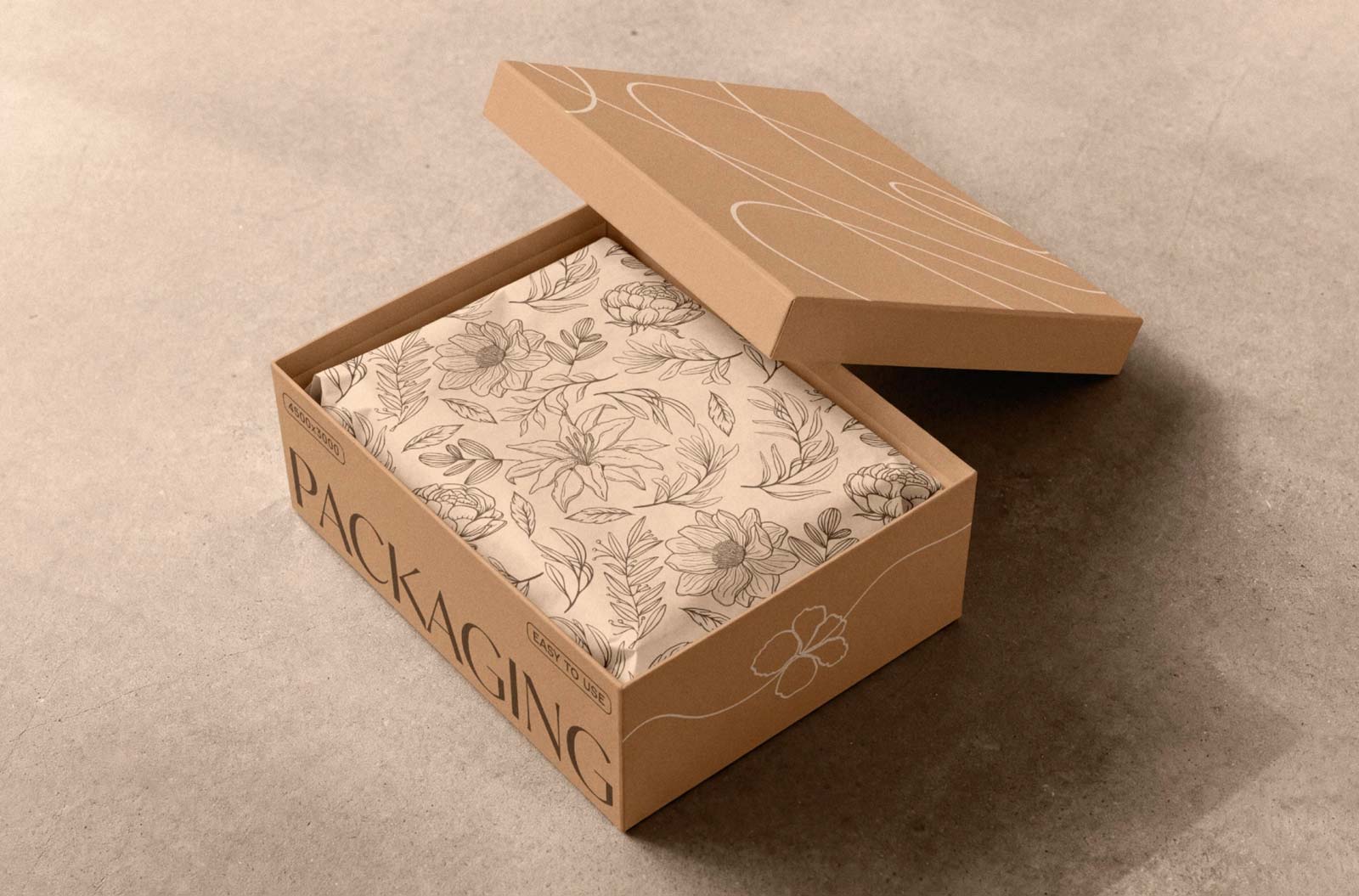
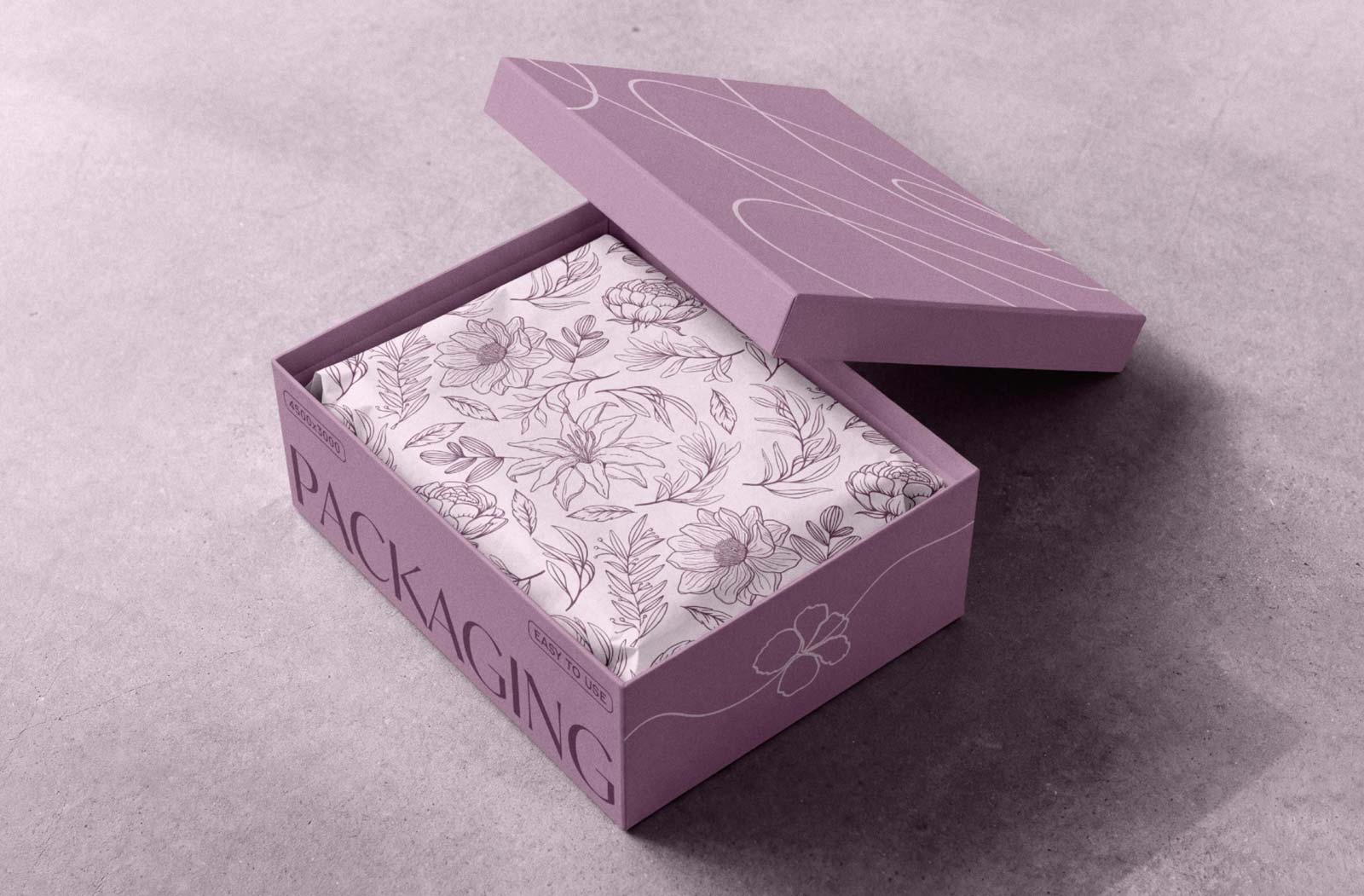
This Gift Box Mockup features a premium box shown from a three-quarter angle on a matte concrete surface. Use the Photoshop Smart Objects to easily add your artwork to the box lid and sides. This Mockup is ideal for presenting subscription box designs, cosmetics and skincare packaging, jewelry boxes, apparel packaging, candle sets, home fragrance products, gifts, stationery, and custom wrapping paper. It also works well for ecommerce product presentations and branding projects.

Free Tissue Paper Gift Box Mockup


Applications:
Photoshop
File Types:
PSD
File Size:
134 MB
Dimension:
300 DPI
License:
Free For Use
Author:
Pixelbuddha.net

MORE MOCKUPS YOU MAY LIKE

You pick out some of free mockup

Gift Box Mockup

Free Gift Box Mockup PSD is fully editable comprising of both smart objects and vector layers. Just add your own custom design inside the smart object and you are done.

Vertical Boxes Mockup

The best Boxes Mockup is a set of 2 minimal PSD vertical product boxes mockup. The free mockup is fully customizable and almost all the elements are editable including package design, colors, backgrounds, lights and shadows.

Hands Holding Product Box Mockup

Check out this awesome product branding PSD box mockup set featuring hands holding the boxes, perfect for showcasing your packaging designs. You can easily customize it by adding your own graphics using the smart layer.

Opened Kraft Box Mockup

The best Box Mockup which help you to showcase packaging designs for final presentation. You will see the smart layer in it that provides the easiness for amendment.

Square Boxes Mockups

The best Square Boxes Mockup to showcase your graphics in order to share them with others. Use the smart object layers to insert your graphics unto the 4000 x 3200 pixels mockups and share your creations with the world.

Square Gift Box Mockup

The best Gift Box Mockup that you can customise color of gift box, greeting card, ribbon and you can also place your design inside smart object layers. You can brand this luxury gift box mockup as corporate gift for your business.

Mail Cardboard Box Mockup

The best Box Mockup to place artwork on all sides of the box and get a realistic outcome. Using the smart layer you can make it your own. You can change the background color as per your choice.

Cardboard Box Mockup

The best Cardboard Box Mockup to easily display your box package designs and bring them one step closer to reality. you can insert your designs unto the mockup with a couple of steps, but you can also highlight and shadow layers to make your work a little less tiring.

Pizza Boxes Mockup PSD

The best Pizza Box Mockup to showcase branding of pizza box design. Place artwork with ease by using smart layers and prepare the presentation in no time which may include logos, icons/artwork, and related information. This mockup fully customizable with 2 smart objects. Background can also be customized.

Slide Square Box Mockup

The best Box Mockup features a beautiful gift box that has a ribbon on the top of the lid for easy opening. This free square sleeve box allows you to showcase your design from three different angles. Download and just drag and drop your design inside smart object layers.

Taped Box Mockup

A realistic mockup featuring a weathered cardboard mailbox. Despite its worn appearance, this unique piece will add an interesting touch to your project, standing out with its realistic details and captivating lighting. Place your artwork on smart objects and change the background color of your choice.

Product Box Mockups

The best Product Box Mockup for all sorts of branding and packaging projects and will allow you to showcase your packaging design in a photorealistic way. The free mockup is fully customizable and almost all the elements are editable including package design, colors, backgrounds, lights and shadows.

To View Burger Box Mockup

If you’re looking to turn your burger box design idea into reality, we’ve got the perfect solution for you! It allows you to present your design in a realistic way and wow your client. Just drag and drop your design, logo, or text onto it and you’re all set to showcase it to your clients.

Stack Cardboard Boxes Mockup

A stack of cardboard boxes made into a mockup. Perfect for showcasing branding, logos, or visual identity. Every company needs and uses cardboard boxes, making this presentation idea ideal for displaying a logo or visual identity elements. Place your artwork on a smart object and change the background color of your choice.

Hexagonal Box Mockup

The best Box Mockup is often used for premium products like wrists watches, perfumes, or expensive gifts. You can use this box mockup for showcasing the design of a gift. Place artwork on all sides and change the color of the box as per your choice.

Product Brand Box Mockup

The best Product Box Mockup to add place your own designs, move box mockups around and customize the background color. You can change colors and make it your own with the smart layer. You can use this mockup for process printing as this is high in resolution.

Tea Bag Mockup

The best Tea Bag Mockup to place your green tea or black tea design on smart objects and change the background color as per your color scheme.

Luxury Tissue Box Mockup

The best Tissue Box Mockup for the professional presentation of your designs. This free mockup is equipped with smart object option to add your designs swiftly. You can change the background, shadows and light effects just by using its well-organized layers.

Square Box Mockups

The best Square Box Mockup presents 3 identical boxes set next to each other on a simple background. And thanks to the smart layer, your editing process will only take a few seconds, so you can not only insert your graphics easily but also use various colors for the same collection.

Milk Box Mockup

The best Box Mockup to showcasing milk carton with customizable background. Very easy to use to present your design in a very photorealistic and modern way. Inside psd file you can change by using smart objects.

ADDED TO CART