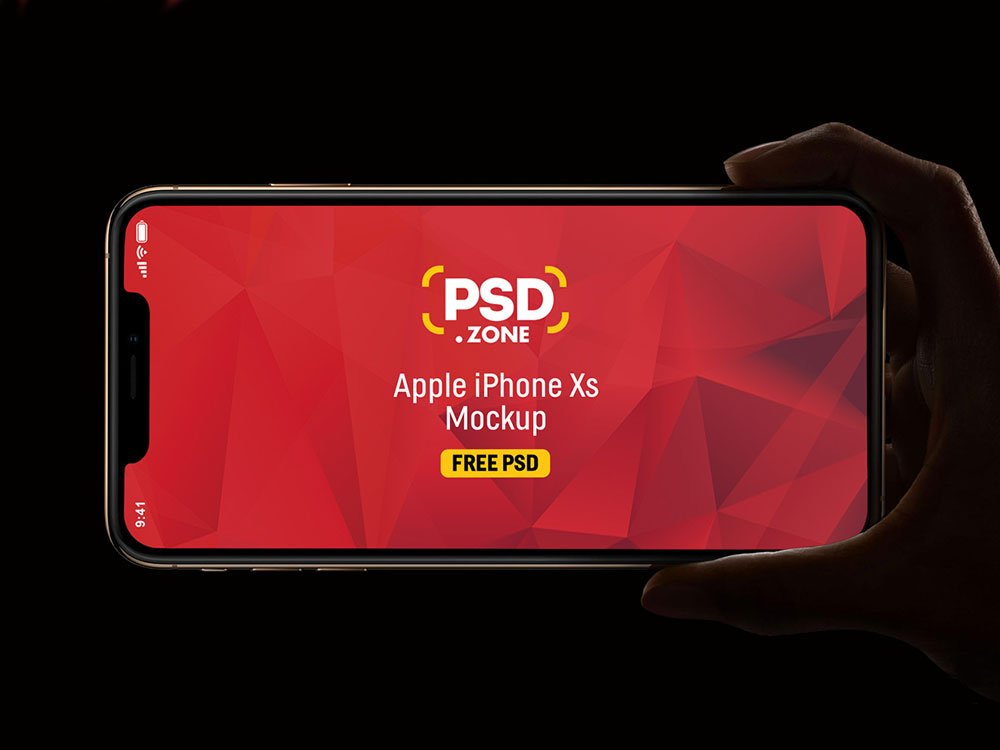
Check out this awesome free iPhone 16 Pro mockup that you can hold in your hand! It’s perfect for displaying app designs, mobile user interfaces, and website presentations in a lifelike way. You can easily customize it using smart objects, making editing a breeze. It’s a great tool for UI/UX designers, developers, and marketers alike.
If you have grown tired of your Android phone and are interested in embracing the Apple ecosystem, now is the perfect time to make the switch to the iPhone 15, which is considered one of the best options available. If you value quality over quantity, then transitioning to Apple devices without hesitation is the right […]
This Realistic iPhone Mockup features an iPhone placed on stone tiles under dramatic lighting, creating strong shadows and a modern atmosphere. Fully editable smart object layers allow you to insert your app interface, lock screen, or wallpaper design in just a few clicks. This Mockup includes three PSD files and is ideal for app developers, […]
The best iPhone 11 Mockup that allows you to share your designs for websites, applications, advertisements, images, and different kinds of artwork. you have full control over the different elements of the scene itself and the graphics it holds that’s allows you to create own compositions.
Free iPhone Xs Mockup PSD to showcase website design responsiveness or any content related to software or ui. Just add your own custom design inside the smart object and you are done.
The best Iphone Mockup to showcase any mobile designs and showcase your responsive websites, mobile app, advertisements, and more in high quality and attractive way. You can add your own graphic with ease thanks to our smart layer.
The best iPhone Mockup in standing position. You can check that out. All colors are compiled in a grouped layer and there are only two iPhones inside psd file with left and right angle. Easily add your graphics using the smart layer.
The new Iphone 7 in jet black. There is a lot of shadows and gradients in this one, so if you plan to scale it or rotate it I would recomend using the smart object version thats also included in the psd.