The best Credit Card Mockup which you can use freely to showcase your next credit card project. Select the smart object layer in the psd mockup and insert your design into it. Change background color as per your choice.
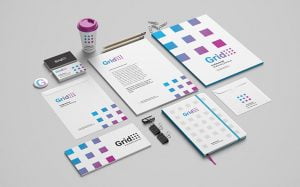
The best Stationery Mockup composed of a business card, letterhead folder and envelop. Grab it and present your design project in a very realistic manner with this free realistic stationery mockup. All elements are smart object ready and easily to work on. Background color is changeable.
Showcase your design like a pro with the best Business Card Mockup, featuring 5 different angles for a comprehensive visual presentation. Perfect for impressing clients and highlighting your branding design with a realistic, high-resolution outcome. Simply place your artwork into the smart object layers and customize the background color to match your style. All PSD […]
The best Bag Mockup which you can use freely to showcase your next canvas bag project. All you have to do is place your artwork inside the smart layers, hit save and you are done.
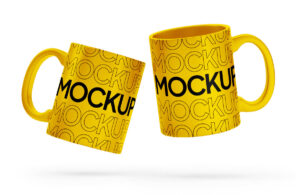
The best Mug Mockup for logo design, branding colors, brandmark, calligraphy, tagline or even the ceo message of the company. Place artwork on the smart object, change the base color of the mug from inside and out as well as a background that compliments the color.
The best Bottle Mockup to present your logos, artworks, label or texts in a gorgeous way. Select the smart object layer in the psd mockup and insert your design into it.
The best Keychain Mockup to used as a marketing tool to brand the logo and expose it to the audience. You can replace the current artwork by using smart layer and fill color of your choice for background.
Elevate your branding with the best falling Business Card Mockup, designed to showcase both the front and back sides of your card in a dynamic, eye-catching layout. This fully editable PSD lets you move each object in the scene to create a custom presentation. Backgrounds are also easily changeable to match your visual identity. Ideal […]
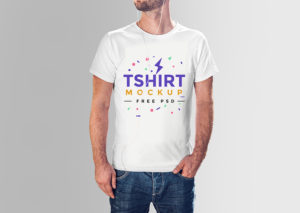
Present your clothing designs with style and precision using this top-tier T-shirt Mockup. Located at the top of the layer panel, you’ll find a smart object that allows you to easily replace your artwork. You can customize not just the shirt color, but also the background color, offering full flexibility for your design presentation. Whether […]
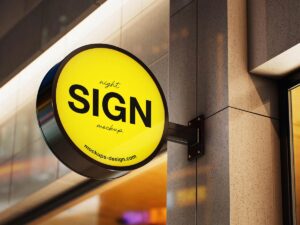
The best Sign Mockup to place transparent logo design preferable logotype and get a realistic reflection. You can easily place logo design, logotype or branding elements by putting your artwork inside smart layer and prepare the mockup in no time.
The best Bag Mockup for your design, your logo or any other artwork to a tote bag. All you have to do is apply your design using the Smart Object layer provided in the Photoshop file and your all set to showcase your creative designs on the bag.
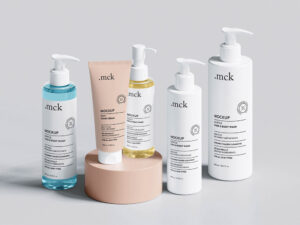
The best Pump Bottle Mockup for shampoo, liquid soap, hand soap, lotion, foam, body wash etc. Inside psd file you can change the color of spray nozzle and knob by using smart objects. Customize background as per your choice or use any fill color.
The best Cosmetic Mockup set is composed of a pump bottle, flip open bottle, cream jar, and push bottle shampoo. Place artwork on each bottle, change the color of the cap along with the stage. Background color is changeable.
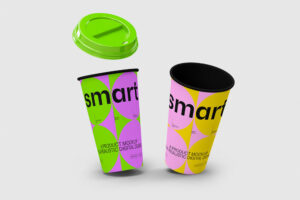
The best Cup Mockup will help show how things will look like in real life after manufacturing and printing. Place typography or logo design on the smart layer and your mockup is ready. Change color of the lid, color of the sleeve then change the inside shadow to get realistic effect.
The best Book Mockup to display story book, novel, textbook, dictionary, thesaurus, guite book etc. Place artwork on smart object and fill color on the background that compliments the design.
The best Helmet Mockup to create a graphic presentation of your construction company branding design. To have your artwork displayed on the helmet, just place it inside the smart object and you’ll be done in no time.
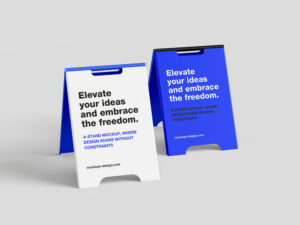
The best Stand Mockup for outdoor advertising and promotions. Place artwork and showcase your design in your portfolio as well as propose it in your outdoor campaign presentation. Background color can be changed.
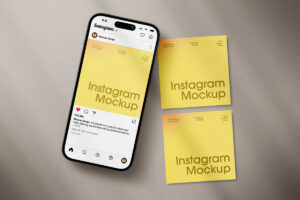
Make a top-notch, lifelike photo display of cards with the help of this Instagram Stories Card Mockup that’s free to use. You can tweak any element of the mockup, such as colors, to match your design presentation perfectly using smart objects.
The best Poster Mockup which can be used to showcase your advertisement or shoutout design. Insert poster design on smart object, change the background color and get a super cool top view of your artwork.
The best Box Mockup to showcase your next packaging project. This free mockup file very is easy to edit. Select the smart object layer in the psd mockup and insert your design into it. Background is also changeable.
The best Magazine Mockup will help present your magazine design in a photorealistic way. It’s fully customizable so you can add whatever background color or texture, add your graphics via smart layers, and change the color according to your taste.
The best Mug Mockup to display your graphics on it and showcasing any branding. This is an ultra high-resolution mug mockup where you can replace the artwork, change the color of the holder and background as per your choice.
The best Bottle Mockup to display designs of juice, soda, water, soft drink, and cold beverages. This free mockup can be easily edited in Adobe Photoshop, simply drag and drop your design inside smart object layers.
The best Cap Bottle Mockup to create a realistic mockup of your bottle cap design in seconds. Use your own artwork, change the cap’s color, make it paint coated or metallic, and pick your background accordingly to make a unique and professional product shot.