Free Tea Cup Mockup PSD that allows you to present your logos or branding designs on a ceramic cup and ringed notepad. Just add your own custom design inside the smart object and you are done.
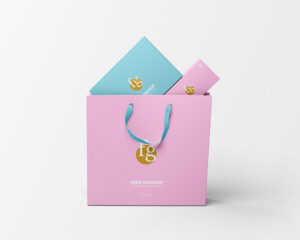
The best Gift Bag Mockup to showcase your design work as per your requirement and choice. This mockup template is very much easy to use. You should utilize all the features of the smart object for the editing task. You can also edit the shadows, effects and the background as per your business ideas.
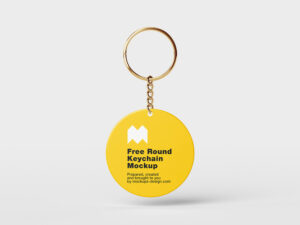
The best Flask Bottle Mockup to present your design on an aluminum water bottle in different ways. You can change the water bottle/key ring color and background according to your concept. They come with necessary layers and can be edited using Smart Objects in Adobe Photoshop.
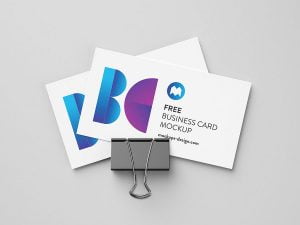
This Colorful Brand Business Card Mockup PSD to display your business card design while giving the presentation a more lively visual character. The template includes a Smart Layer, so you can replace the sample artwork directly in Adobe Photoshop. Add your own business card design to the editable layer, save the changes, and update the […]
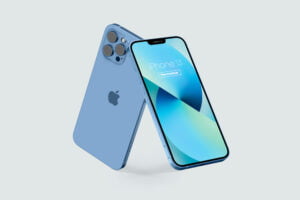
The best Screen Mockup that you can show different previews of your app in one frame. These devices mockups provide separate smart objects for all screens.
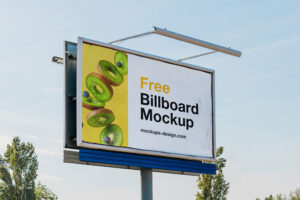
The best Roadside Billboard Mockup that you can drag and drop your artwork on it and get your own customized presentation of billboard design. The free mockup is easily editable in Photoshop via smart object insertion.
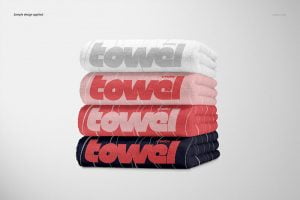
The best Towel Mockup to showcase your logos and brandings in a breathtakingly gorgeous way. All three towels have separate smart objects so you can add separate designs to all towels.
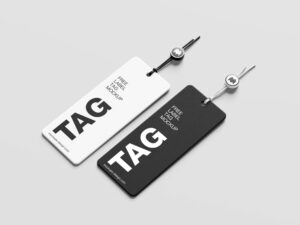
The best Tag Mockup features two hang tags to present your label branding designs in a classy way. Just use smart object option for the replacement of design and well-named layers for the rest of customizations.
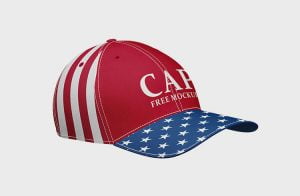
The best Cap Mockup that you can use it to customize your initials and see how it’s going to look like on a cap. This free mockup is fully editable so you can change the cap’s color, background color, and easily place your design via smart layers.
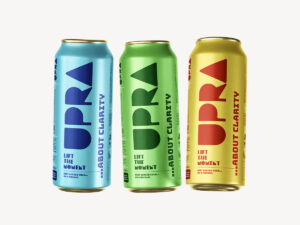
The best Soft Drink Can Mockup to show different your designs in three different previews. You can use smart object feature to change the designs of all three soda cans individually. All you have to do is switch up the colors to fit your liking and insert your graphics using the smart object layers.
The best Backpack Bag Mockup to showcase your merchandising and branding designs with an exceptional level of detail. You can easily customize the color of the string and bag, background design as well. you can insert your own designs using the smart object layers.
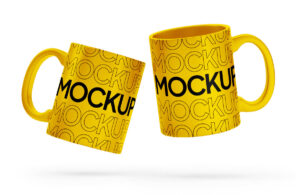
The best Mug Mockup to help you present your logos, brandings and artwork in photorealistic appearance. It also offers white wooden background which you can easily replace with your own plus the shadows and effects of the mug are also customizable.
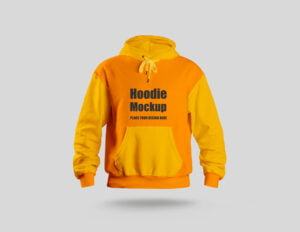
The best T-Shirt Long Sleeve Mockup for your professional presentations and interesting ideas. The free mockup has two smart objects one for the design of the t-shirt body and other smart object to change the artwork of the sleeves.
The best Beverage Can Mockup to help you showcase your beverage branding designs. Using the smart layers and objects, your personal touch can be easily added to these mockups. You can use them for your soft drinks, energy drinks, beer etc.
Workplace MacBook Pro Mockup. PSD file having the smart-object layer, which help the designers to create a realistic presentation of their screens and templates.
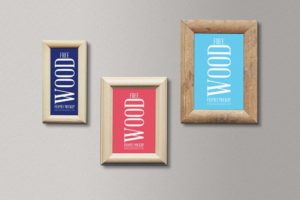
Free Perspective Frame Mockup PSD to help you present your designs or artwork realistically. Just add your own custom design inside the smart object and you are done.
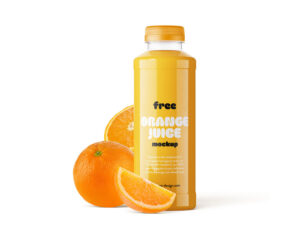
The best Juice Bottle Mockup to showcase your packaging design in a best possible way. This free mockup comes with a set of 4 bottle templates. Be it cap color, bottle body color, label design, shadows, effects or background – you can customize everything as per your own choice and requirement.
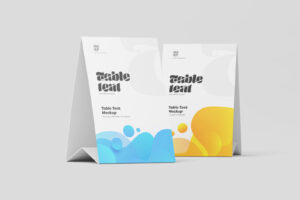
The best Table Tent Mockup to display your design in a realistic environment. All you have to do is add your graphics via smart objects and you’re done.
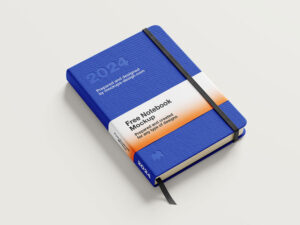
The best Hardcover Mockup to change the designs of the book cover, bookbinding, sleeve and the tag. You can also adjust the effects, shadows and the background just by using well-named layers.
The best Plate Mockup allows you to easily present your beautiful designs on two disposable paper plates. You can use its smart object feature to replace the design of the plates.