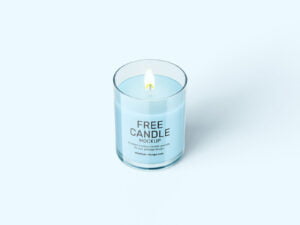
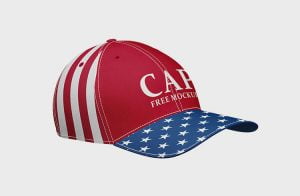
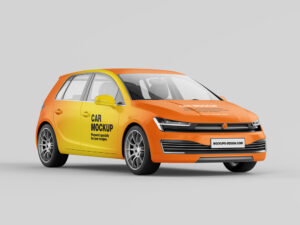
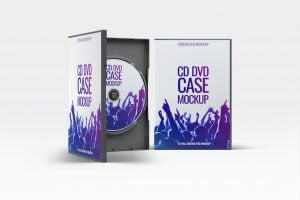
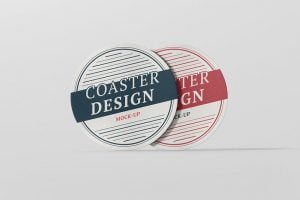
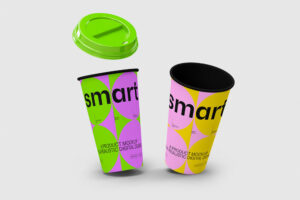
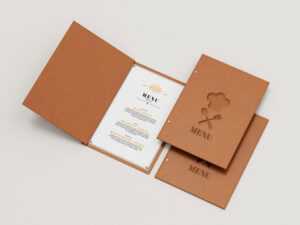
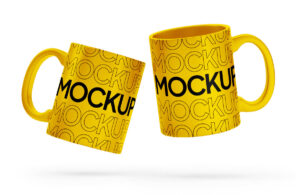
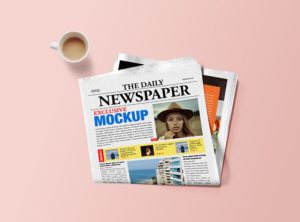
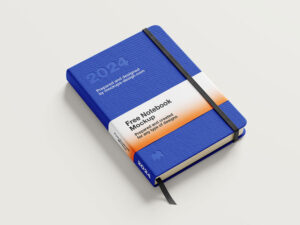
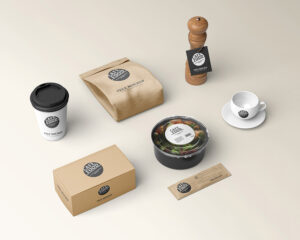
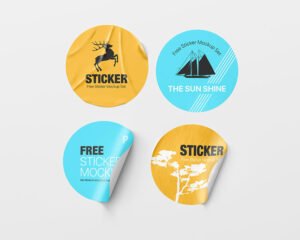
The best Coaster Mockup to give your designs a fabulous looking by placing your design in smart-object layers. You can also change the background color and replace it according to your design requirement.
The best Tube Can Mockup is a perfect choice to showcase a long tube can packaging. With this mockup, you can insert a design for the long tube can label, its lid, floor and wall background. Once you have downloaded the file you then need to use the smart object layer.
The best Candy Mockup to replace the candy bard packaging design in just few clicks. Easily insert your creations and make them appear in high resolution with this free mockup that uses smart object layers.
The best Outdoor Bus Shelter Mockup will help you see your advertisement designs before posting. Once you have your designs ready, you can just use the smart object layer to apply your own advertisement designs.
The best Jar Butter Mockup to display your branding designs in a professional way. To enjoy this free mockup, download it and open in Photoshop. Then look for the smart object layer where you can upload your designs on the jar’s body and on its lid.
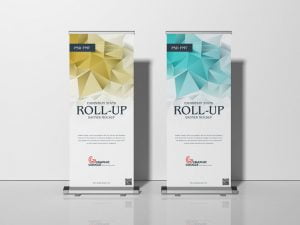
The best Roll-up Mockup that enable you to notice any slight differences in your professional presentations. All of which can be easily added to the mockup via Adobe Photoshop.
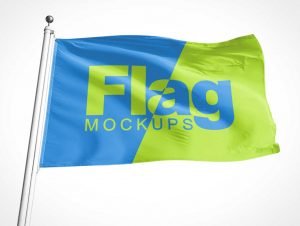
The best Flag Mockup to present corporate identity for clients and companies and contains editable layers of smart objects so your customization process will not take a lot of your time given that it only needs a few clicks.
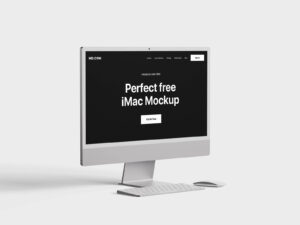
Free Floating iMac Mockup PSD to showcase and present your ui or website design in style. Just add your own custom design inside the smart object and you are done.
The best Water Bottle Mockup that is useful enough to in testing the label of your bottled water products. Apparently, this mockup contains three different scenes of bottled water in PSD files. Then, look for the smart object layer so you can insert your artwork without hassle.
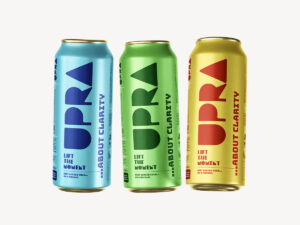
The best Beverage Can Mockup allows you to show multiple designs in one go, instead of creating three separate designs. The free mockup includes Photoshop PSD files that are fully layered and have smart objects.
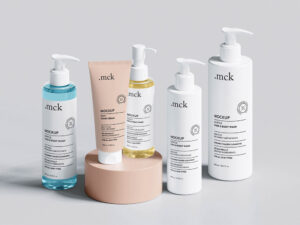
The best Cosmetics Packaging Mockup to showcase products related to, ointments, cream based products, powder based, gel or even oil based products. Just add your own custom design inside the smart object and you are done.
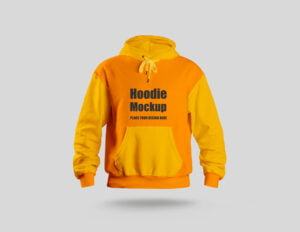
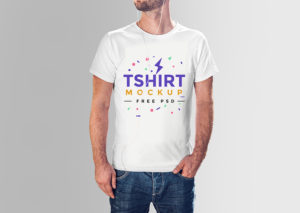
The best Hoodie Mockup that you can find 3 different design of T-Shirt mockup. All the layers have smart object elements you can resize them and replace them with your design elements.
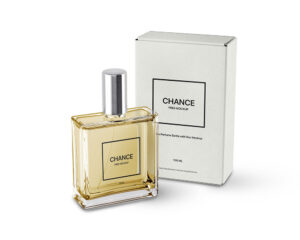
The best Cosmetics Mockup including body lotion, cream tube, cosmetic gift packaging box, face cream, shampoo, ointments, oil bottle, jar, pump spray dispenser, perfume bottle. Just add your own custom design inside the smart object and you are done.
The best Soda Can Mockup that you can make a wonderful presentation of your soda can label designs without much hassle. This free mockup comes with seven scenes of soda cans in PSD files. Once you’re in Photoshop, look for the smart object layer and insert your designs into it.
The best Wine Bottle Mockup to use the smart layer to drop your designs. This mockup will help you test your label designs in just a few clicks. Use the smart object layer so it’s easier to replace the existing designs. You can integrate two wine bottle labels in the scene on different positions.
The best Mug Mockup will make your designs look realistic. Then, use the smart object layer where you can integrate your designs easily. You may also upload your designs on the visible sides of the box.
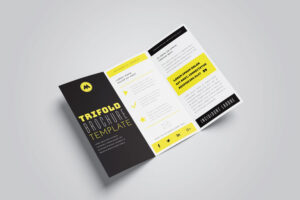
The best Brochure Mockup will find 4 brochures with their corresponding shadows and highlights. Use the organized layers to easily add your brand’s designs that mix titles, texts, and images and see them displayed in high-quality.
The best Website Mockup that you can use to share your projects. Hight resolution & Smart object based mockup created in Adobe Photoshop. It’s fully editable, customisable with resolution.