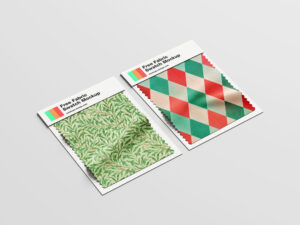
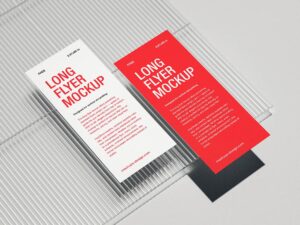
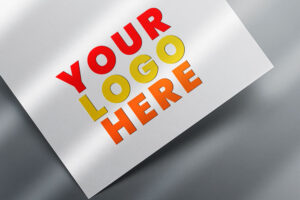
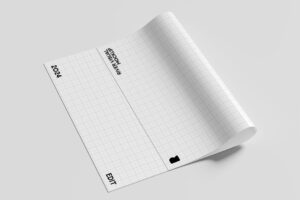
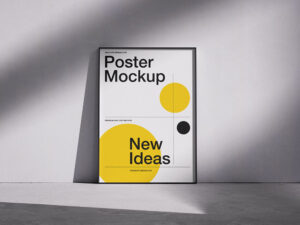
The best Paper Mockup to display paper brand, flyer design, official document etc. Make it your own thanks to the smart layer. Background color is also changeable.
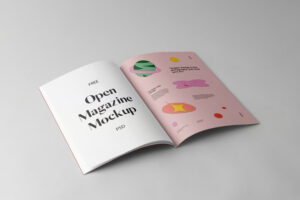
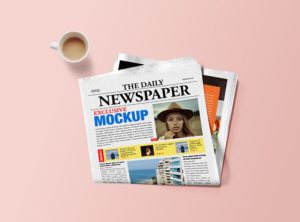
The best Magazine Mockup to showcase your branding designs. Put your magazine cover design on smart object placed on the top of layer panel. Background is also customizable.
The best Editorial Mockup to create professional images for you branding projects in just a few clicks. Easily add your own design to this blank mockup and make your graphic designs pop up from the crowd.
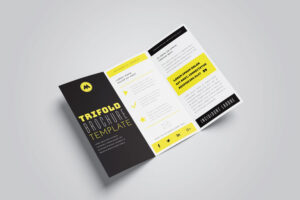
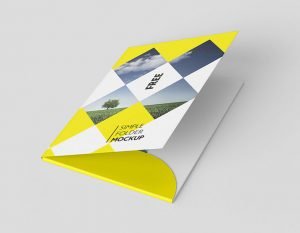
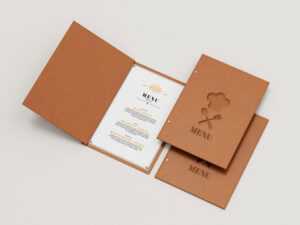
The best Brochure Mockup contains two different layout of brochure open pages and folded cover page. You can also edit this mockup using smart objects, change the colors and the highlights, and use it to share information.
The best Vinyl Mockup showcases a front view simple record in full display with a sneak peek of the album art. Use the smart object feature and the organized layers to instantly transfer your designs unto the easily editable mockup.
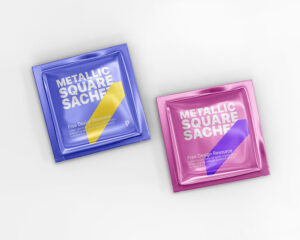
The best Matchbox Mockup along with matches spreaded on the floor. One is a perspective view and other one a top view. It guarantees high-quality and an easy editing experience thanks to the smart object layers.
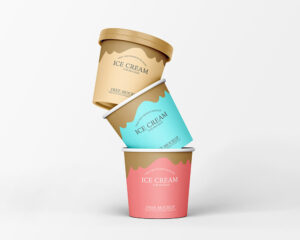
The best Ice Cream Mockup that can be used to display yogurt, cream, cheddar/mayonnaise cheese, liquid chocolate, custard, sorbet or any type of plastic jar frozen dessert. You can replace artworks of cap as well as tub by using smart objects.
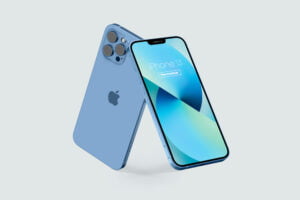
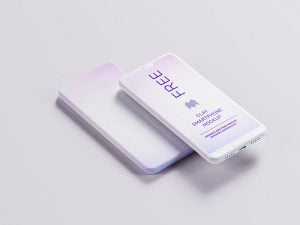
The best iPhone Mockup realistically carries your designs with no need for editing. All psd files are smart object ready and available with customizable background.
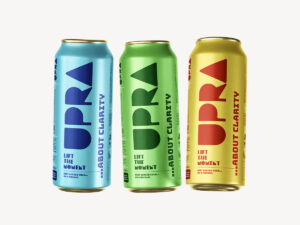
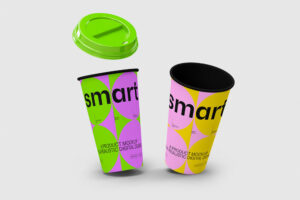
The best Can Mockup to showcase your branding designs. Use them to showcase the label design of drinks, juice, water, soda, carbonated energy drinks, milk etc. You can change the top lid color as well as pull-up pop-tab color. Background color is also changeable.
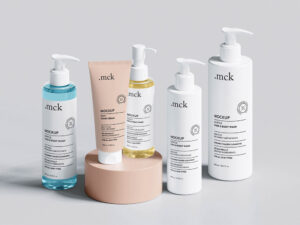
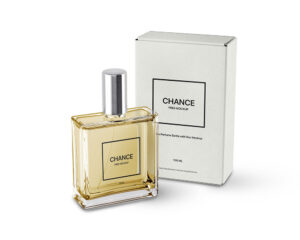
The best Cosmetic Mockup to showcase your branding and packaging projects. Change the color of the tube, the box, and the background using the organized Photoshop layers and insert all of your designs via the smart objects.
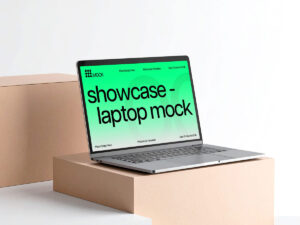
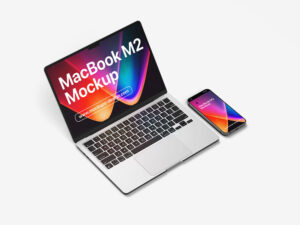
The best Laptop Mockup to showcase your UI designs. You can use it to present your application design or web design in a professional way. You can even use it for your custom wallpaper design.
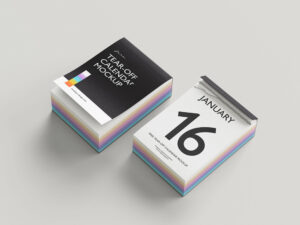
The best Calendar Mockup has three different angles from perspective view. Inside PSD file you can replace the artwork of calendar design, ring binding color, tent base color as well as color of pages.
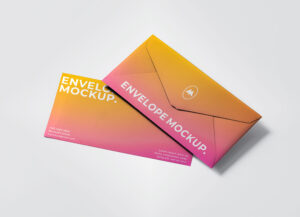
The best Postcard Mockup with its envelope, enabling you to display a complete project. The mockup help file uses smart object layers for easy customization via Adobe Illustrator.
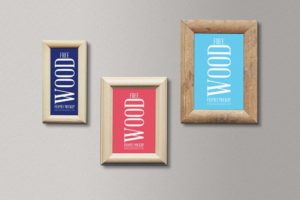
The best Art Gallery Mockup that can be customized by placing either horizontal or vertical frames and canvases attached in zip archive. Easily change the color of the wall, floor scotia, benches, floor color, lamp and ceiling.
The best Paper Mockup to showcase fonts or typography in a curled floating paper. Both sides of paper has smart objects so you can utilize them with different artworks or even a solid color that compliments the design.
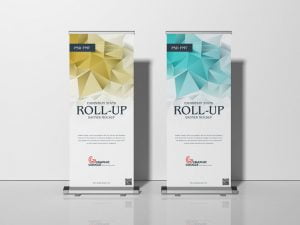
The best Backdrop Mockup to Create a realistic presentation of your advertisement designs. This free mockup is designed in editable format and you can get the desire presentation via smart-object layer.
The best Moodboard Mockup to create a professional photo-realistic presentation of a business, travel, or any other type of a magazine design. Via smart objects, you can easily customize and change any mockup element, like colors in order to make it fit your design presentation needs.
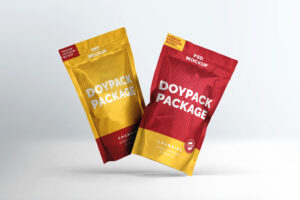
The best Pouch Mockup enabling you to bring your personal touch to the scene in a matter of seconds. Insert engaging patterns mixed with your brand’s logotypes or simply showcase your designs with illustrations and coffee beans and coffee cups images.
The best Book Mockup displays 2 books with different sizes from a perspective angle, providing you with the opportunity of sharing highly realistic designs. The free mockup uses smart object layers allowing you to easily insert your material.
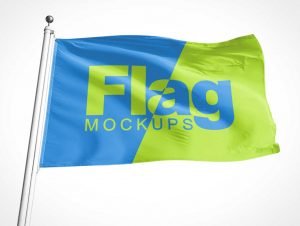
The best Flag Mockup to insert your artwork, your designs will be presented in a realistic manner that copies the movement of the cloth. This free mockup uses smart object layers to help you customize the scene.
The best Wristband Mockup for logos for marathons, concerts, and camps for participants and volunteers, and for small icons, illustrations, and quotes. The mockup include smart object layers, you only need to drag and drop your graphics to see them displayed in the scene with shadows and highlights.
The best Samsung Mockup Allow your designs to be presented realistically as you display them on the screen from multiple angles. Easily add your graphics and use your end results for PowerPoint presentations, social media, flyers, and other personal and commercial projects.
The best Billboard Mockup to bringing forth a suitable scene for businesses identity projects and advertisements for new products and releases. There are three psd files inside zip archive and all of them are smart object ready.
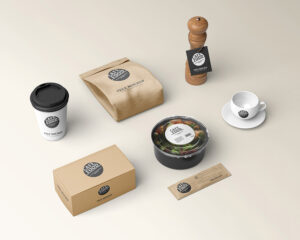
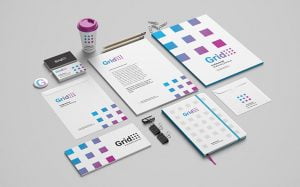
The best Stationery Mockup allow you to present your branding design in a photorealistic and attractive way. It’s completely editable so you can easily make changes like change the background color according to your concept and add your design via smart object layers.