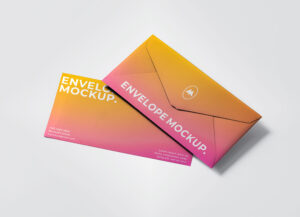
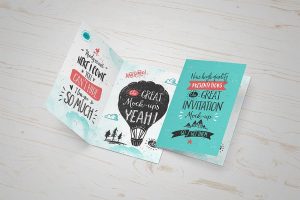
The best Envelope Mockup to insert the back and front of greeting card design. This greeting card mockup is available in ultra high resolution, smart object ready and have organized layers.
The best Logo Mockup to achieve a stunningly realistic engraved text effect for your logo designs. Simply place your typography, logo initials, logotype, or logomarks inside the smart object layer and instantly get a high-quality, photorealistic engraved outcome. Perfect for showcasing branding projects with professional precision and style.
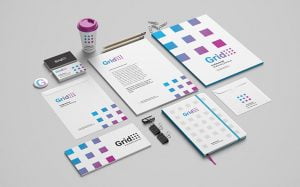
The best Stationery Mockup with letterhead, notebook, business card, compass, A5 flyer, Dl flyer, envelope, a grid frame, paper pins, paper clips, and some wooden decorative items. All smart layers are placed on the top of layer panel to access easily.
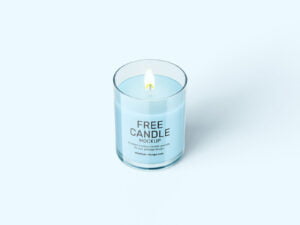
The best Candle Mockup has a set of two ceramic candle jars and with customizable features, you can change jars and background colour. Use the smart layers to place your design and every object is movable and toggled on/off.
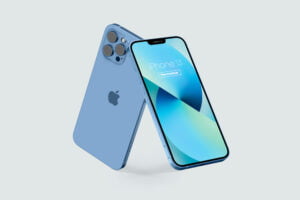
The best iPhone Mockup to showcase your app design and, web design UI. This mockup by placing your designs on the screen, changing the color of the phones, and the background via smart object layers to get a high-quality presentation.
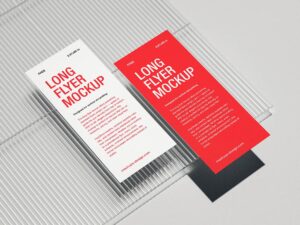
The best Flyer Mockup with a 4-fold brochure in PSD format. You will be able to replace the current artwork by inserting yours inside the smart layers. Each panel is A5 in size and the background color is changeable.
The best Box Mockup to showcase medicines packaging, product packaging, small gadget packaging, decoration items, etc. You will be able to replace the current artworks on each panel by using smart layers. All mockups are super realistic and background color is changeable.
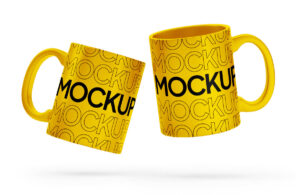
The best Mug Mockup with three different angles of mug in high resolution. Inner part, outer and handle are all customizable. Moreover, you can change the color of background that compliments the design.
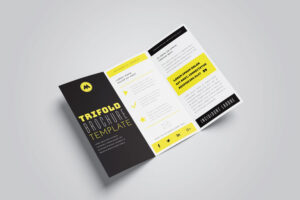
The best Brochure Mockup with front, backside, grid lined up brochures, title, backside, perspective view, top view and folded presentation. This mockup set is fully customizable and the design of tri-fold will look extremely realistic after insertion.
The best Hoodie Mockup that you can use it to promote your own clothes brand and show it from different angles – front view, back view, etc. Background of all mockups are also changeable. Background of all mockups are also changeable.
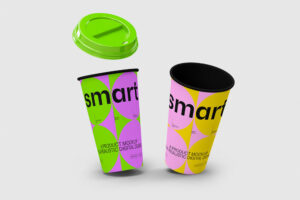
The best Cup Mockup for your coffee, beverages, cafes, restaurant branding designs. Smart object is residing on the top of layer panel to insert design and there are two adjustment layers to change colors.
The best Dropper Bottle Mockup to showcase your cosmetic, herbal medicine, beauty oils, or serums packaging design. PSD file is fully customizable where you can change the base color of dropper, cap and fill the color of your choice on the background layer.
The best Stationery Mockup has beautiful arrangements of business cards, letterhead, envelopes, and corporate brochures. Background of stationery mockup is also changeable. Place your brand identity design on smart objects and get a realistic outcome.
Showcase your designs with the best business card mockup featuring 7 different 3D-rendered angles. Easily place your artwork into the smart object layers and get a polished, professional-looking result perfect for client presentations and branding projects. Fully prepared in Photoshop for seamless customization.
The best Mug Mockup for patterns, illustrations, quotes, and images. Place artwork on smart object and have it ready in no time. Customize the background and edit the shadows and the highlights as well. Background is also changeable.
Present your stylish fashion designs with this mini skirt and short sleeves T-shirt Mockup, available in PSD format. Featuring a small tag for added branding, this mockup is fully customizable, allowing you to showcase your apparel designs effortlessly. This mockup is a fantastic tool for fashion designers, clothing brands, and online shops who want to […]
The best Book Mockup for book title design, spine design, back page design, inner pages and multiple books. All mockup PSD files are smart object ready and layers are organized. Background color of all mockups can be changed.
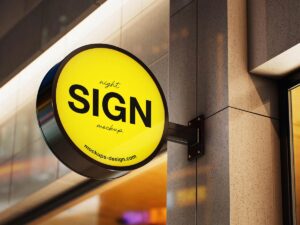
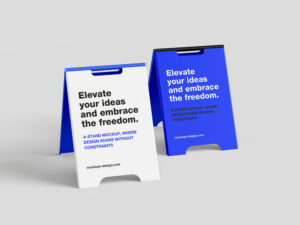
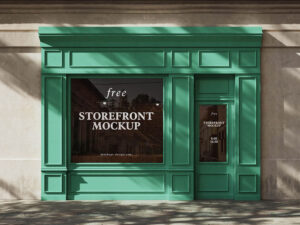
The best Sign Mockup are useful to advertise the name of company outside the office door or a home apartment for the visitor. All are smart object ready and will give a professional outlook to any brand.
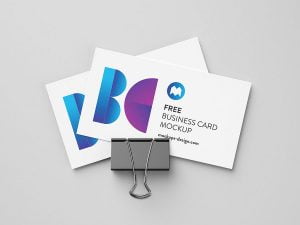
Showcase your branding designs professionally with this awesome business card mockup. Available as a PSD file featuring smart layers and separated shadows, it allows easy customization and realistic presentation of your business cards. Ideal for designers and marketers looking for a clean, versatile template to impress clients.
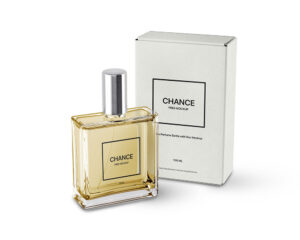
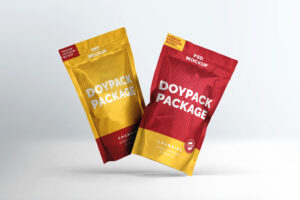
The best Box Mockup presentation to display the designs of medicines, perfume, cosmetics, batteries, small gift items, small decorations, small gadgets, cables etc. Easily add any graphics to make it your own using the smart layer.
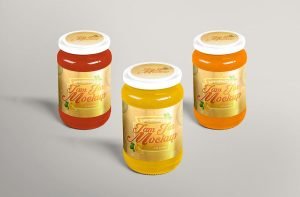
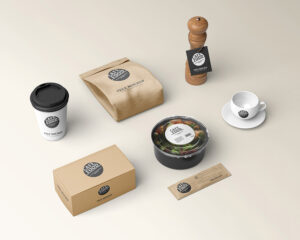
The best Food Packaging Mockup that you can customize the label and showcase the brand, as well as change the food presented in the container to fit the specialty of the restaurant even more. You can personalize the design of this PSD mockup with the help of smart object layers.
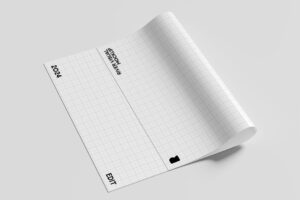
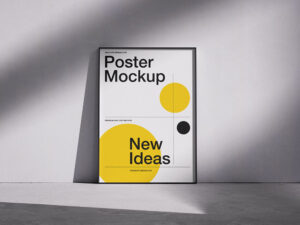
The best Poster Mockup with close up, full preview, paper curled, paper tube, tube lid macro shot and several other compositions of posters. All mockups are fully customizable and smart object ready for quick presentation.
The best Catalog Mockup can be used to showcase your design in a modern way. Thanks to smart object, with just a few click you can add your own artwork.
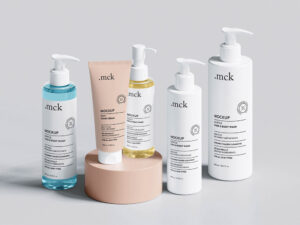
The best Cream Tube Mockup to showcase the cosmetic branding of a product. There are 4 different renders in the zip achieve with single and twin tube presentations. Place artwork on smart objects and change the color of cap that compliments the design.